[macOS Big Sur] Cannot connect to Extensions Marketplace, ERR_CERT_INVALID #119540


Description

- VS Code Version: 1.54.3
- Version: 1.54.3
- Commit: 2b9aebd
- Date: 2021-03-15T11:00:52.911Z
- Electron: 11.3.0
- Chrome: 87.0.4280.141
- Node.js: 12.18.3
- V8: 8.7.220.31-electron.0
- OS: Darwin arm64 20.3.0
- OS Version: macOS Big Sur 11.2.3
Issue:
Cannot install or list extensions, extensions sidebar says "We cannot connect to the Extension Marketplace at this time, please try again later". When network error is checked in devtools, it complains about certificate being invalid.
Steps to Reproduce:
- Go to extensions sidebar
- It displays "We cannot connect to the Extension Marketplace at this time, please try again later" instead of the list of Popular extensions.
- F1 ->
Developer: Toggle Developer Tools - Refresh the Extensions Sidebar which should result in this:
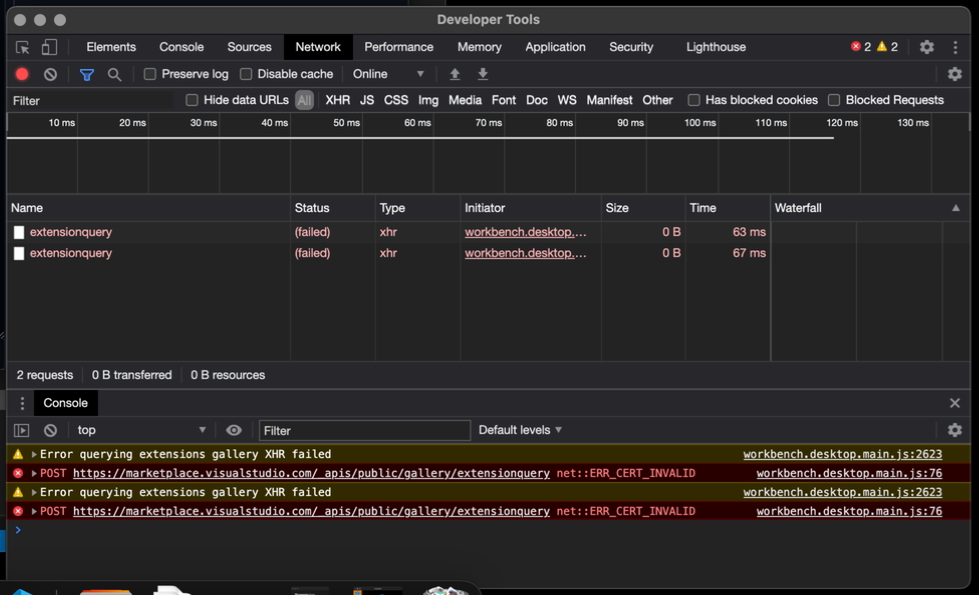
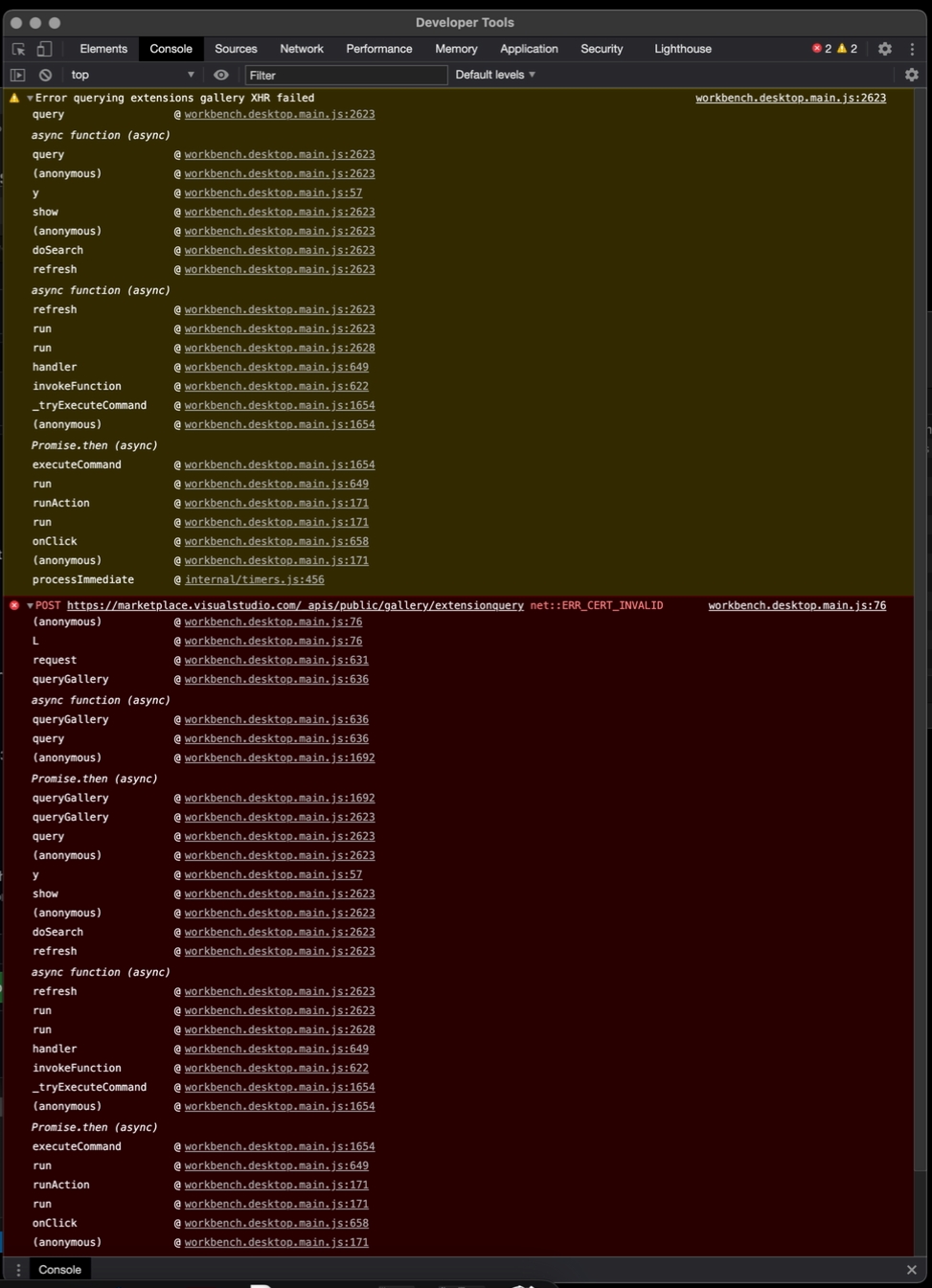
VSCode on Windows has no problem loading extensions at the same time.
Does this issue occur when all extensions are disabled?: Yes, I cannot install any :P