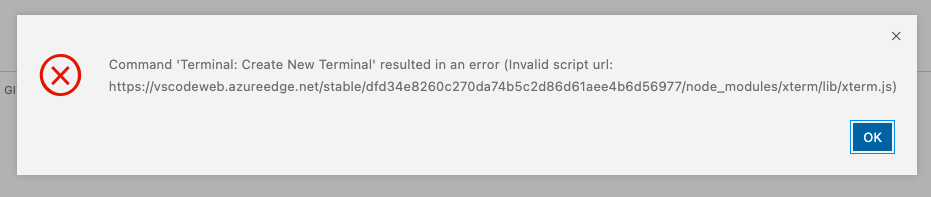
Command 'Terminal: Create New Terminal' resulted in an error (Invalid script url: https://vscodeweb.azureedge.net/stable/dfd34e8260c270da74b5c2d86d61aee4b6d56977/node_modules/xterm/lib/xterm.js) #147639


Description

Does this issue occur when all extensions are disabled?: Yes
- VS Code Version: 1.66.22
- OS Version: Codespaces Web
Steps to Reproduce:
- Open codespaces https://joshunger-alltrails-alltrails-xxr4gprc69vg.github.dev/ in the web browser.
- Open command palette.
- Terminal: Create New Terminal.
EXPECTING: new terminal is created.
ACTUAL: modal showing Command 'Terminal: Create New Terminal' resulted in an error (Invalid script url: https://vscodeweb.azureedge.net/stable/dfd34e8260c270da74b5c2d86d61aee4b6d56977/node_modules/xterm/lib/xterm.js).
If I run across codespace issues outside of vscode, where do I log those? This is awesome just running across some flaky behavior in some cases. Thanks!