Syntax Highlighting broken with Microsoft Edge #157154


Description

Does this issue occur when all extensions are disabled?: Yes
Version: 1.70.0
Commit: da76f93
Date: 2022-08-04T04:23:08.357Z (16 hrs ago)
Browser: Mozilla/5.0 (Windows NT 10.0; Win64; x64) AppleWebKit/537.36 (KHTML, like Gecko) Chrome/104.0.5112.81 Safari/537.36 Edg/104.0.1293.44
Steps to Reproduce:
- Run Visual Studio Code Server
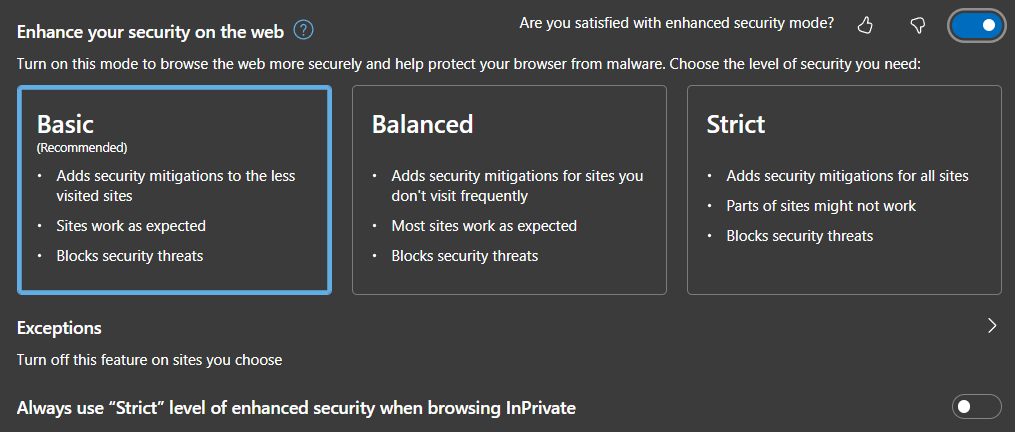
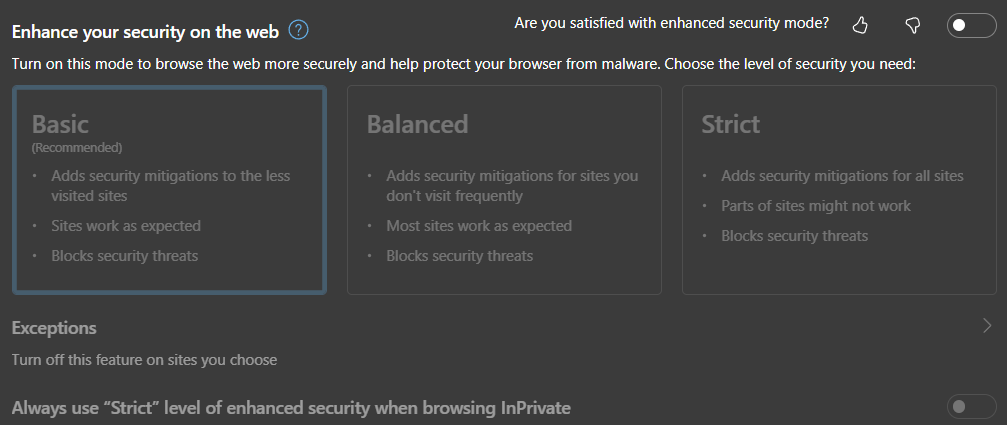
serve-local - Enable the Basic security within Microsoft Edge.
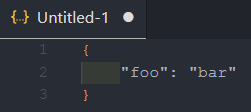
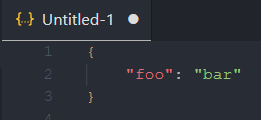
- Open a json/bash/yml/etc.. file and there will be no syntax highlighting.
I have tried this while using the built-in http as well as behind a nginx reverse proxy with SSL termination (valid cert). I have tried with every version of the Visual Studio Code Server release. I have also tried with a fresh setup (no extensions/settings/etc..). It took me 3 hours to figure this out. I finally realized it was an Edge issue when I noticed it worked perfectly fine in Chrome.