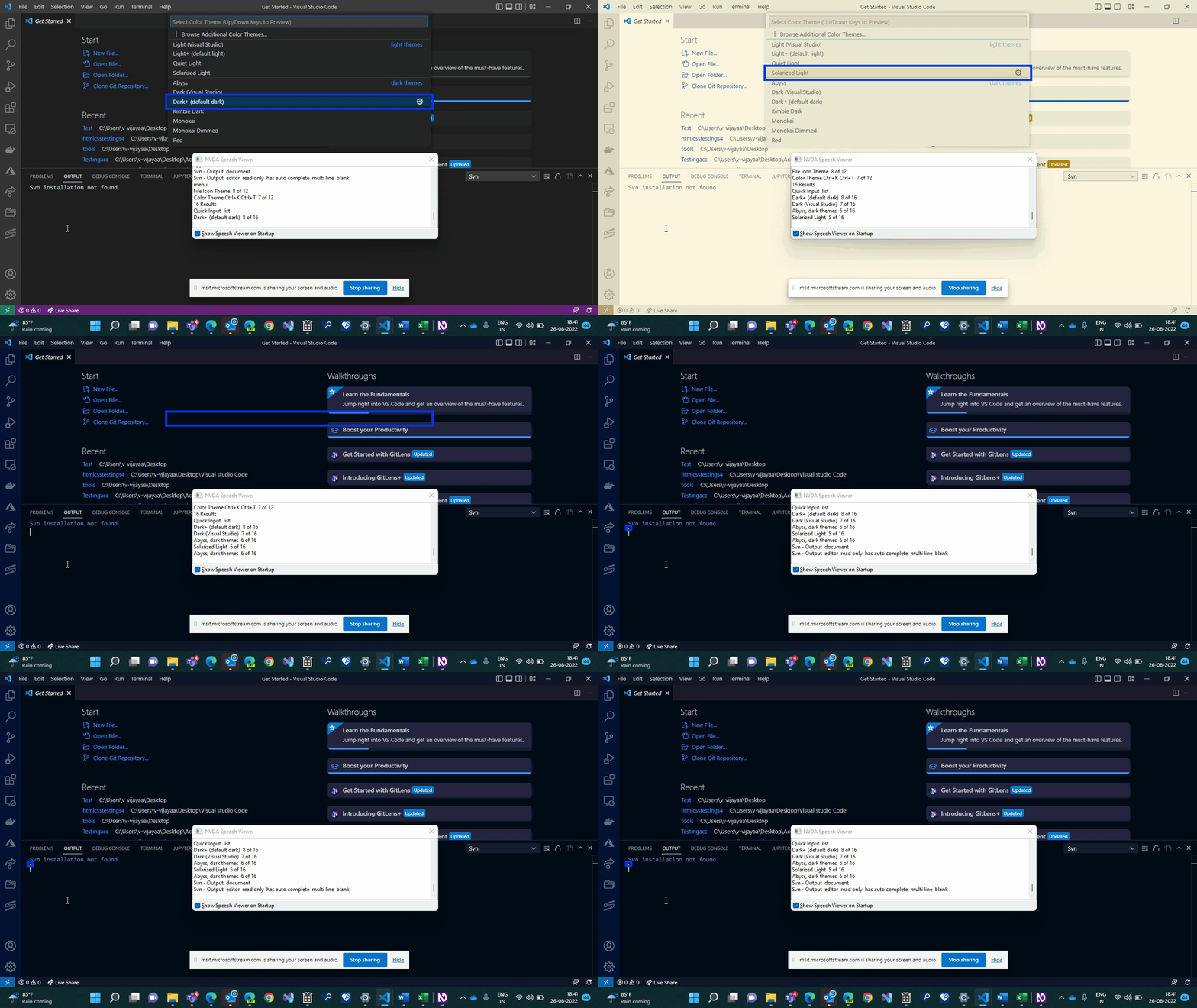
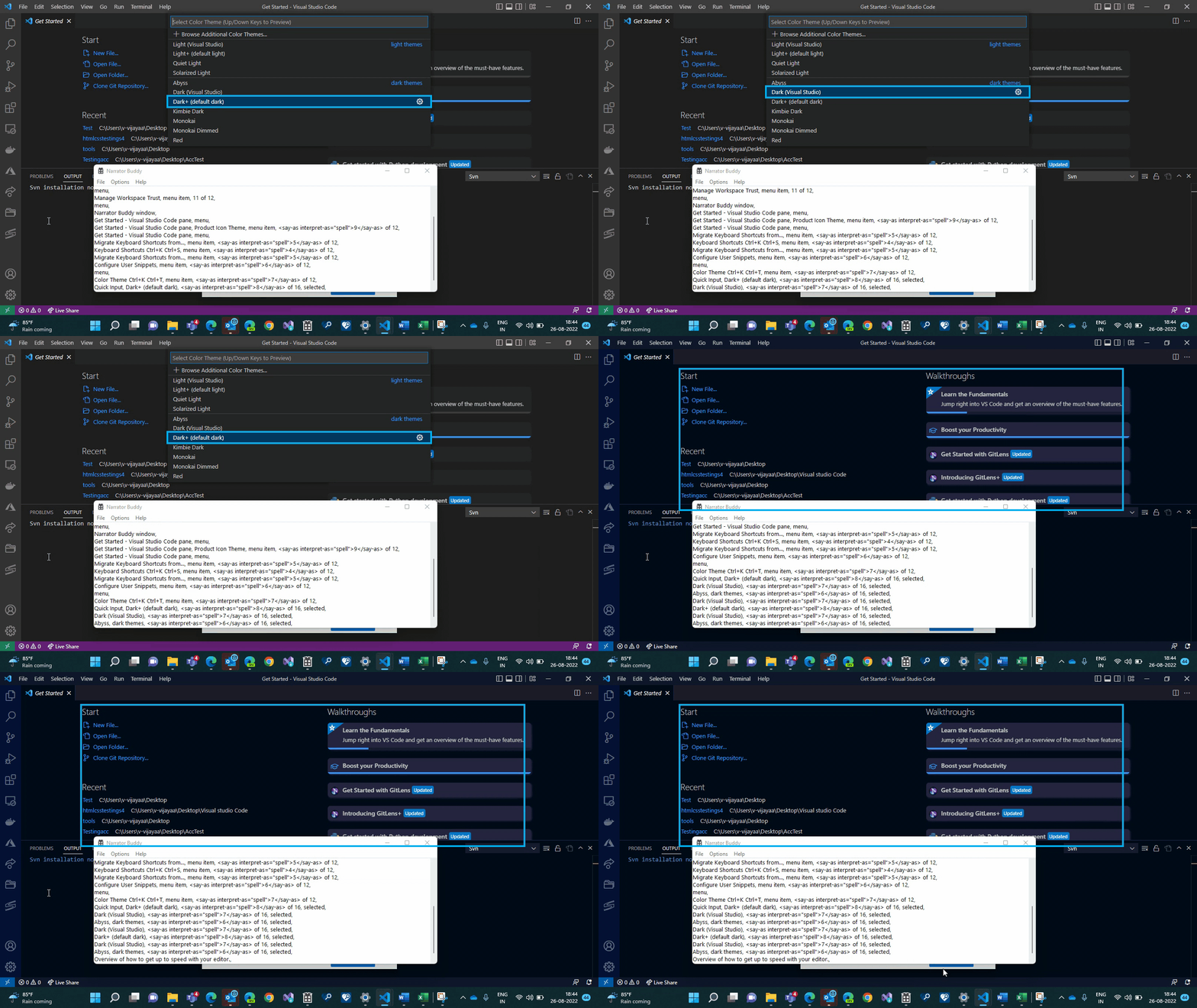
A11y_VisualStudioCodeClient_Customizations and settings_Changing of the Theme_Screenreader:Once the theme was updated, NVDA/Narrator did not announce any status messages. #159304


Description

GitHub Tags:
#A11yMAS; #A11yTCS; #A11ySev4; #DesktopApp; #Win32; #Visual Studio Code Client; #BM-VisualStudioCodeClient-Win32-Aug2022; #NVDA; #ScreenReader; #Narrator;
Environment and OS details:
Visual Studio Code
Windows 11 Pro version 21H2 (OS Build 22000.856)
Repro Steps:
- Turn on NVDA
- Open Visual studio code editor.
- Open the command Pallet by pressing "F1" key and type "Theme" and enter
- Verify that screen reader announcing status message once theme got changed or not.
Actual Result:
Once the theme was updated, NVDA/Narrator did not announce any status messages.
Expected Result:
NVDA/Narrator should announce status message for example, theme updated
Attachment: