- VSCode Version: f977399
- OS Version: Mac 10.12 (16A323)
Steps to Reproduce:
- Set
"typescript.referencesCodeLens.enabled": true
- Open a ts file that has code lenses on two lines next to each other:
class X {
private z: any
}
Place cursor before at the start of second line and delete the new line
Bug
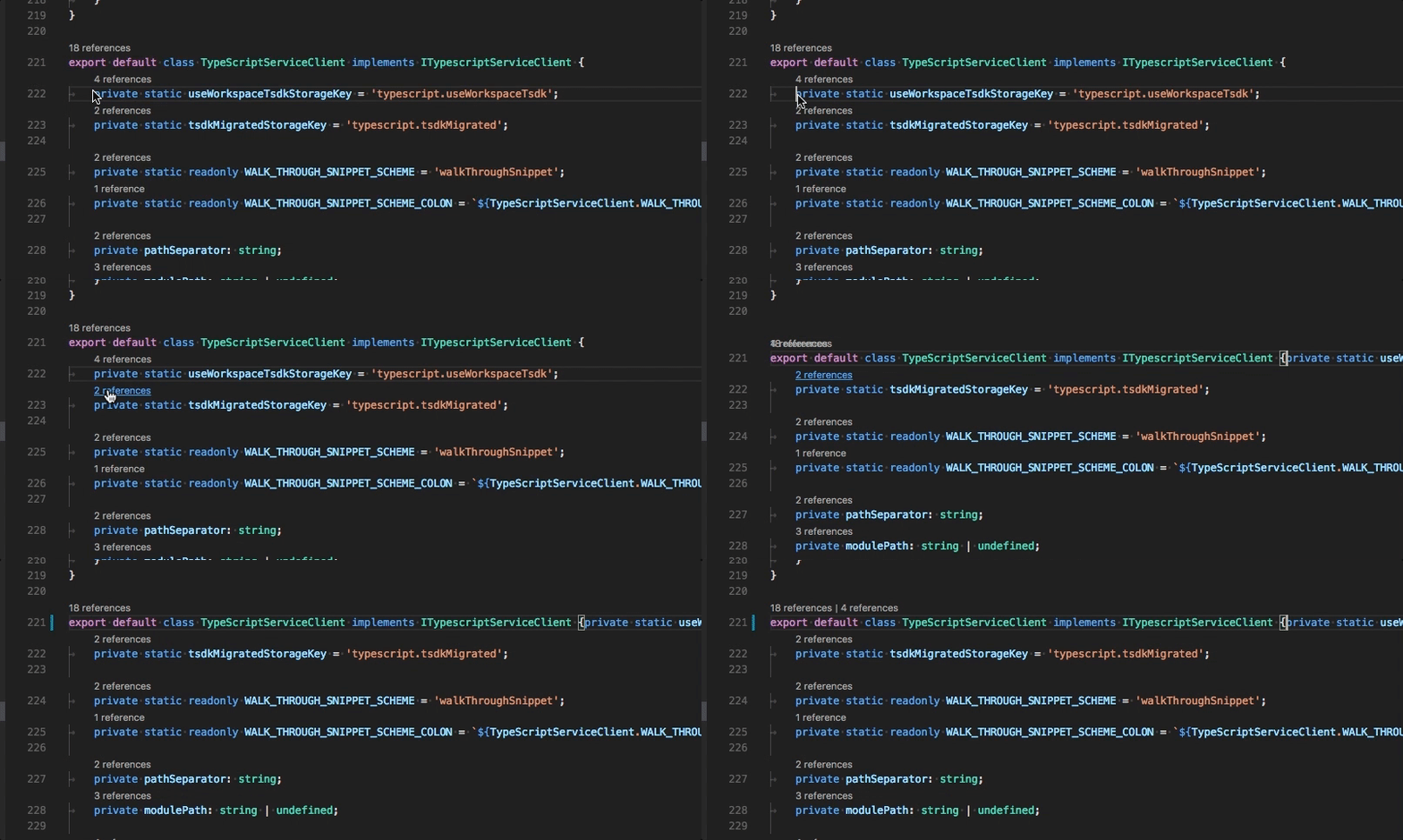
The two code lenses temporarily are drawn on top of each other (look at the bit with the 18 references text in the gif):


Steps to Reproduce:
"typescript.referencesCodeLens.enabled": truePlace cursor before at the start of second line and delete the new line
Bug
The two code lenses temporarily are drawn on top of each other (look at the bit with the
18 referencestext in the gif):