CSS intellisense does not work in inline styles #57010


Description

Issue Type: Bug
IntelliSense can not be triggered automatically in inline styles, I have to use Ctrl+Space to trigger it.
1.25.1
1.26.1
VS Code version: Code 1.26.1 (493869e, 2018-08-16T18:38:57.434Z)
OS version: Windows_NT x64 10.0.17134
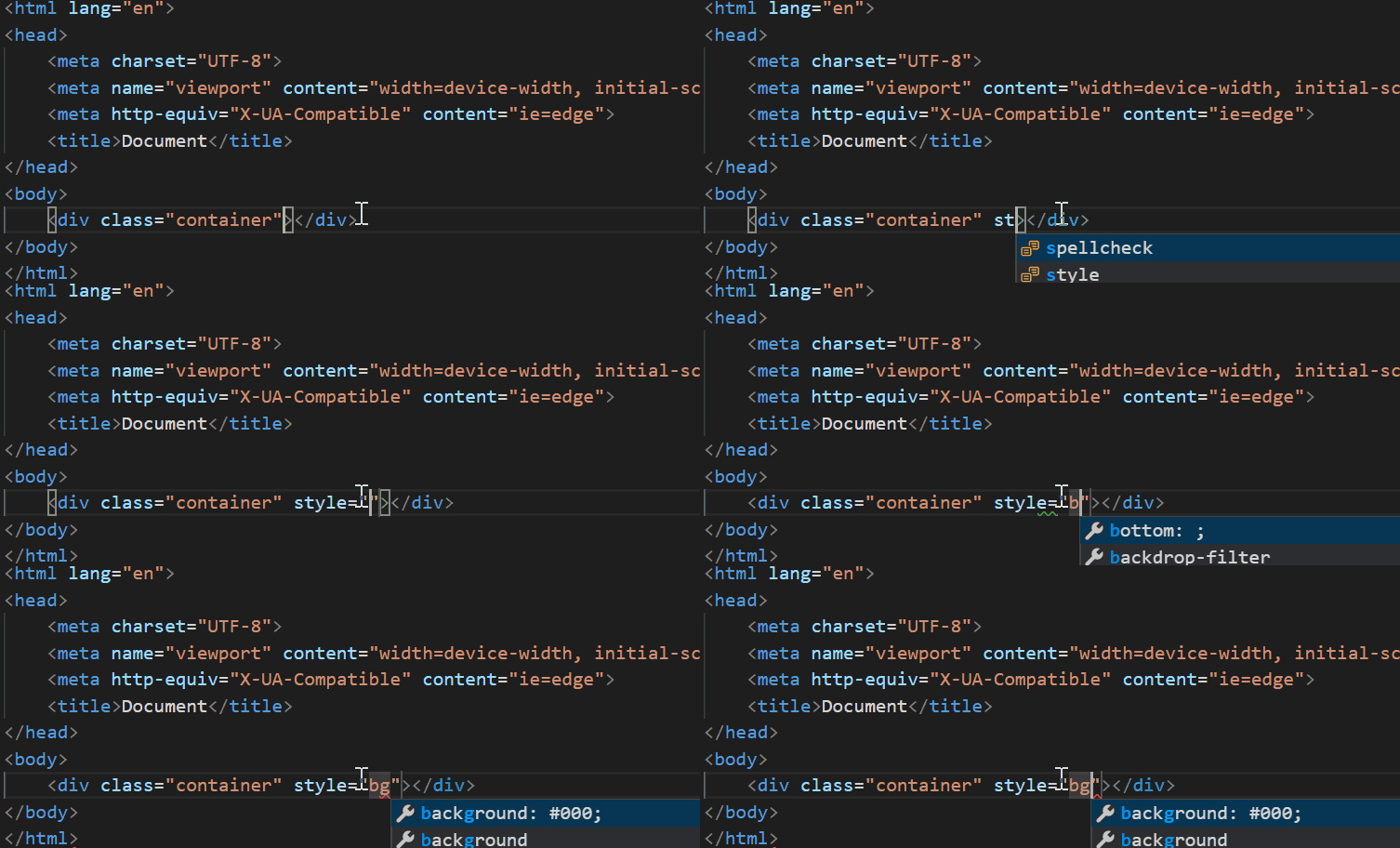
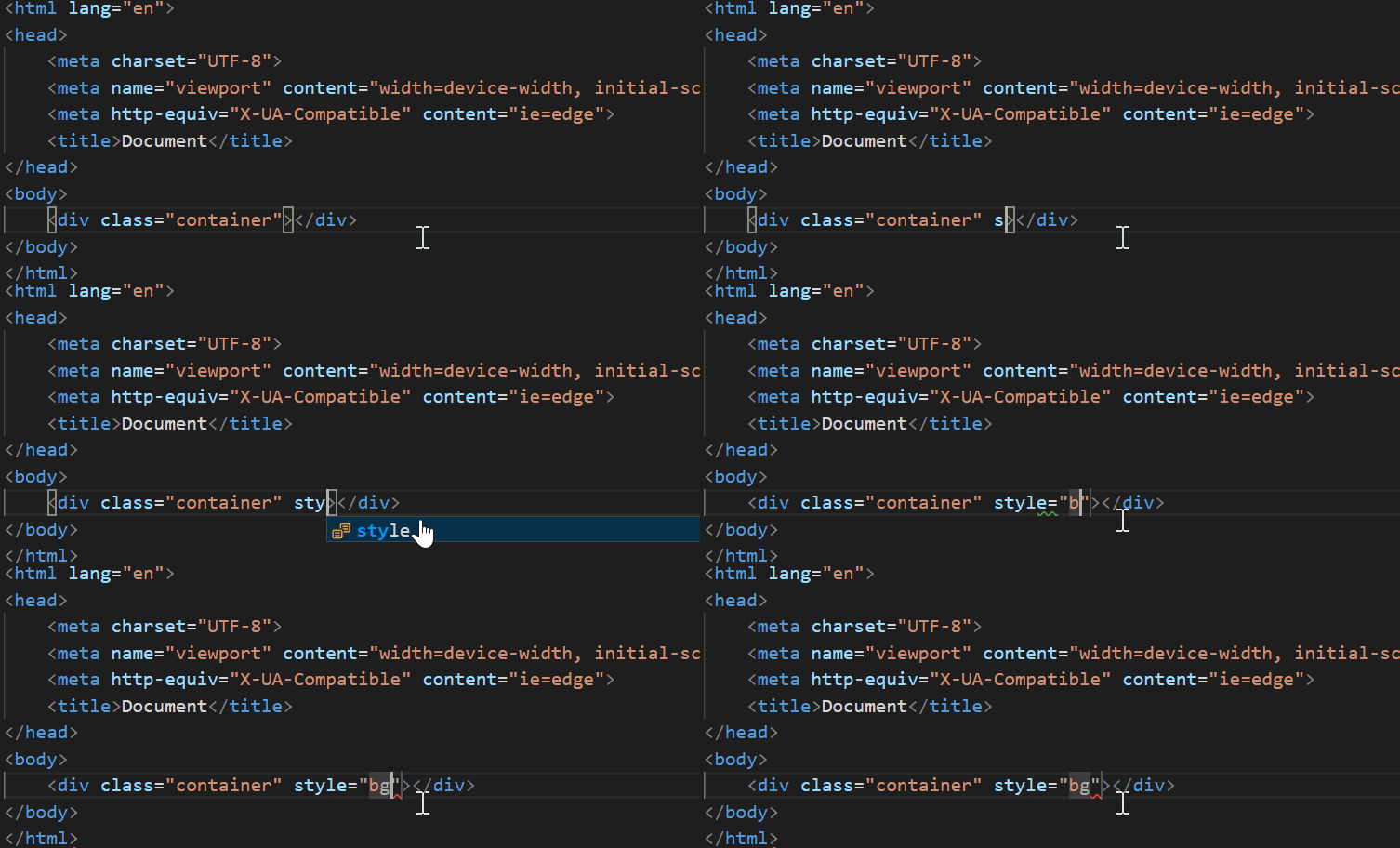
System Info
| Item | Value |
|---|---|
| CPUs | Intel(R) Core(TM) i5-4210H CPU @ 2.90GHz (4 x 2893) |
| GPU Status | 2d_canvas: enabled checker_imaging: disabled_off flash_3d: enabled flash_stage3d: enabled flash_stage3d_baseline: enabled gpu_compositing: enabled multiple_raster_threads: enabled_on native_gpu_memory_buffers: disabled_software rasterization: enabled video_decode: enabled video_encode: enabled webgl: enabled webgl2: enabled |
| Memory (System) | 7.89GB (3.38GB free) |
| Process Argv | C:\Program Files\Microsoft VS Code\Code.exe |
| Screen Reader | no |
| VM | 0% |