- VSCode Version: 1.31.1(user setup)
- OS Version: windows10
Steps to Reproduce:
1.'F5'Debug python just like before, but have not any output and result, and the program hasn't stopped at the beginning.
2.But if I comment the line '"stopOnEntry": true,' ,the program debug fluently. I think the version vscode has some bug.
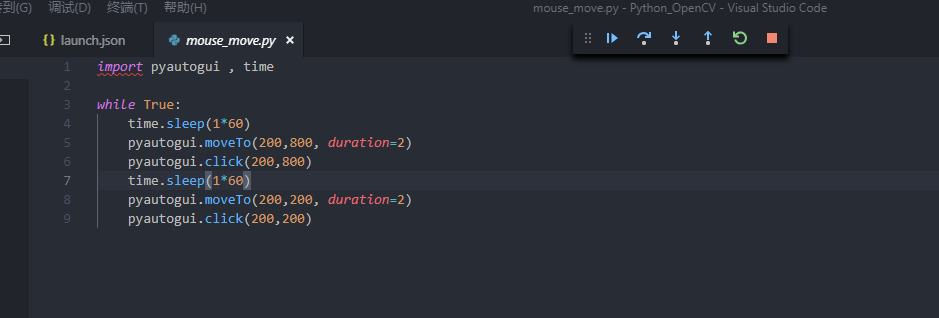
//launch.json
"configurations": [
{
"name": "Python: Current File",
"type": "python",
"request": "launch",
"stopOnEntry": true,
"pythonPath": "${config:python.pythonPath}",
"program": "${file}",
"cwd": "${workspaceFolder}",
"env": {},
"envFile": "${workspaceFolder}/.env",
"debugOptions": [
"RedirectOutput"
]
},
Does this issue occur when all extensions are disabled?: Yes/No

Steps to Reproduce:
1.'F5'Debug python just like before, but have not any output and result, and the program hasn't stopped at the beginning.
2.But if I comment the line '"stopOnEntry": true,' ,the program debug fluently. I think the version vscode has some bug.
//launch.json
"configurations": [
{
"name": "Python: Current File",
"type": "python",
"request": "launch",
"stopOnEntry": true,
"pythonPath": "${config:python.pythonPath}",
"program": "${file}",
"cwd": "${workspaceFolder}",
"env": {},
"envFile": "${workspaceFolder}/.env",
"debugOptions": [
"RedirectOutput"
]
},
Does this issue occur when all extensions are disabled?: Yes/No