- Mac OS X
- Node v.12
You need to setup your AWS Account with aws configure
aws configure
cp .env.sample .env
yarn
yarn cognito:create

These information will be output.
IDENTITY_POOL_ID:        REACT_APP_ID_POOL_ID
USER_POOL_ID:            REACT_APP_USER_POOL_ID
USER_POOL_WEB_CLIENT_ID: REACT_APP_USER_POOL_WEB_CLIENT_ID
And please enter them to the .env file.
# .env

REACT_APP_ID_POOL_ID=xxxxxxxxxxxxxxxxxx
REACT_APP_USER_POOL_ID=xxxxxxxxxxxxxxxxxx
REACT_APP_USER_POOL_WEB_CLIENT_ID=xxxxxxxxxxxxxxxxxx

REACT_APP_AWS_REGION=us-east-1
REACT_APP_USER_POOL_NAME=MY_SAMPLE_USER_POOL
REACT_APP_USER_POOL_CLIENT_NAME=MY_SAMPLE_USER_POOL_CLIENT
REACT_APP_ID_POOL_NAME=MY_SAMPLE_ID_POOL

REACT_APP_LAMBDA_ENDPOINT=
Then, start the application.
yarn start
1: Access /signup path
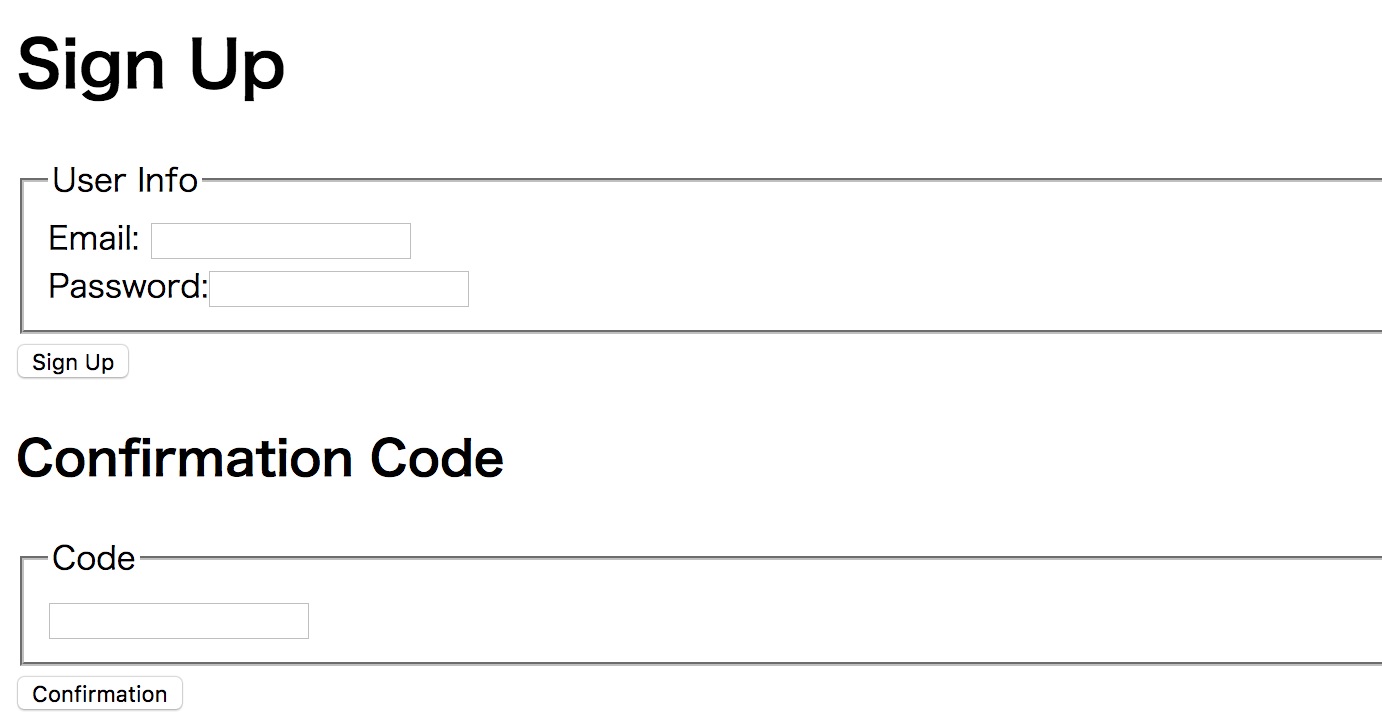
2: enter your email and password. Password must contain symbol character, lowercase, uppercase and numbers. Minimum length of the password is 8.
3: After clicking the "signup" button, an email which contains a confirmation code will be sent to your email box. Then check confirmation code.
4: Enter confirmation code and click the "confirmation" button, and signup will be completed.
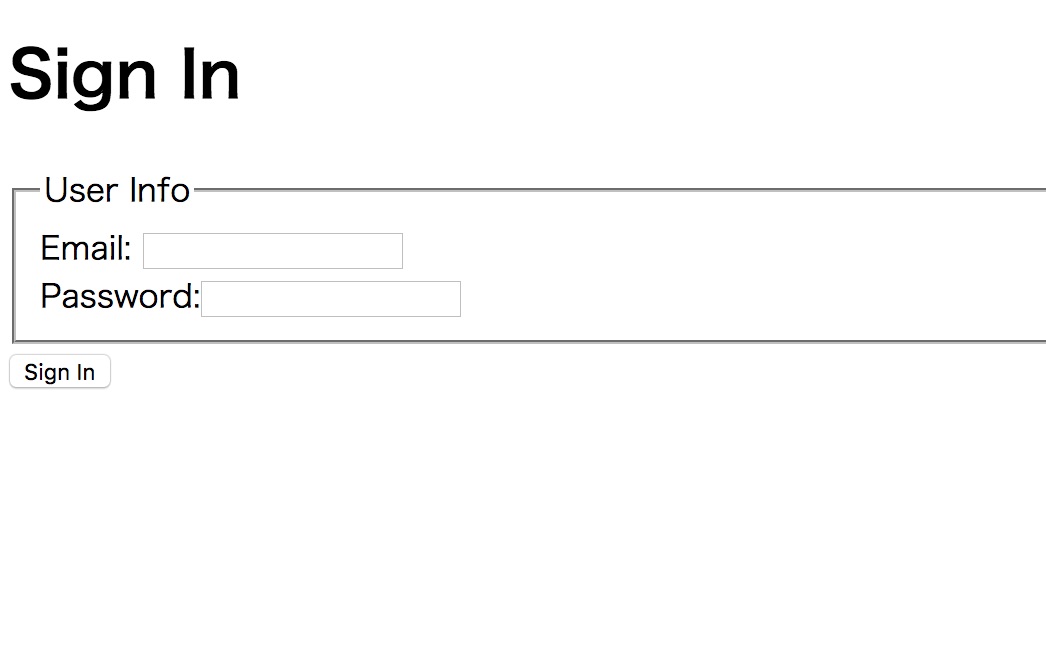
5: Navigate to "/siginin" path. And sigin in with the above email and password. Now you can access "/" path.
Clone the following repogitory and deploy to AWS Lambda and API Gateway.
https://github.com/AtaruOhto/cognito-lambda-api-gateway-example
Then set the Lambda endpoint to .env file.
REACT_APP_LAMBDA_ENDPOINT=xxxxxxxxxxxxxxxxxxxxxxxxxxxxxxxxxxxxxxxxxxxx
And restart the applicartion.
yarn start
Access "/" path and the React application will send an request to authrized API Gateway with headers which includes Amazon Cognito JWT Token. Then the response data from Lambda will be displayed in the screen.
yarn cognito:clean