Releases: mifjpn/Kawaiintu-yet-another-moebuntu-SetupScript
Kawaiintu(post-Moebuntu) Setup helper for UBUNTU26.04Lts

Kawaiintu (Post-Moebuntu) Setup Helper - Release Note
Welcome to the new era of Ubuntu customization!
We are excited to announce the first release of the Kawaiintu (Post-Moebuntu) Setup Helper. We've kept all the fun and charm of the classic Moebuntu, but completely rebuilt the engine from the ground up. The result? A safer, smoother, and far easier way to build your adorable desktop, even if you aren't a Linux expert!
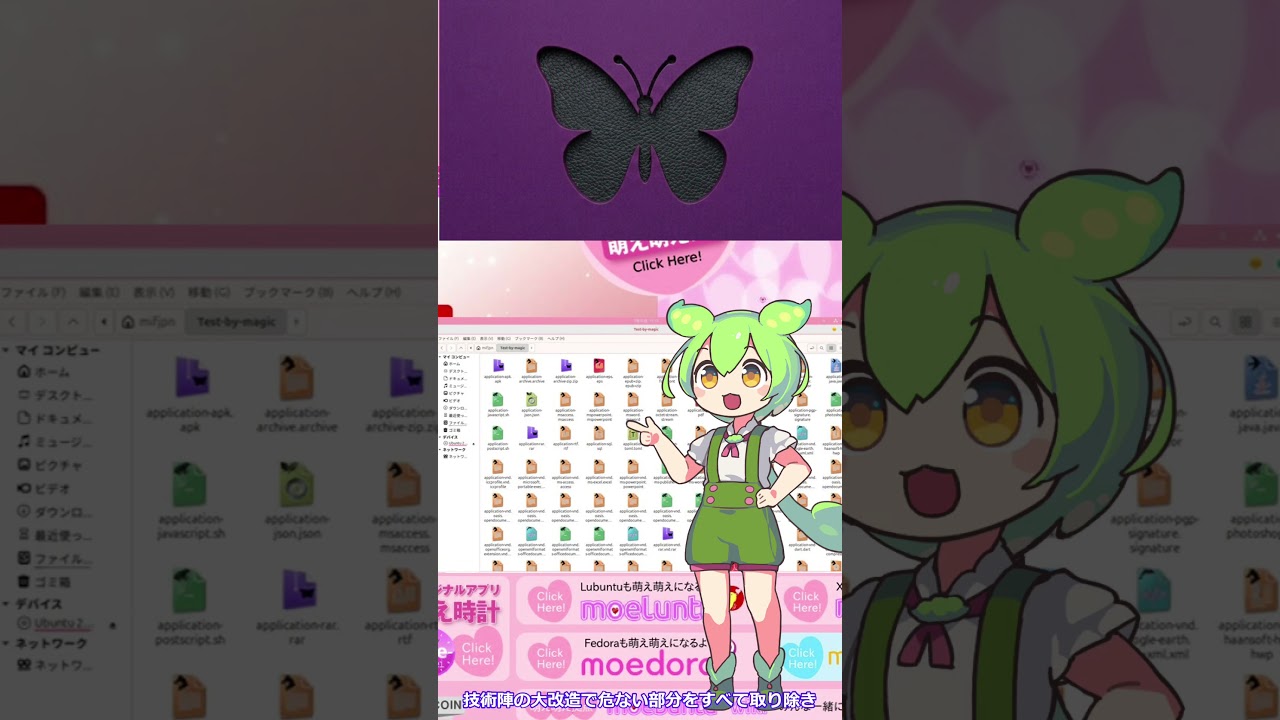
Watch on YouTube Shorts →
✨ What's New?
-
🎓 A Slightly More Mature Aesthetic
We've evolved from an overly sweet style to a more refined, modern cuteness. It strikes the perfect balance, making it look great for everyday use! -
🌈 9 Beautiful Colors—Fully Automated!
We've fully automated the color generation using Python! Say goodbye to tedious manual Illustrator work and dangerous hard-coded configurations. You can now switch between 9 beautiful color variations safely and effortlessly. -
🛡️ Clean & Safe by Design
We cleaned up all the complicated code under the hood. You can now deeply customize your desktop with total peace of mind—no need to worry about breaking system files! -
📁 Beautiful & Unified Icons
We fixed the messy mix of line-art and colorful icons. Now, all your folders and files in the file manager look perfectly coordinated and adorable.

-
🎨 Seamless Theme Support for Apps
By perfectly aligning the theme environment with the system, themes for apps installed viaapt(like GIMP) are now properly reflected. No more out-of-place app windows! -
🖼️ Magic Login Screen
No more tricky setups! Just select your favorite picture, and Kawaiintu will intelligently work in the background to set it as your login screen. -
🚀 Ready for Ubuntu 26.04
Fully optimized and meticulously tailored for the modern GNOME desktop on Ubuntu 26.04 LTS.
📝 Note for Users
Although it's super smart on the inside, using it is just as easy as always! Just run the Kawaset script, click through the friendly menu, and enjoy your adorable new PC.
📦 How to Install
- Download
scripts.tar.xzfrom the Assets below. - Extract the file.
- Right-click
Kawasetand select "Run as a Program"!
Enjoy your clean, safe, and beautifully unified Kawaiintu environment!