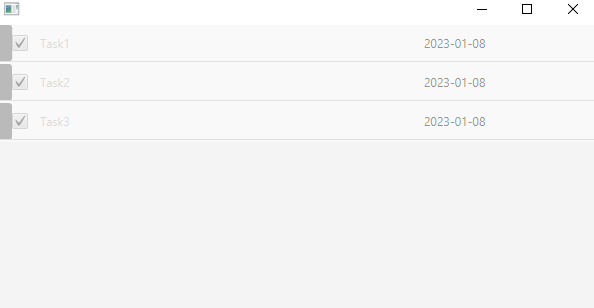
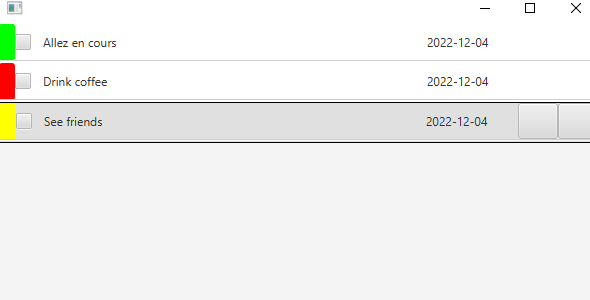
BloomFX is a UI Task manager program developed using Java and JavaFX. It allows users to organize and prioritize their tasks in a visually appealing interface.
- User-friendly interface built with JavaFX and FXML
- Customizable task categories and priorities
- Ability to set due dates and reminders for tasks
- Visualization of completed tasks
To run BloomFX, you will need the following software:
- Java 8 or higher
- A JavaFX compatible IDE (such as IntelliJ IDEA or Eclipse)
To install and run BloomFX, follow these steps:
- Clone the repository to your local machine
- Open the project in your IDE
- Run the
App.javafile
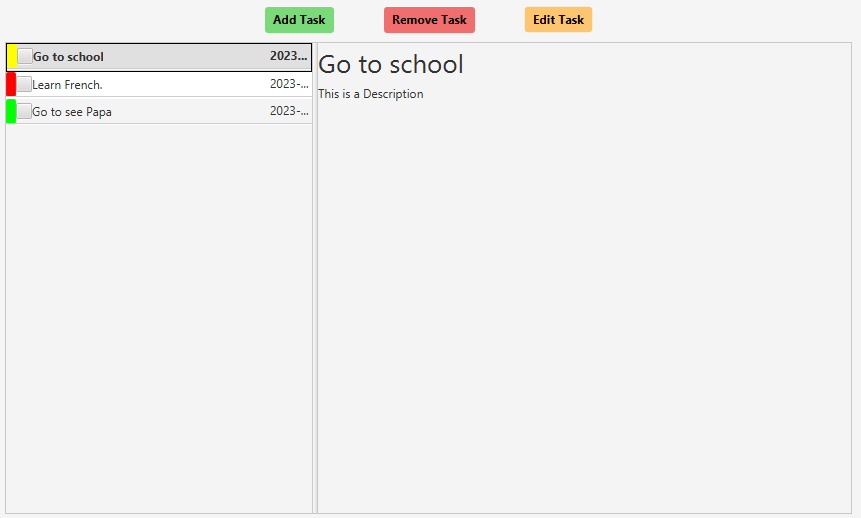
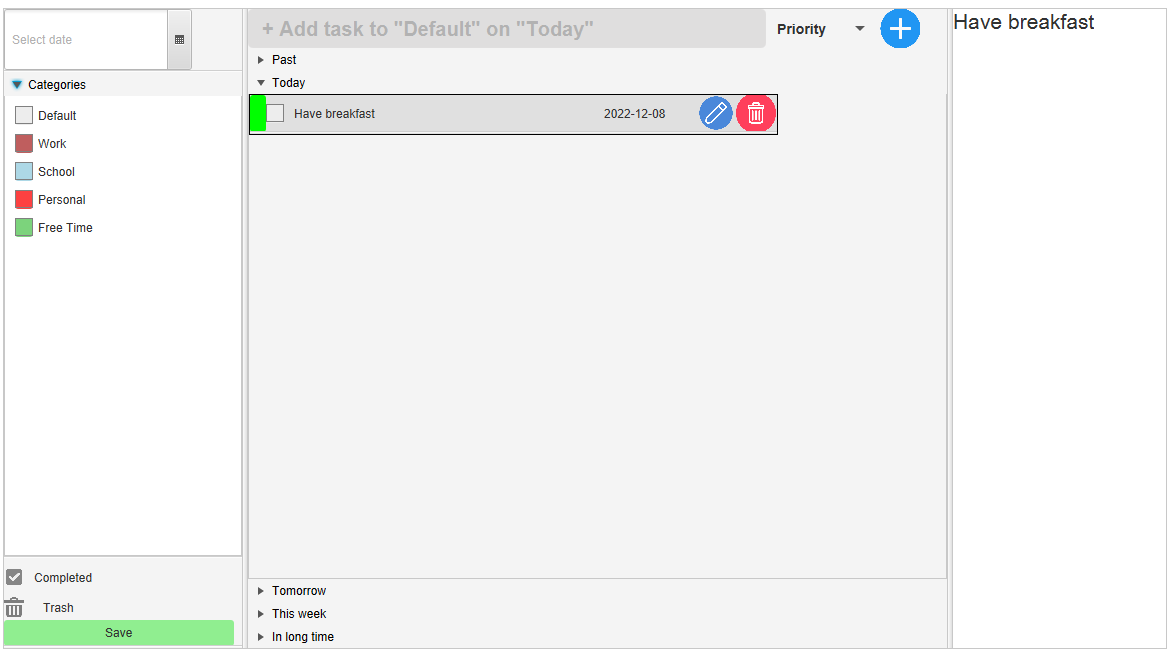
Upon launching BloomFX, you will be presented with the main task view. From here, you can:
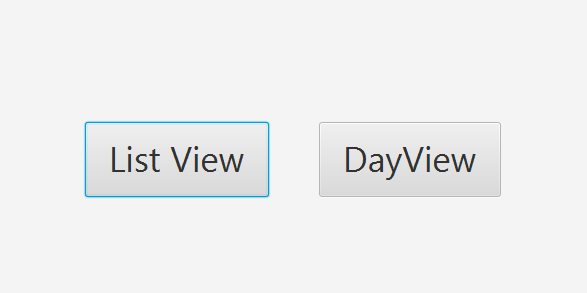
- Choose the way to view your tasks ('List View', 'Day View')
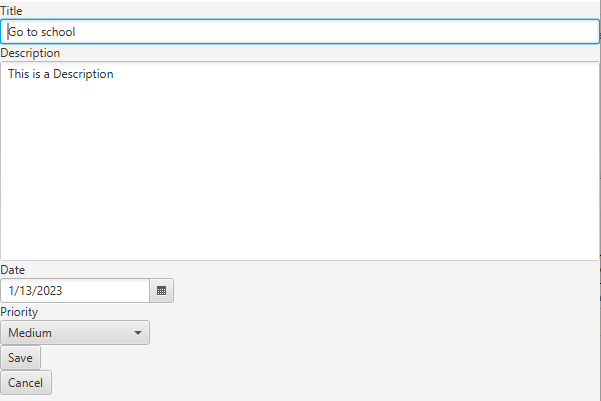
- Create new tasks by clicking the "Add Task" button
- Edit or delete existing tasks by right-clicking on them
- Change the task category or priority by using the dropdown menus
- Mark a task as complete by clicking the checkbox next to it
If you would like to contribute to BloomFX, please fork the repository and submit a pull request. Before submitting any changes, please ensure that you have tested your code thoroughly and that it adheres to the project's coding standards.
BloomFX was developed by Yassin Younes.
No License