Terminal-Based Manga Reader & Downloader with Fluid Image Rendering
In a world where digital shelves are overflowing and visual clutter weighs down the reading experience, TomeWeave offers a sanctuary. It’s a command-line interface that transforms your terminal into a serene, high-fidelity manga sanctuary—blending the raw power of asynchronous downloads with the crisp, low-latency rendering of comic panels. No browser tabs, no ad-heavy portals, no bloat. Just you, the scroll, and the story.
“Reading manga in the terminal isn’t a compromise—it’s a return to focus.”
TomeWeave is designed for readers who value speed, minimalism, and control. It allows you to browse, download, and read manga directly from your terminal, with advanced image rendering that preserves the sharpness of every ink stroke. Whether you’re archiving your favorite series or catching up on the latest chapter during a coffee break, TomeWeave keeps your workflow clean and your library organized.






View manga panels directly in your terminal with no external viewer. TomeWeave uses optimized half-block character mapping and true-color support to render complex greyscales, screentones, and even color pages. The result? A reading experience that feels tactile, not pixelated.
Download entire chapters or series in the background while you continue reading. The engine supports connection retries, partial downloads, and multi-threaded chunking—so even if your Wi-Fi stutters, your page never tears.
TomeWeave automates scraping from multiple open-source manga aggregators (with user-agent rotation and rate-limiting). It auto-detects available languages and lets you switch between translations with a single keystroke.
Don’t see your favorite source? Write a tiny Rust plugin or use the built-in Lua scripting bridge to define custom scrapers. TomeWeave’s plugin system is sandboxed, versioned, and community-tested.
Organize your downloaded chapters by series, volume, artist, or read-status. Built-in tagging, fuzzy search, and “continue reading” bookmarks mean you never lose your place.
Every action—from scrolling to downloading to bookmarking—lives under a keybinding. No mouse needed. Perfect for developers, sysadmins, and anyone who lives in the terminal.
Join the discussion on our Discourse forum or IRC channel. Our docs include video walkthroughs, configuration examples, and a troubleshooting guide. If you encounter a 404 or a rendering glitch, you’ll have a fix within hours.
Prerequisites: A modern terminal emulator with true-color support (Kitty, iTerm2, Alacritty, Windows Terminal). Rust 1.75+ toolchain (for building from source).
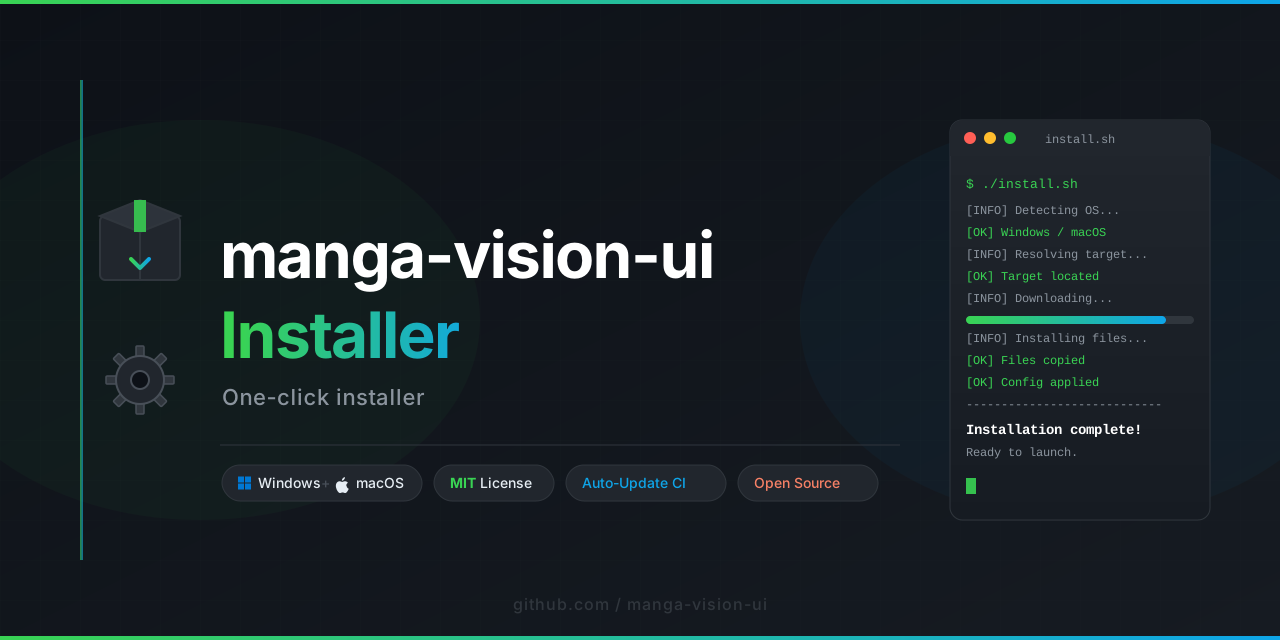
Once downloaded, you can launch TomeWeave with a simple command in your shell. The first launch will guide you through setting up your preferred sources and storage path.
Pro tip: TomeWeave respects
$XDG_CONFIG_HOMEon Linux and%APPDATA%on Windows. All configurations live in a single TOML file for easy syncing across machines.
TomeWeave exposes a rich configuration system that lets you tweak nearly every aspect of the reader:
- Render engine: Switch between image scaling algorithms (nearest, bilinear, or custom kernel).
- Color palette: Override the default color scheme to match your terminal theme.
- Download concurrency: Set how many simultaneous downloads you want (default: 4).
- Source weighting: Prioritize sources by speed, resolution, or language.
All settings are documented in the template TOML file that TomeWeave generates on first run.
Collect high-resolution scans of rare, out-of-print manga without relying on third-party cloud services. TomeWeave’s resume engine ensures you never lose a byte.
Read without ad trackers, JavaScript, or third-party cookies. TomeWeave requests only the image data from raw sources—nothing more.
Pre-download entire series onto your laptop or tablet-connected terminal. TomeWeave’s library is fully self-contained and portable.
Test image rendering pipelines, or use TomeWeave as a reference implementation for terminal-based media rendering in Rust.
- Q1 2026: Plugin marketplace with versioning and automated security review.
- Q2 2026: In-terminal thumbnail preview while browsing.
- Q3 2026: Unicode braille rendering for ultra-high-density display support.
- Q4 2026: Multi-user library sharing over LAN with synchronization.
TomeWeave is released under the MIT License. You are free to use, modify, and distribute the software.
Disclaimer:
TomeWeave is a tool for accessing content from publicly available sources. It does not host, store, or distribute copyrighted material. Users are responsible for ensuring that their use of downloaded content complies with applicable copyright laws in their jurisdiction. The project does not endorse piracy or unauthorized redistribution. We encourage users to support official releases where possible.
Most manga readers either lock you into a browser or force you into a GUI. TomeWeave offers a third path: a console-native experience that respects your workflow, your privacy, and your love for the craft. It’s built for people who think the command line is the most beautiful interface ever invented—because it’s the most honest.
No bloat. No banners. No buffer.