Github link: https://github.com/mitchellygonzalez/Text-Editor
- Description
- Link
- Screenshots
- User Story
- Acceptance Criteria
- Installation
- Usage
- Contributors
- Technology Used
- Questions
This application is the Text-Editor Progressive Web Application. This text editor is a single-page that runs on the browser. In addition it can also function offline. Below find the different ways you can run and utilize this application.
https://powerful-brook-83553.herokuapp.com/

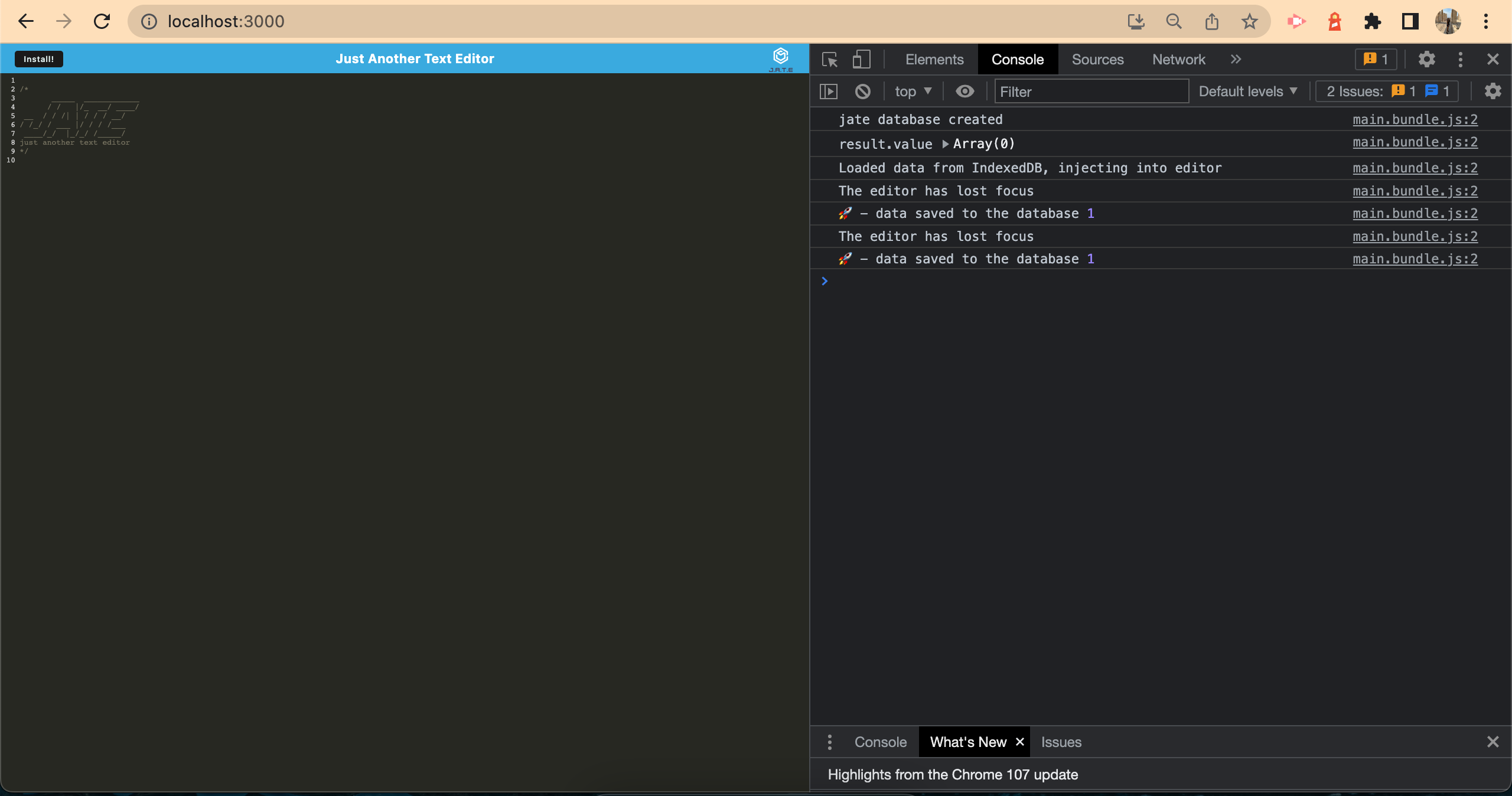
AS A developer
I WANT to create notes or code snippets with or without an internet connection
SO THAT I can reliably retrieve them for later use
GIVEN a text editor web application
WHEN I open my application in my editor
THEN I should see a client-server folder structure
WHEN I run `npm start` from the root directory
THEN I find that my application should start up the back end and serve the client
WHEN I run the text editor application from my terminal
THEN I find that my JavaScript files have been bundled using webpack
WHEN I run my webpack plugins
THEN I find that I have a generated HTML file, service worker, and a manifest file
WHEN I use next-gen JavaScript in my application
THEN I find that the text editor still functions in the browser without errors
WHEN I open the text editor
THEN I find that IndexedDB has immediately created a database storage
WHEN I enter content and subsequently click off of the DOM window
THEN I find that the content in the text editor has been saved with IndexedDB
WHEN I reopen the text editor after closing it
THEN I find that the content in the text editor has been retrieved from our IndexedDB database
WHEN I click on the Install button
THEN I download my web application as an icon on my desktop
WHEN I load my web application
THEN I should have a registered service worker using Workbox
WHEN I register a service worker
THEN I should have my static assets precached upon loading along with subsequent pages and static assets
WHEN I deploy to Heroku
THEN I should have proper build scripts for a webpack application
- Clone this code onto a local repository.
- Ensure the dist folder inside the client folder is deleted
- Start by running: npm i
- Run npm install
- To run on http://localhost:3000/ make sure to run: npm run start:dev i
- You can see the website via http://localhost:3000/
- You can also see the website by viewing it locally, once the new dist foder has been created and then opening the index.html file in your default browser
- Lastly, you may view the website by going into the website provided at the top of this file: https://powerful-brook-83553.herokuapp.com/
To contribute, you may clone this repo, and create a new branch to add your code.
- Node.js
- Express.js
- Heroku
- JS
- JSON
Any questions, contact me via email: mitchellygonzalezgmail.com