The placé to katch Pokémon!
Pokatchér is a web application which allows users to catch and name over 800 different Pokémon.
Website: https://pokatcher.netlify.app/
- First, clone the repo from https://github.com/mjhughes707/pokatcher.git
- Run
cd pokatcherto move into the app folder - Run
npm installto install the required app dependencies - Run
npm startto run the app locally in development mode - Open http://localhost:3000 to view the app
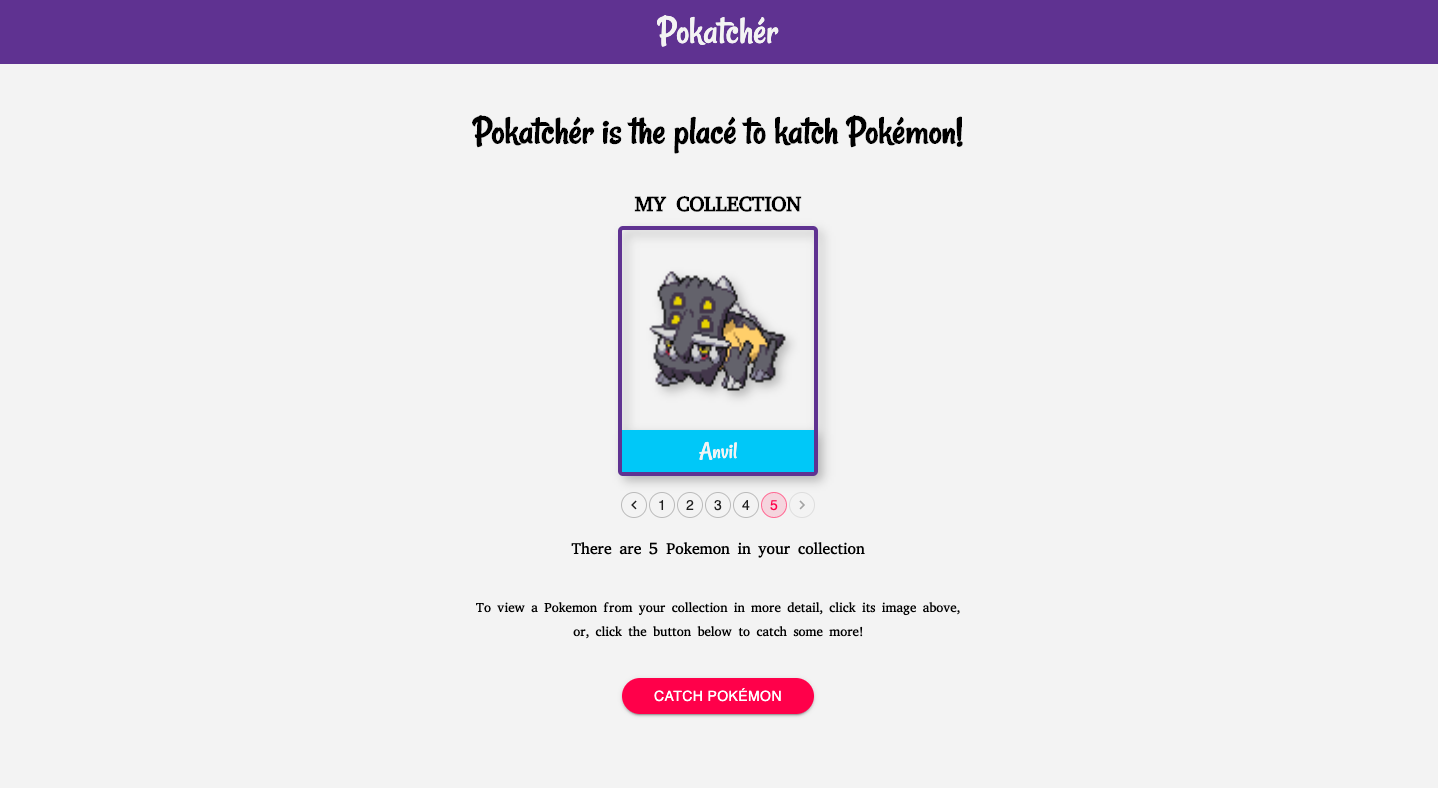
- When the app is loaded for the very 1st time, there will be not be any Pokémon in your collection.
- Click the Catch Pokémon button to get started.
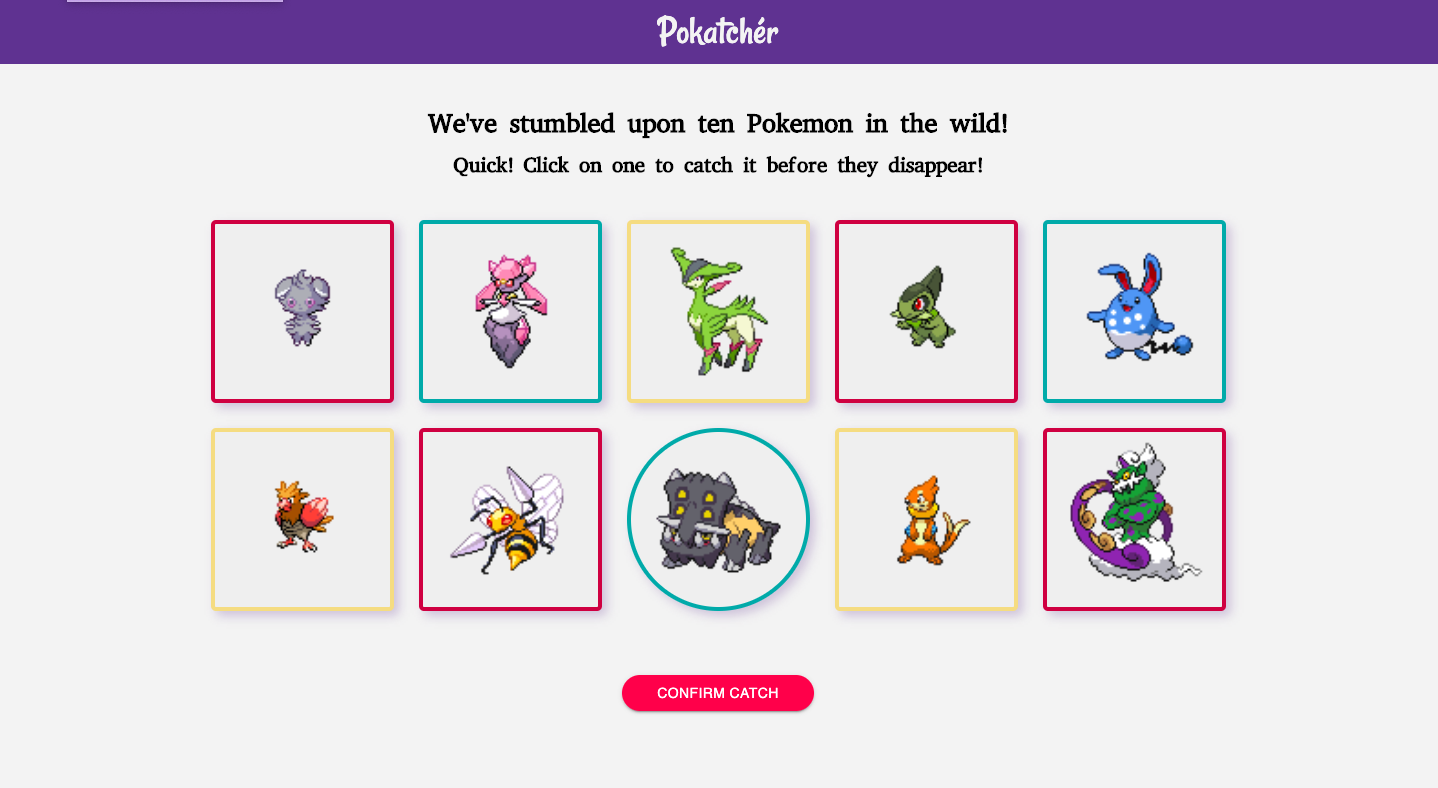
- Once loaded, there will be images of 10 random Pokémon displayed. Click one to activate the Confirm Catch button.
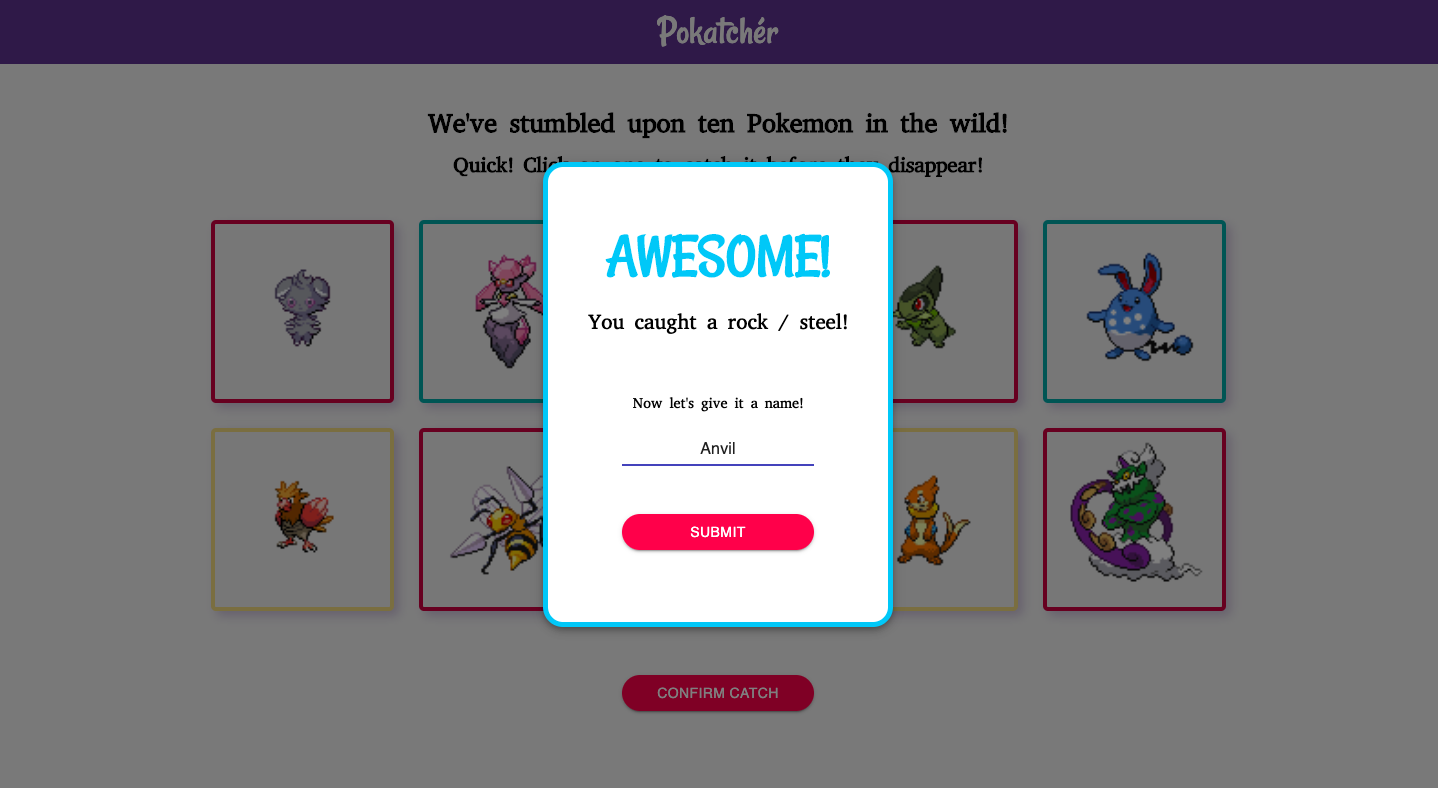
- Click the Confirm Catch button to display a modal, which includes a success message, the Pokémon's type(s) and text field to give it a new name.
- In the modal, type a new name for the Pokémon, then click the Submit button to confirm.
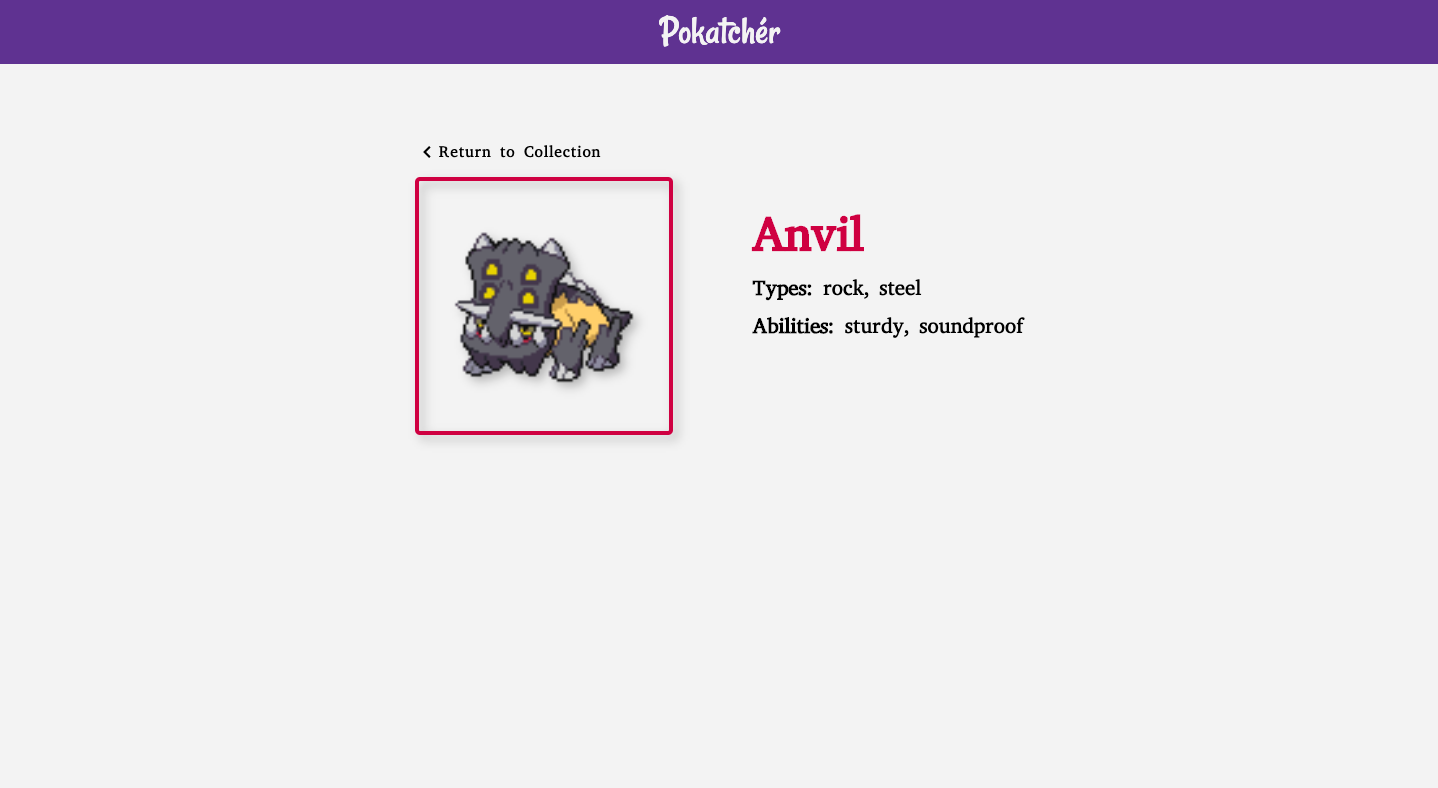
- This will direct you to a featured page for that specific Pokémon, which displays their new name, image, types(s) and abilities. A link is also included to return to the home page / collection.
- Back at the home page, you may paginate through all of the caught Pokémons in your collection, as well as view their details by clicking their image.
- To repeat the process and add more Pokémon to your collection, simply click the Catch Pokémon button and start again!
- At any point, feel free to click the Pokatchér title in the header to return to the home page.
- The app can also be fully navigated with a keyboard only.
This project has been created with:
- React: https://reactjs.org/
- React Hooks: https://reactjs.org/docs/hooks-intro.html
- React Router: https://reactrouter.com/
- Material-UI: https://material-ui.com/
- Jest: https://jestjs.io/
- Enzyme: https://enzymejs.github.io/enzyme/
- Axios: https://github.com/axios/axios
- PokéAPI: https://pokeapi.co/