• A Proxy Server using Python’s Socket API
• Proxy server handles simultaneous TCP connections
• Caches pages for set amount of time
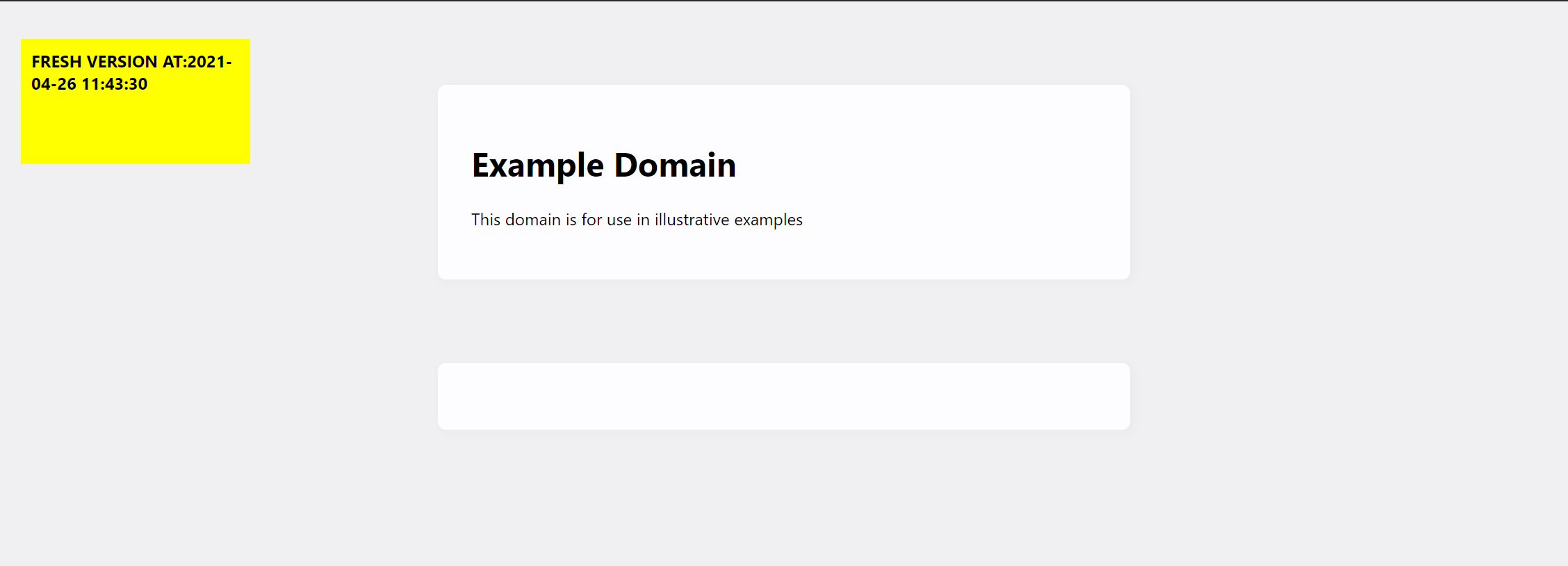
• Adds label to inform client if they are accessing a Cached or Fresh version of the page
• Supports HTTP pages. Redirects any pages that use HTTPS
- Download the repo
- Run using "python proxy.py"
- Takes optional cache expire time argument. Default value for cache expire time is 120 seconds if no time argument is given. To specify time use command "python proxy.py [time]" where time is in an integer in seconds.
- In your browser enter http://localhost:8888/[websiteURL]. For example try http://localhost:8888/www.example.org
Here are some links you can try. Note: Larger pages with many images may take some time to load. Be pateint :)
- http://localhost:8888/www.example.org (should load very quick)
- http://localhost:8888/www.cs.toronto.edu/~ylzhang/
- http://localhost:8888/www.cs.toronto.edu/~arnold/ (images may take time to show up)
- http://localhost:8888/www.cs.toronto.edu/~ylzhang/csc258/memes.html (may take time to load all images)
You may try to load all the pages at once in different tabs. Pages being loaded simultaneously have been tested but may slow down the loading of pages further. The available hardware resources of the system the server is running on can make a substantial difference in how long it may take pages to load. Cached pages should load significantly faster. If the pages refuse to load, try restarting the server. Your browser may also cache pages. You can use private windows to avoid browser caching.


• Improvements can be made, message me or open an issue if you would like to contribute
• Caching needs to be improved
• The same favicon.ico is used for all pages currently.
• The project was completed without the zlib library, hence why we request a decompressed version of pages so we can add the HTML tag without having to decompress data. This may be a cause of further slowdowns. However, not adding new imports was a requirement for this porject.