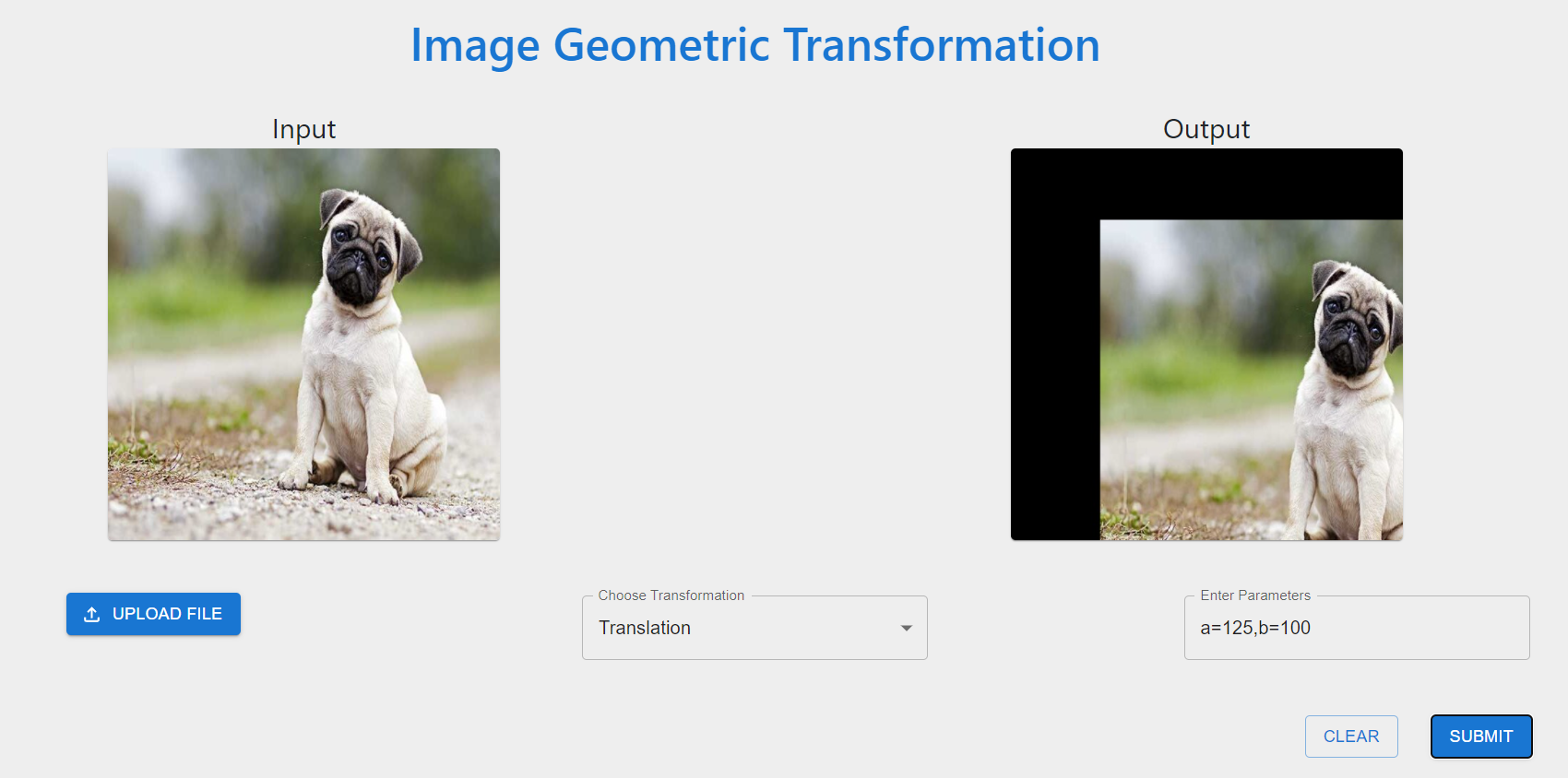
In this project, we have created a GUI application that performs transformation operations such as Scaling, Translation, Rotation, Affine, Perspective, Polar and Log-Polar Coordinate transformation. These operations are used to perform Geometric Transformations on images to manipulate them.
Note: For UI Execution Steps, refer to the UI_Execution_Instructions.pdf file
- Hardith Suvarna Murari
- Namrata Gangaraju
- Noha Hannen Syed Imran
- Shobha Pallakonda
- Sukrutha Panyala
React 
Flask API 🚂
Python 🐍
bonus-project-team-2/
├── api                                       # API
     ├── Transformation
          ├── affineTransformation.py
          ├── logPolarTransformation.py
          ├── perspectiveTransformation.py
          ├── polarTransformation.py
          ├── rotationTransformation.py
          ├── scalingTransformation.py
          ├── transformation.py               # starter file
          ├── translationTransformation.py
          ├── utils.py
     ├── server.py                            # Flask API Server
├── frontend                                  # Front End
├── README.MD
├── UI_Execution_Instructions.pdf             # Steps regarding sample UI Execution workflow
git clone https://github.com/NohaHaneen/Geometric-Image-Transformation-Functions.git
cd frontend
npm i
npm start
cd api
python3 -m venv venv
venv\Scripts\activate
pip install Flask
For More Information on Flask Installation click here

We create branches so we can work at the same time and then we merge those branches with the main one
git branch {your-branch-name}git checkout {your-branch-name}git push --set-upstream origin {your-branch-name}
Never push if you haven't pull the latest code and solve the merging conflicts locally if any
git add .git commit -m "Your message, what you did in the code"git push
Always pull before starting to work for the day, or first verify that you have the latest code Make sure to know your origin
git pull origin main
Pull requests or PRs are basically how you merge your changes with the master code. They will be revised by a member of the group and that member will post comments on your code and ask you to fix those.
- Once you push your code you will see a green message saying if you want to create a pull request. Always do a pull request to the main branch. Do not delete your own branch as you will continue to use it.
- You can also click on Pull Request and open one there.