- About the Project
- Installation
- Functionality
- Learning Goals
- Future Iterations
- Technologies Used
- Contributors
- Contact
The theme of this project was to solve a problem of a niche community, and in the case of TTTracker it is the lack of organizational capabilities of the popular social media application TikTok.
The determined problem is that users cannot save tiktoks easy to keep track of them, even ones that they've liked and been able to save on their profile. They are easily buried under more and more likes and new posts that even if users have a clear idea of what the tiktok was it is impossible to relocate it within the app.
TTTracker the TikTokTracker addresses this by utilizing the oembed API provided by TikTok for developers to create an application that can essentially save and manage tiktoks outside the app while empowering users with extra features such as pinning or adding any post to their active home page.
- Fork (optional) and clone down this repository to a directory of your choice
cdinto the repo- Run
npm ito install dependencies - Run the command
npm run startto run the application in your browser - Begin interacting!
- Upon opening the app a user will observe a set of pre-loaded tiktok cards to get them started. If desired, users can click on the author handle shown in bold on the card to be taken to that author's profile on tiktok desktop version.
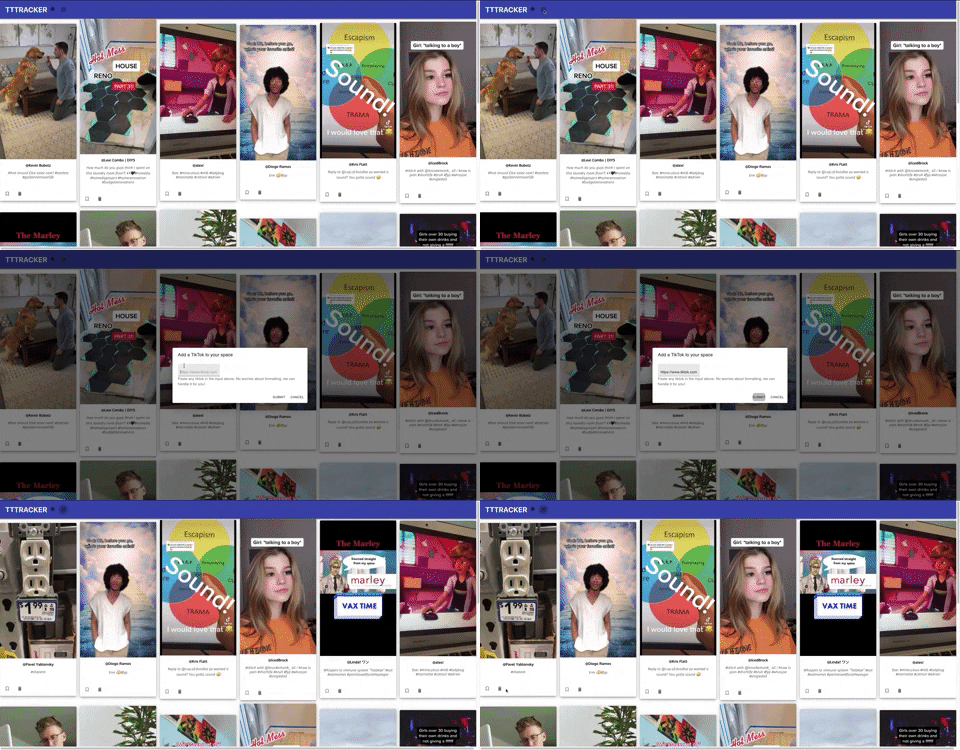
- Don't see a tiktok card that you like or care to organize? Users can add any titkok of choice as long as they have the link to the original. Clicking the Add button on the top menu bar opens a form to add your tiktok. Copy & paste the link into the field and click
Submitto see it on the home page - Changed your mind? Users can click
Cancelto close the form and return ot the home page
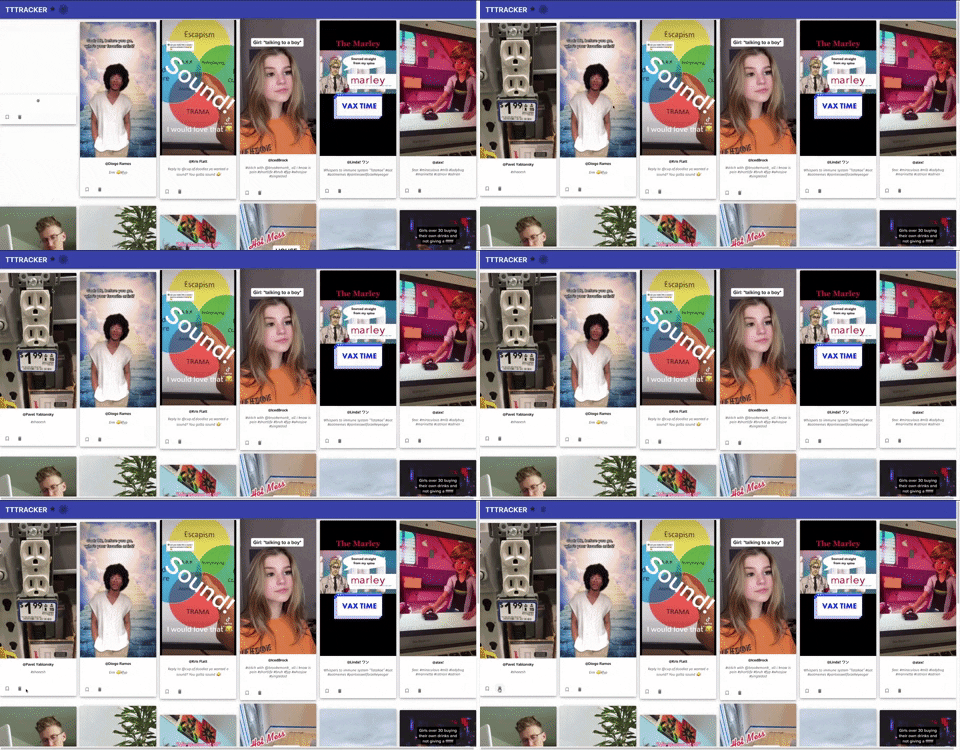
- Removing cards is just as easy, simply click the trash can icon to delete it off the home page
- When a user opens the application they should be able to see a pre-made collection of tiktoks on the home page. On clicking the outlined ribbon icon, the card will become 'pinned' and move to the top of the page flowing left to right, top to bottom
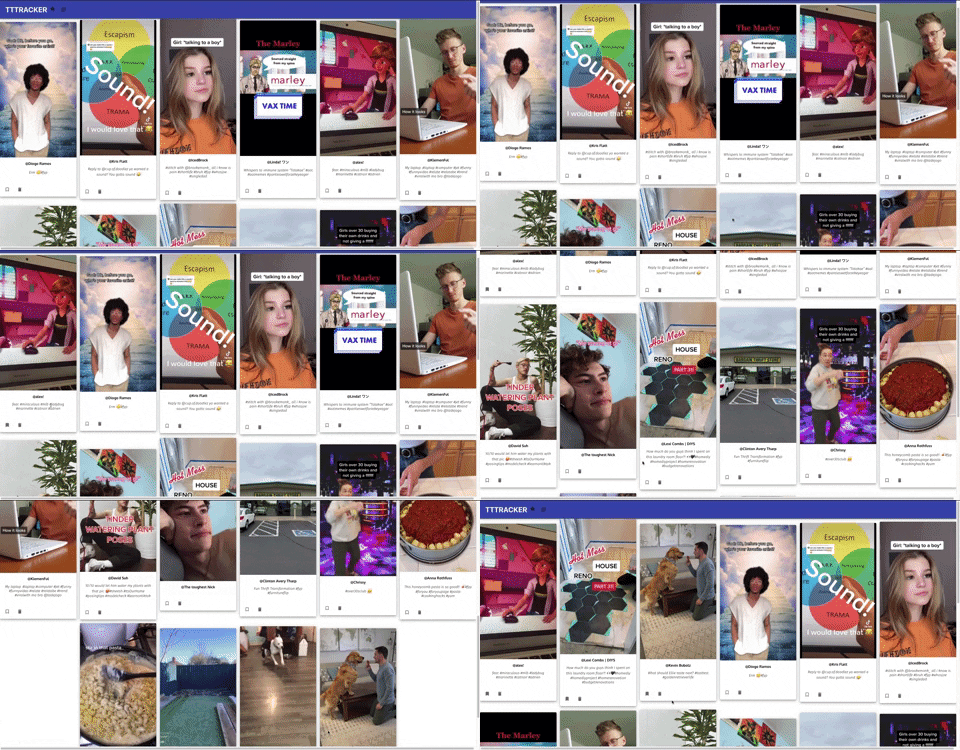
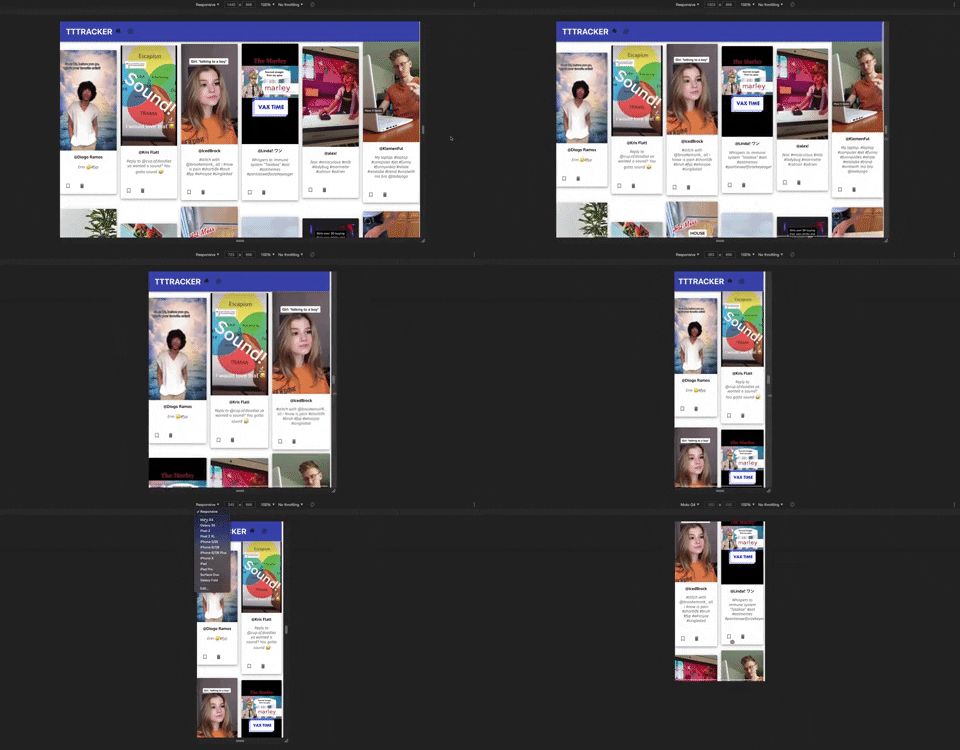
- This application was built with accessibility for multiple devices and screen sizes in mind. As demonstrated here, it is responsive down to a 360 pixel width (smallest mobile device available):
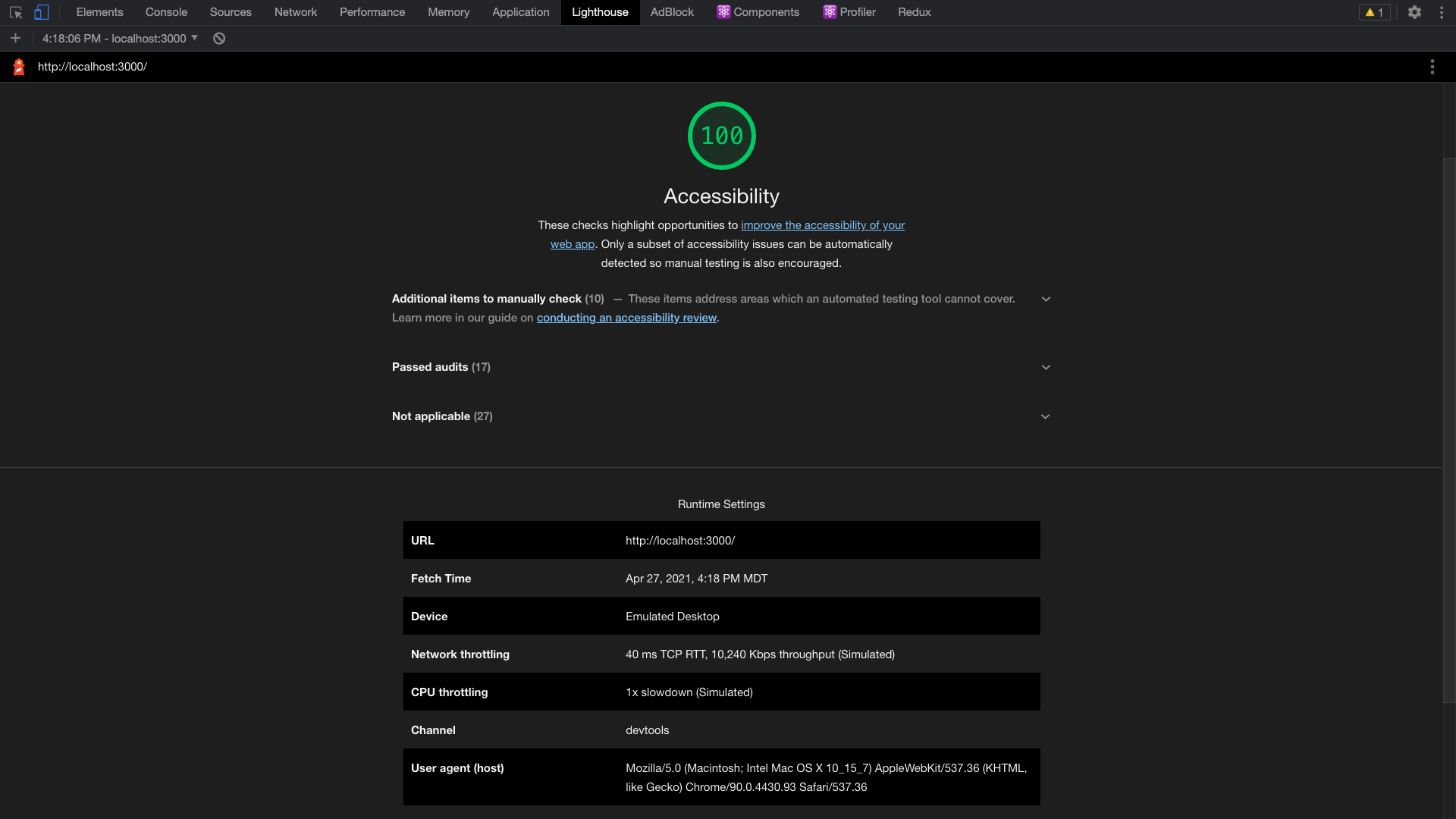
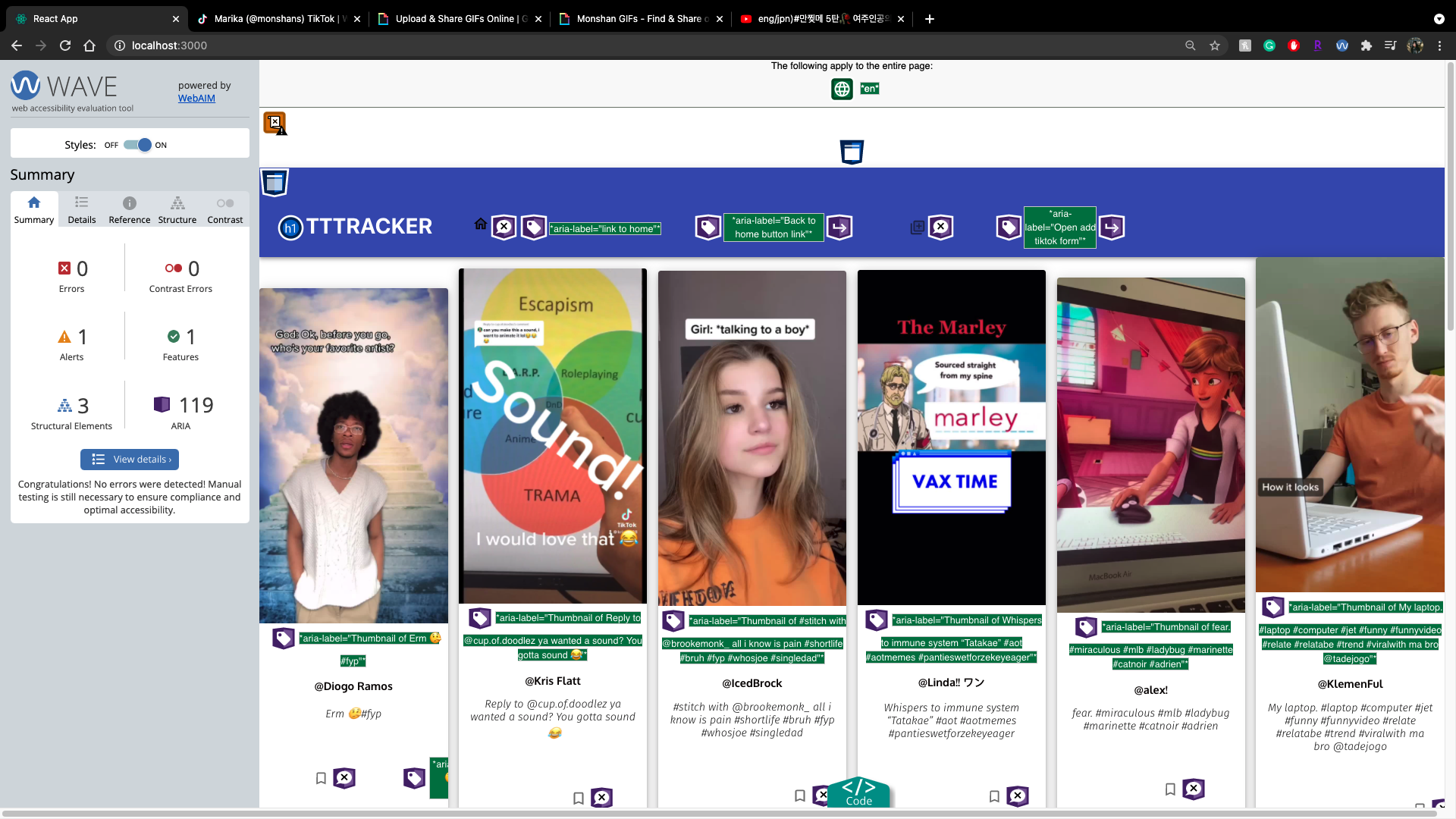
TTTracker achieves a 100 Lighthouse Report for accessibility and 0 WAVE errors.
The goal of this particular project was to solve a problem of a niche community using our current skills as developers and not necessarily as a stretch to learn new technologies. Therefore, learning goals for this project took a backseat over constructing the application with quality and good practice.
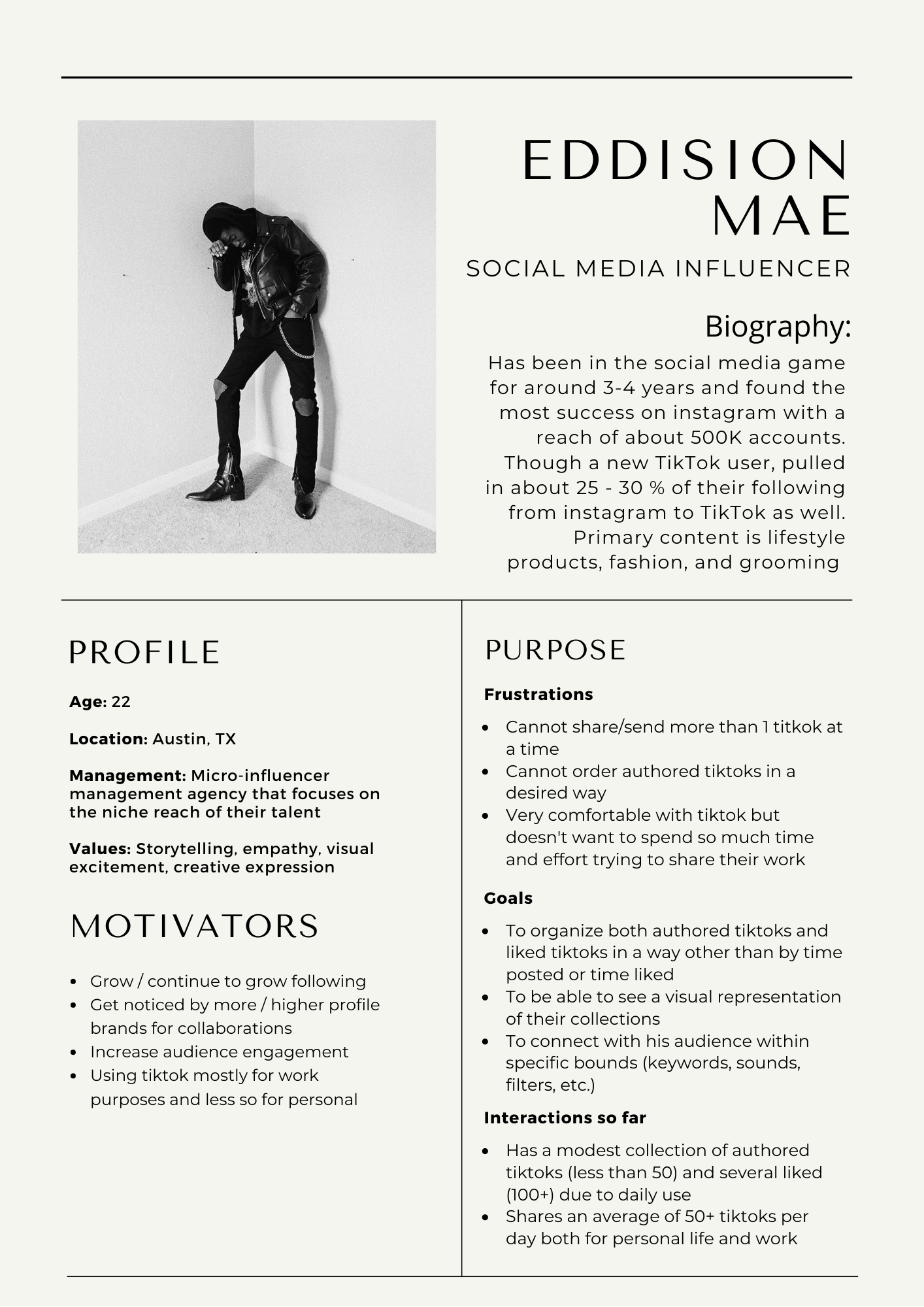
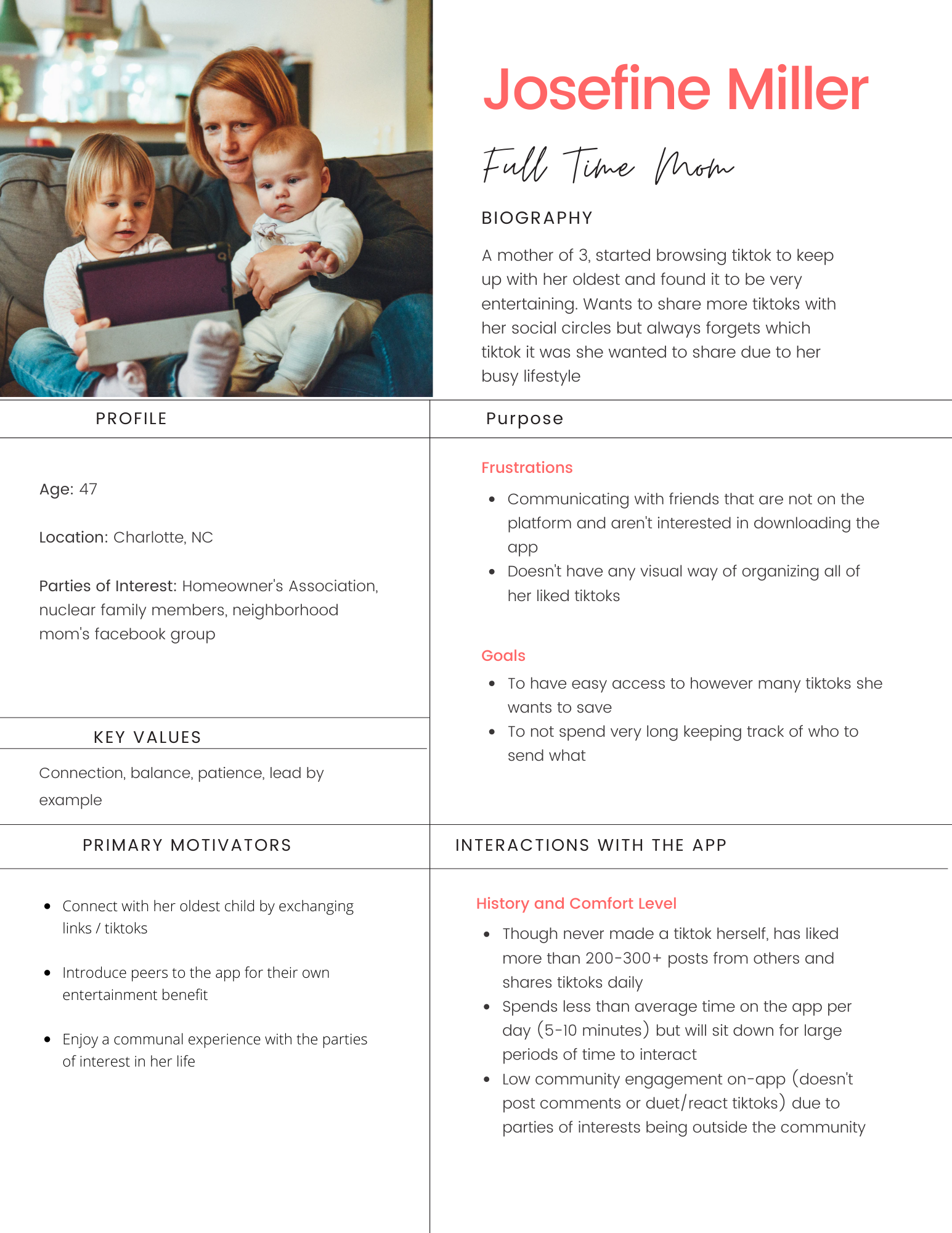
However one topic that was introduced and asked of development was to write User Personas to better reflect the intention behind the application. This would also aid with narrowing the MVP features that are prioritized in development and if they would eventually be included in production.
You can read both of the user stories written with respect to this project below.
Due to the time constrainsts of this project, several further features were proposed but not able to come to fruition. The following features will be the most supportive to MVP:
- Search Bar: Let user search all cards by title or author, potentially tags & sounds could also be included
- Create another page view with a feature for creating collections or 'decks' of cards that the user can customize with their own titles






- Marika Shanahan - Application Creator