
Clone coding project with Youtube API and React
Demo Link ⇒ https://moonshadow95.github.io/youtube-react/
- Use what I've learned in To-do list
- Implementing app using react
- Learning about Public APIs



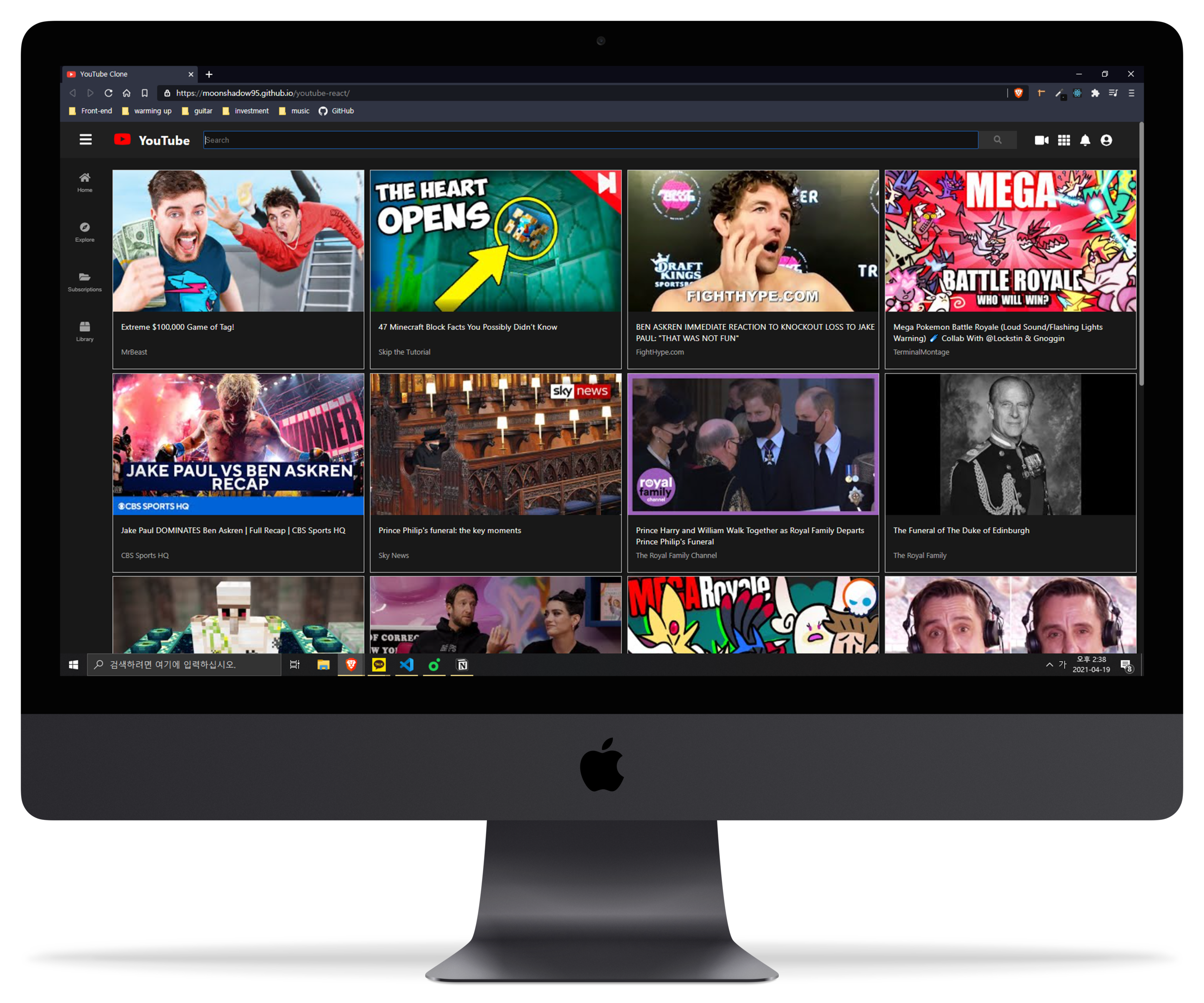
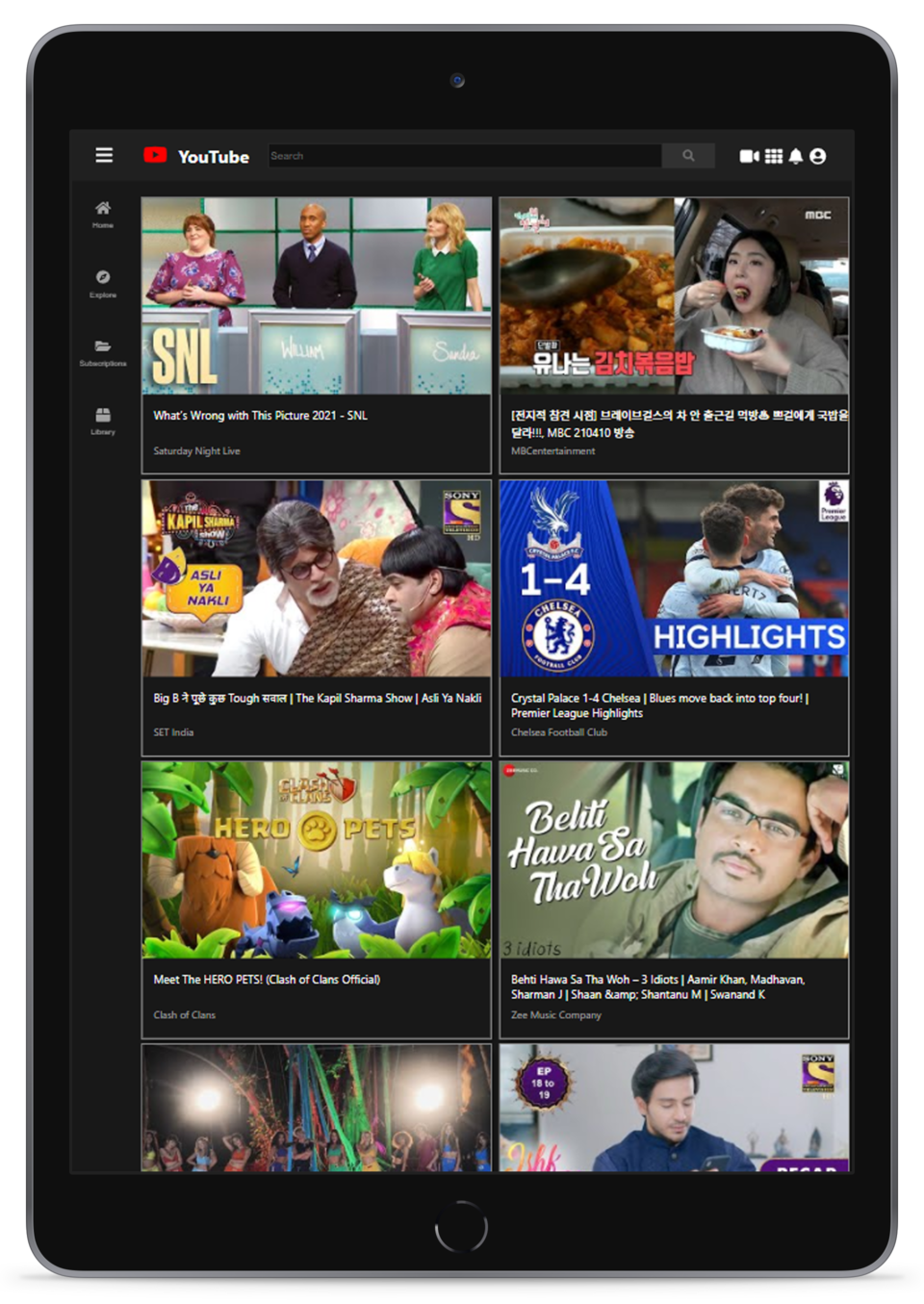
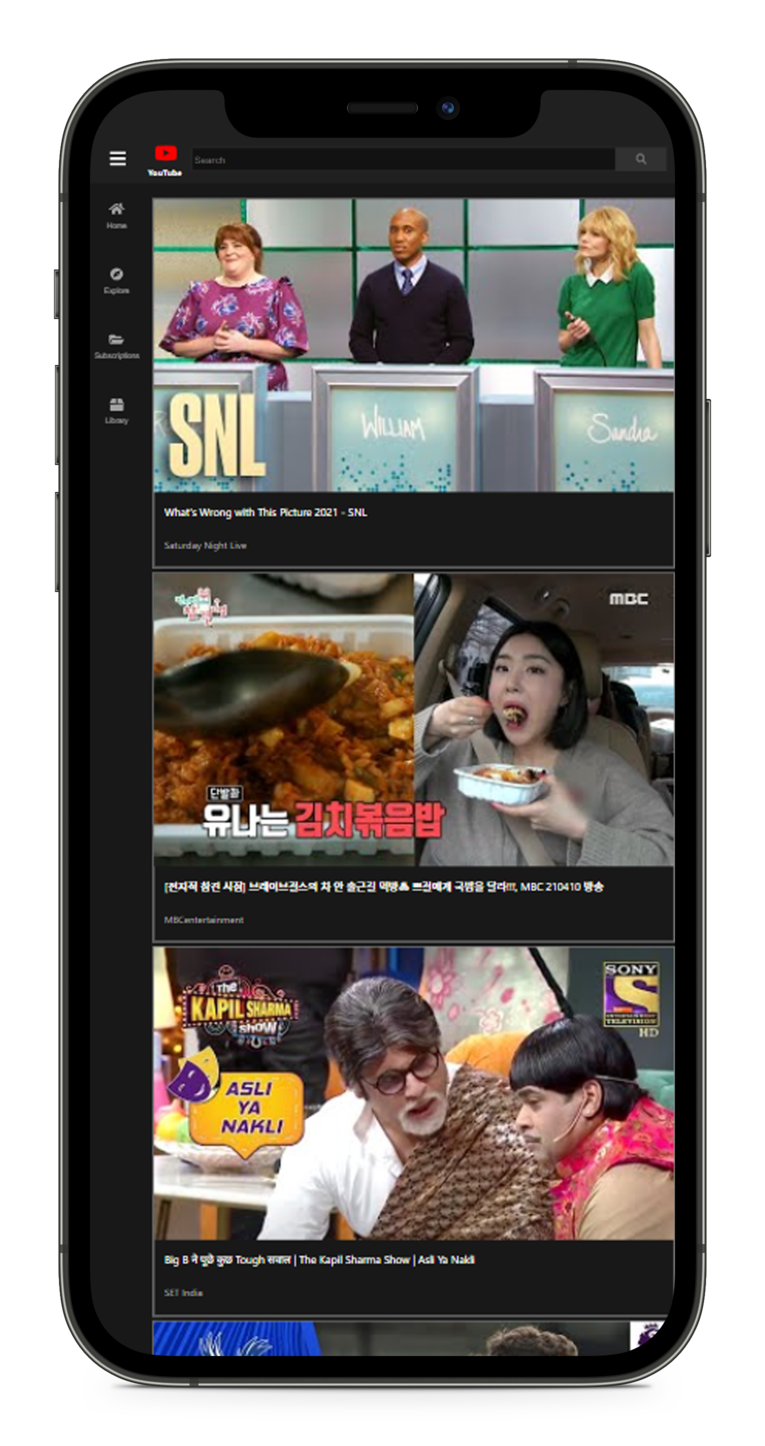
Demo Link ⇒ https://moonshadow95.github.io/youtube-react/
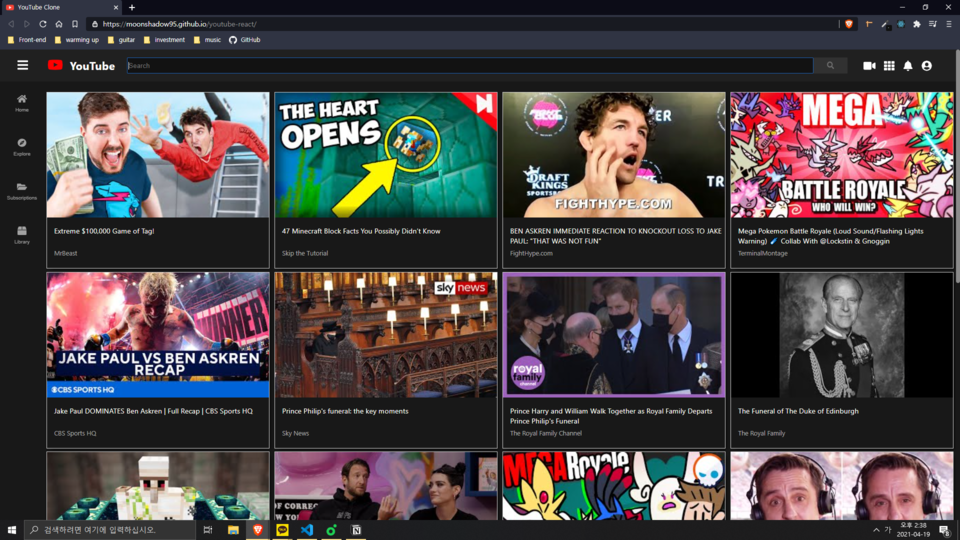
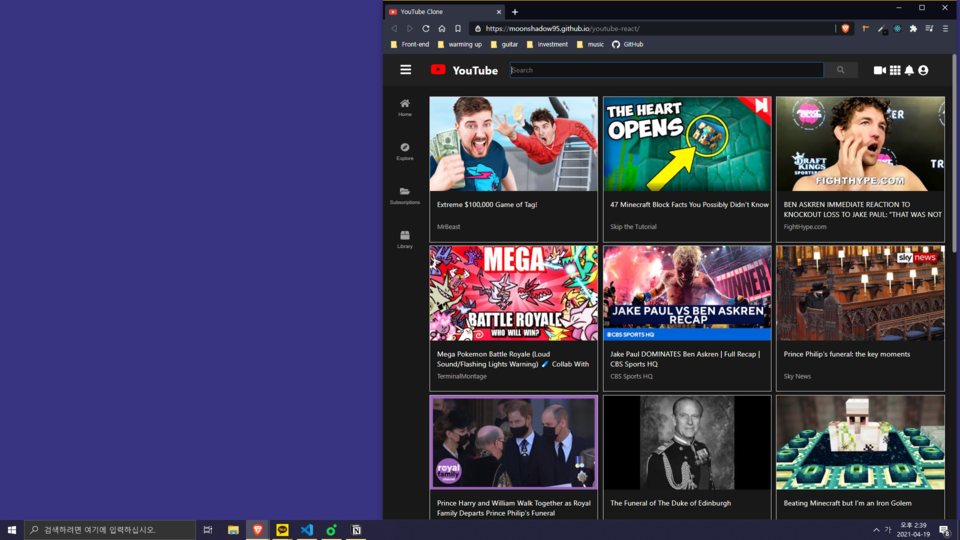
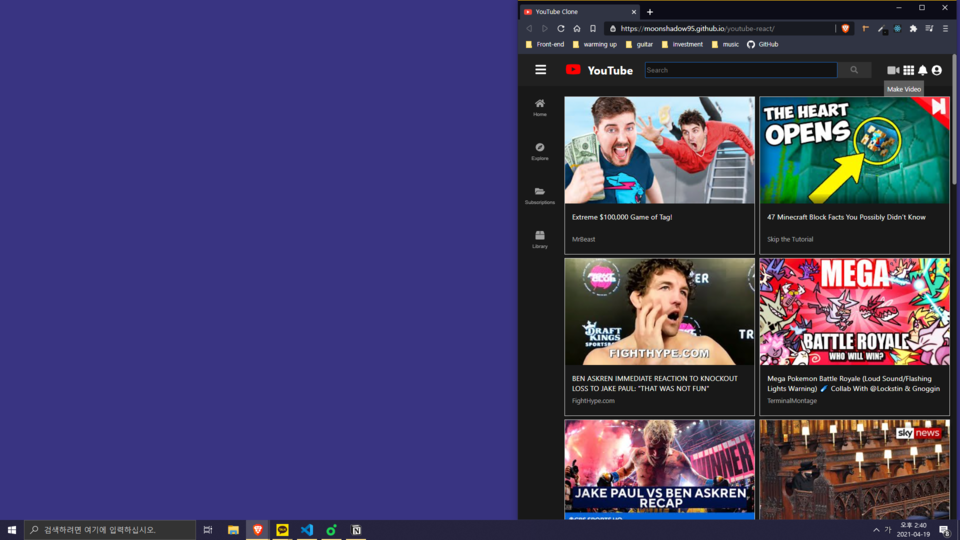
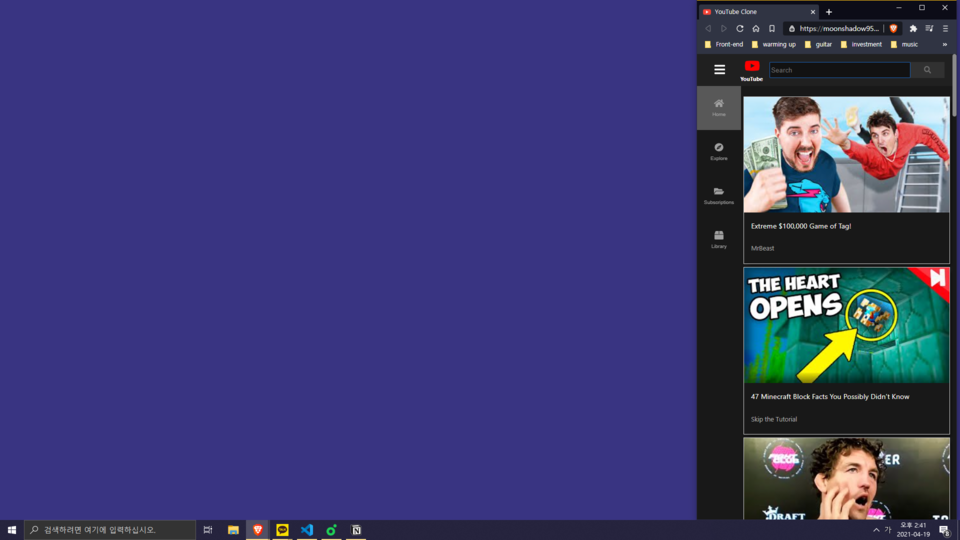
- Receive data from the YouTube API to show the title and channel name of the most popular video.
- Adjust the number of videos displayed in a single row as client's window size.
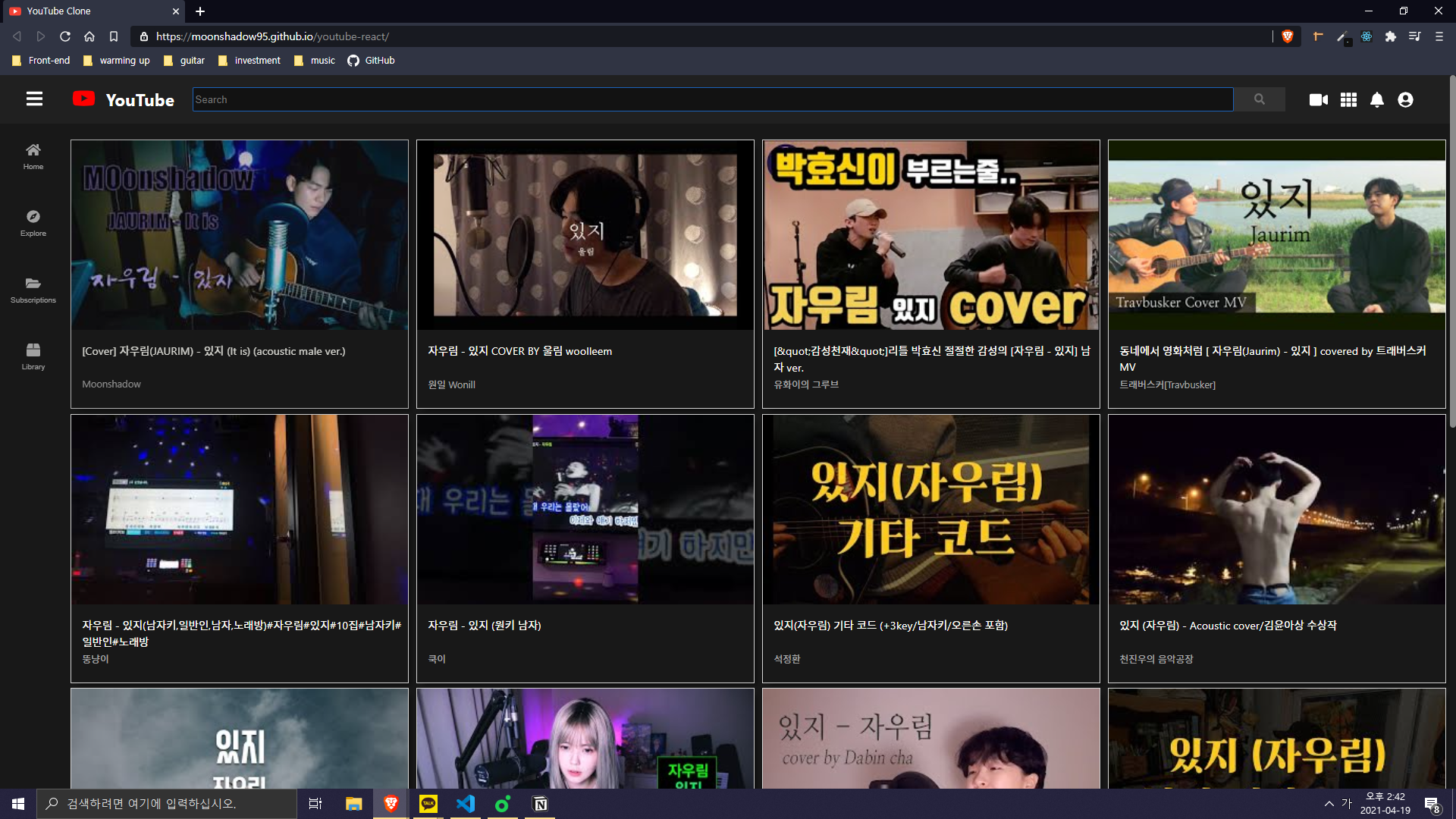
- Receiving the keywords entered in input, and use Youtube API to change the videos in the list to appropriate videos.

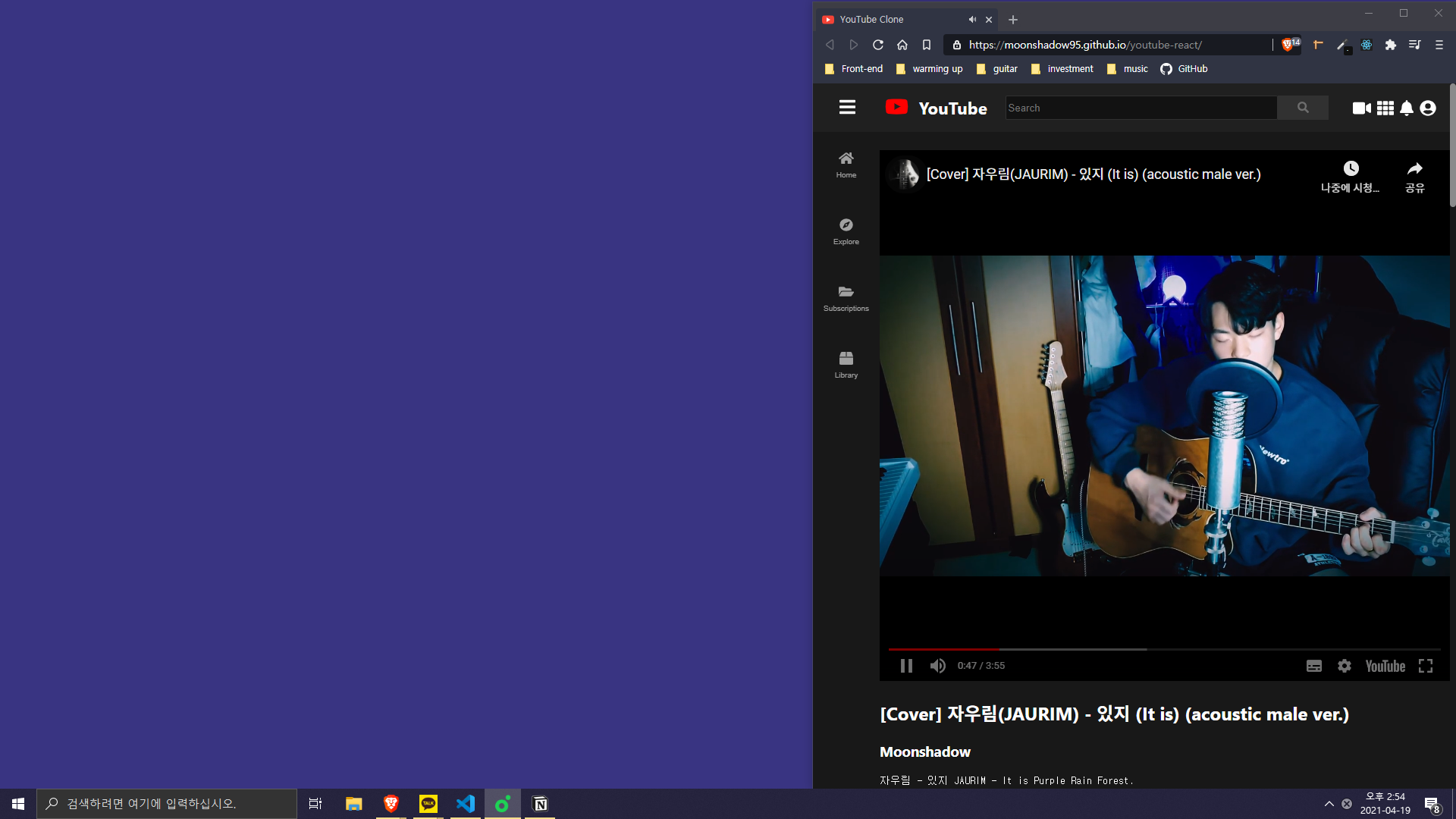
- Click on a video in the list, Show that video and metadata.
- Responsive designed video and list.
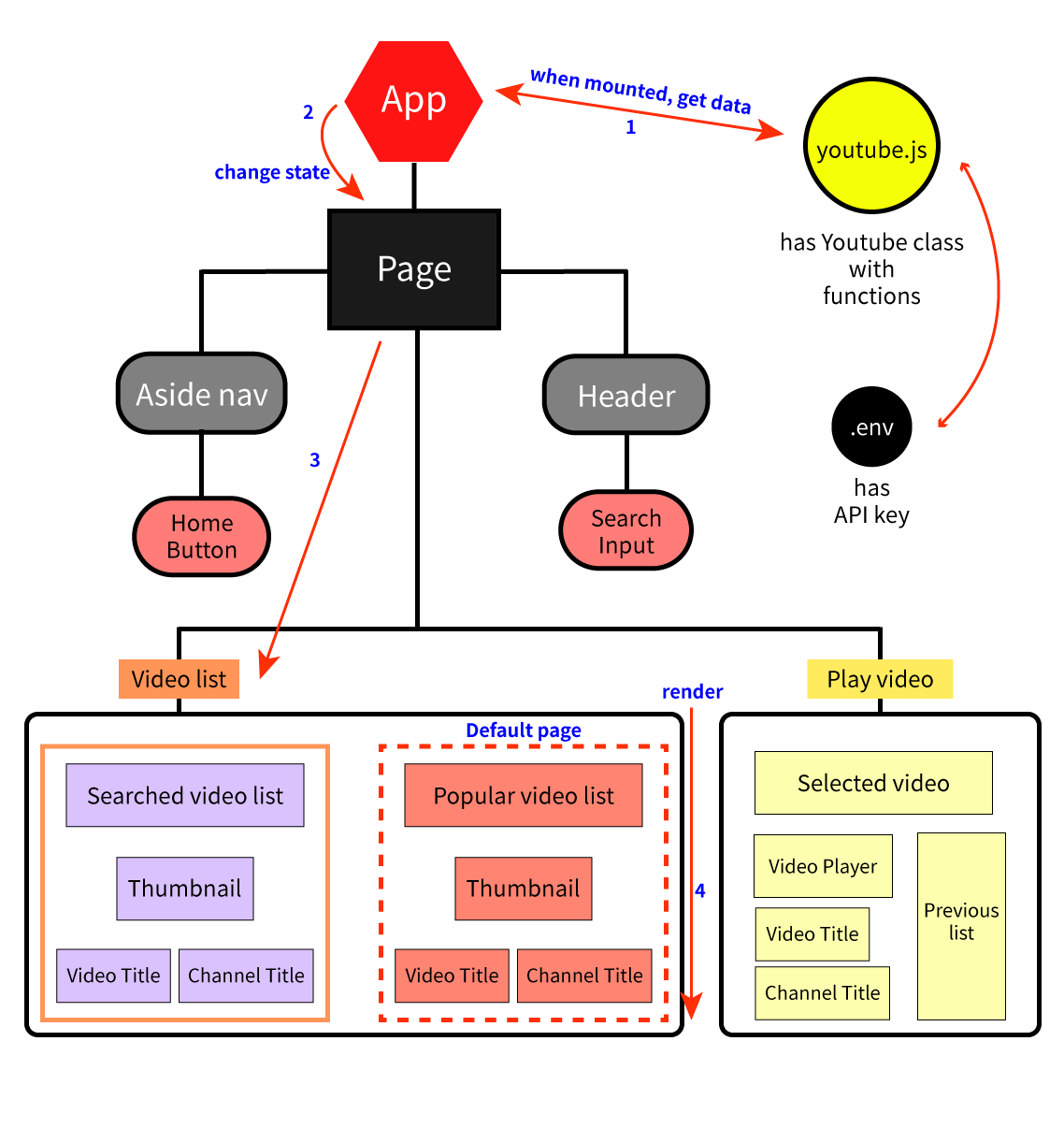
1. When the app component mounted(useEffect()), get most popular videos using YouTube API.
2. Send props to video list component, video item component.
3. Render video items in video list.
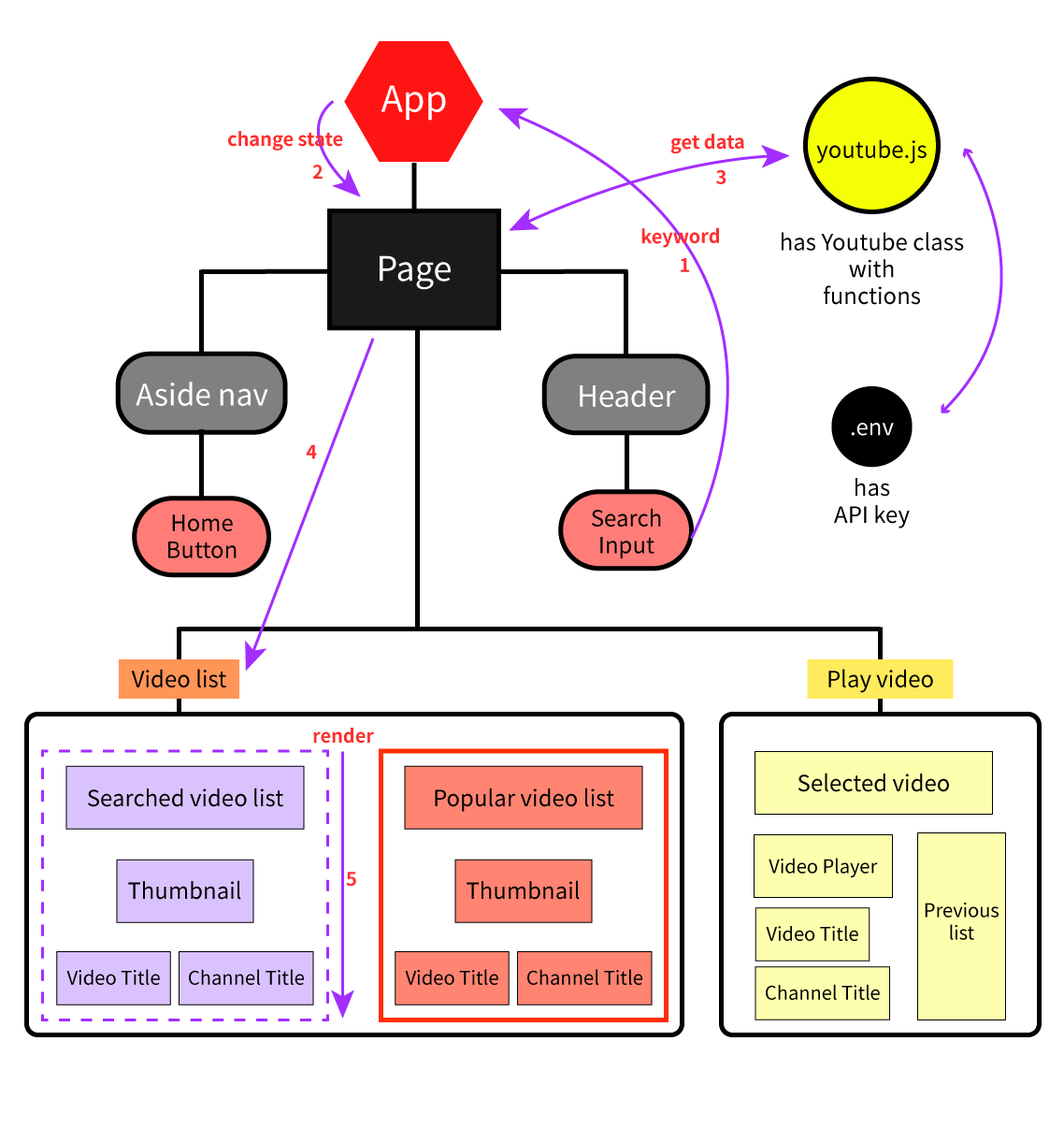
1. Get keyword from input.
2. App state has changed.
3. Get the corresponding videos.
4. Update and render video list and item.
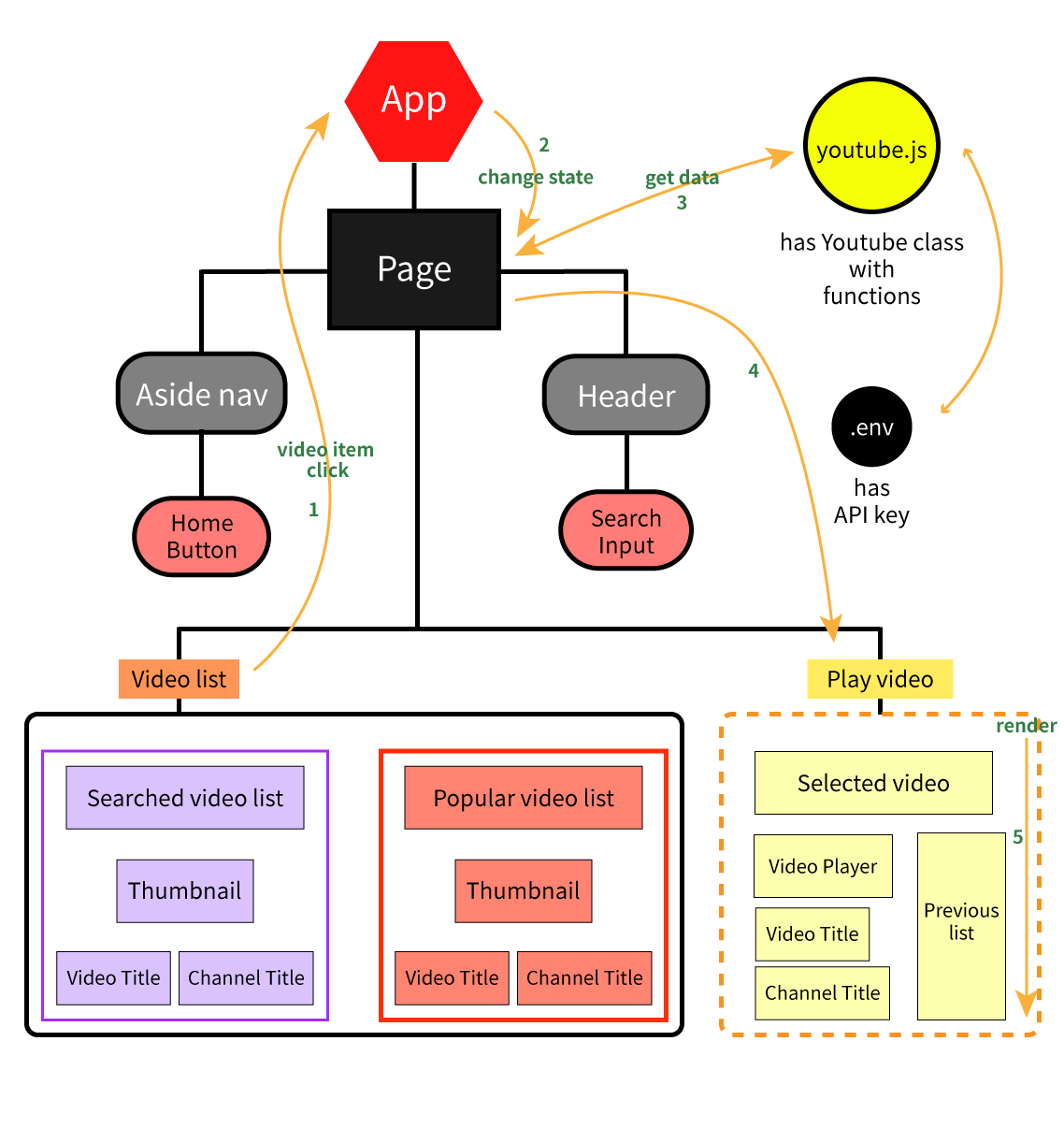
1. Video click.
2. App state has changed.
3. Get clicked item's video url using YouTube API.
4. Show the video by ifram tag.
- Understanding 'state' and 'props' of react
- How to use React Hooks
- How to use PostCSS
- How to use Public API and Postman
I wanted to include channel information in each video item, but there was an issu with over quota.
    => Sometimes I have to make the function simpler for the performence.
    => Distribute the quota using multiple api keys.