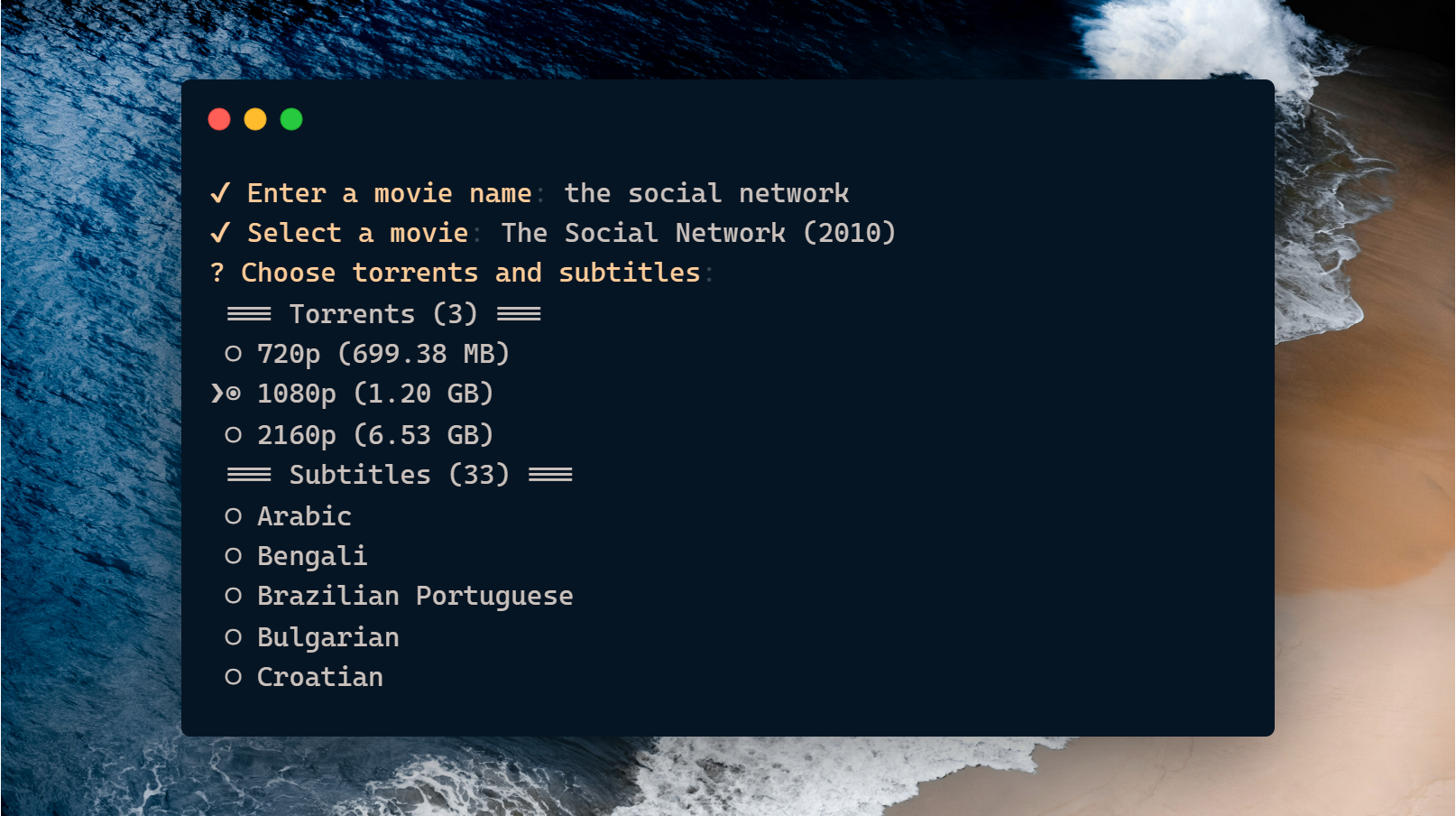
mvmk is a smart, efficient tool for movie enthusiasts. Search for movies, download them in your preferred quality, and fetch subtitles in multiple languages—all in one simple command. No more repetitive downloads or disorganized files!
- Streamlined Movie Querying: Search and find movies effortlessly.
- Quality-Based Downloads: Download movies in the formats you prefer.
- Subtitle Downloads: Get subtitles in your chosen languages (e.g., English, French).
- Bulk Operations: Combine multiple tasks into a single query to create custom movie packs.
- Example: Download a movie in 720p and 1080p with subtitles in English and French—all at once!
- Optimized Workflow: Save time and effort with a single-command process.
Install the mvmk globally to use it anywhere on your system
npm install -g mvmk- Run the Command:
Start the tool by typingmvmkin your terminal. - Enter a Query:
The tool will prompt you to input a search string for the movie you want. - Select a Movie:
If the query is correct, you’ll be presented with a list of matching movies. - Choose Options:
- Select the qualities you want to download (e.g., 720p, 1080p, 3D).
- Choose one or more subtitle languages (e.g., English, French).
- Download:
The tool will fetch the selected movie and subtitles, organizing them for you automatically.