This repository was archived by the owner on May 22, 2021. It is now read-only.
This repository was archived by the owner on May 22, 2021. It is now read-only.
[Send 2] The “Would you like to save this password” form is wrongly displayed when entering a password on the download page #1157

Description

[Notes]:
- This issue is not reproducible on Firefox 64. Considering this, using the mozregression tool I have found the issue that broke this in Beta and Nightly. Here is the pushlog: https://tinyurl.com/y5xt2txx
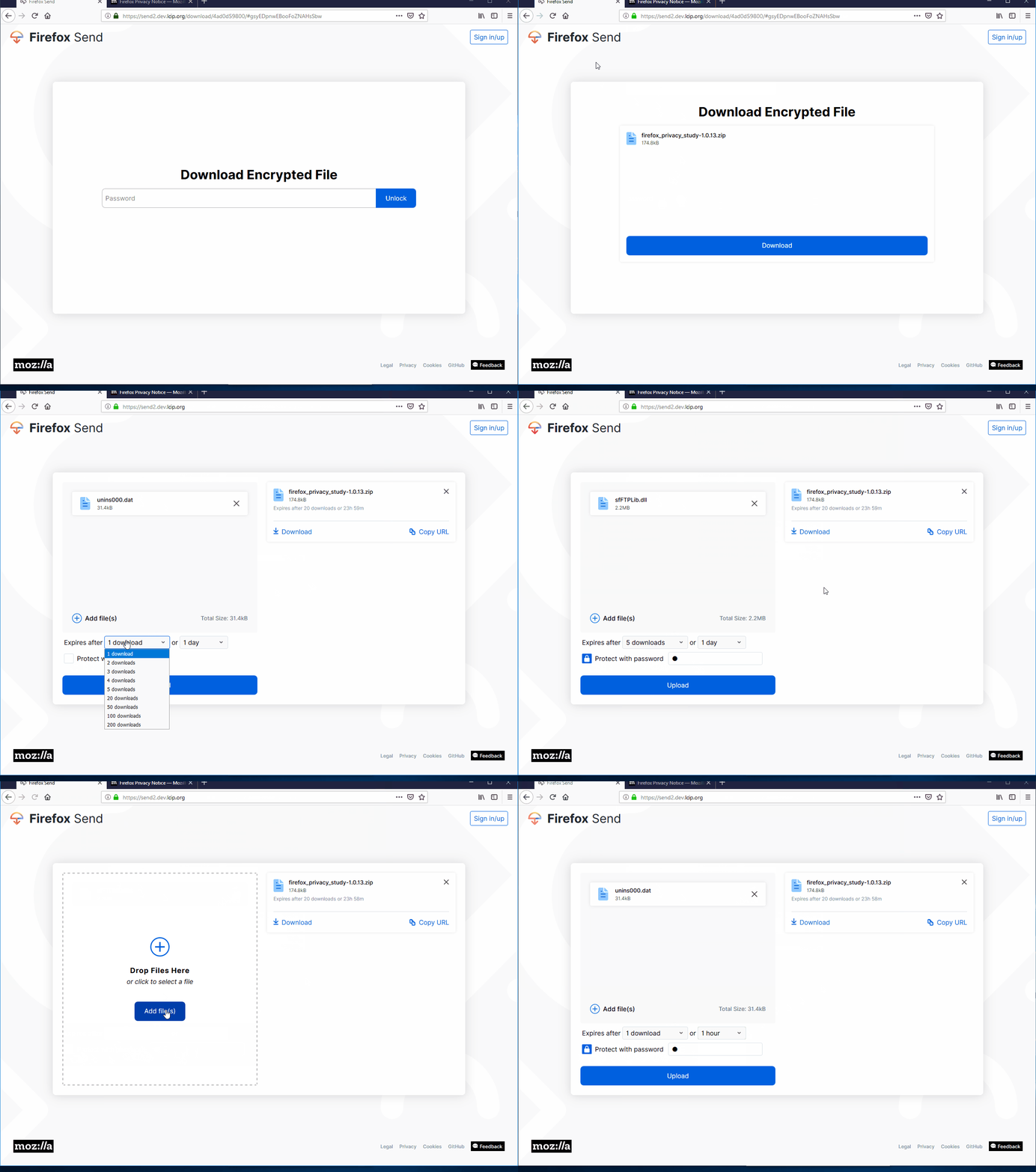
- Because of this, if the “Save” button was clicked on the “Would you like to save this password” form, when adding a new file and changing the number of downloads or the period of time the “Protect with password” option will automatically be set and the previously saved password will be added to the field.
[Affected Platforms]:
- All Windows
- All Mac
- All Linux
[Affected Versions]:
- Firefox Beta 66
- Firefox Nightly 67
[Prerequisites]:
- Have a valid link to a password protected file uploaded through https://send2.dev.lcip.org.
[Steps to reproduce]:
- Open the Firefox Beta 66 browser and navigate to the link from the prerequisites.
- Type the password in the “Password” field.
- Click the “Unlock” button and observe the behavior.
[Expected result]:
- Only the “Download Encrypted File” overlay is displayed.
[Actual result]:
- The “Would you like to save this password” form is wrongly displayed in the toolbar.
[Additional notes]:
- This issue is not reproducible on Firefox 65, Chrome, Safari and Opera.
- Attached a screen recording with the issue: