To practice and apply my knowledge, I will be installing Owasp Juice Shop, a vulnerable full JavaScript web application designed by Owasp.
- Clone the repository:
git clone https://github.com/juice-shop/juice-shop - Navigate to the project directory:
cd juice-shop - Install the required dependencies:
npm install - Start the application:
npm start
During my learning journey, I will be covering various topics related to web application security. Some of the key areas include:
- Cross-Site Scripting (XSS)
- SQL Injection Fundamentals
- SQLMap
- Command Injections
- File Upload Attacks
- Broken Authentication
- File Inclusion
- XML Attacks
- XXE (XML External Entity) Attacks
- Insecure Direct Object References (IDOR)
- API Attacks
Unlike reflected XSS and stored XSS, the DOM-Based XSS vulnerability occurs on the client side. This means that an attacker can send a URL that contains some malicious JavaScript code. This code will be executed on the client's browser.
On the Juice Shop app, let's try searching for something, like "Apple" for example.

Try to inspect the elements of the website:
As we can see here, whatever we enter in the search input appears in the code:

Another example, what if we try to inject an <img> tag and replace the link with an image link like "https://i.imgflip.com/u9pv5.jpg":
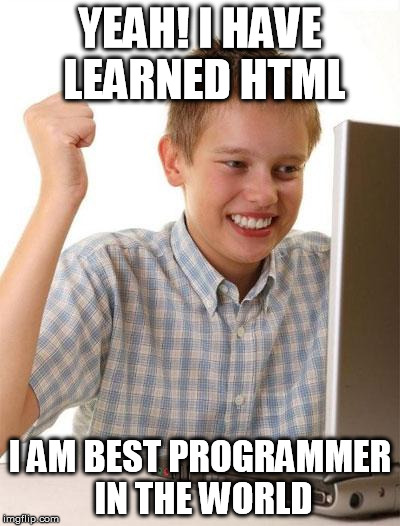

We get that


But we can try to execute some JavaScript code using the <iframe> tag:
<iframe src="javascript:alert('DOMED')"></iframe>

You can, of course, search for another payload to test DOM-Based vulnerability on the
Hacker can take the link to send to other victims when their js code will run or the rick rolled video
