



In this project we will discuss:
- ✅ Problem
- ✅ Solution
- ✅ Flavours
- ✅ Translation
- ✅ Dependencies
- ✅ Tests
Build an application to load flutter related issues from github and navigate to the detail page on selected issues. In the detail page, preview the actual issue with the status.
The solution is design so user can have nice experience and can scroll infinite.
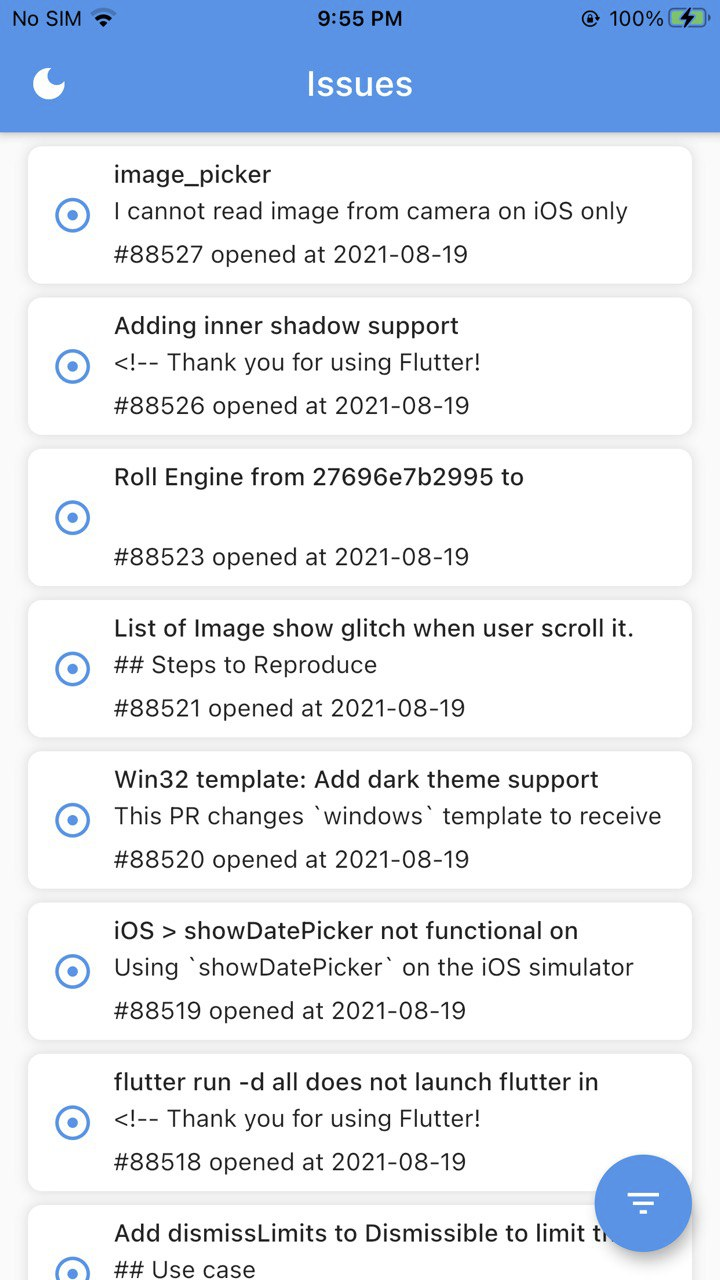 |
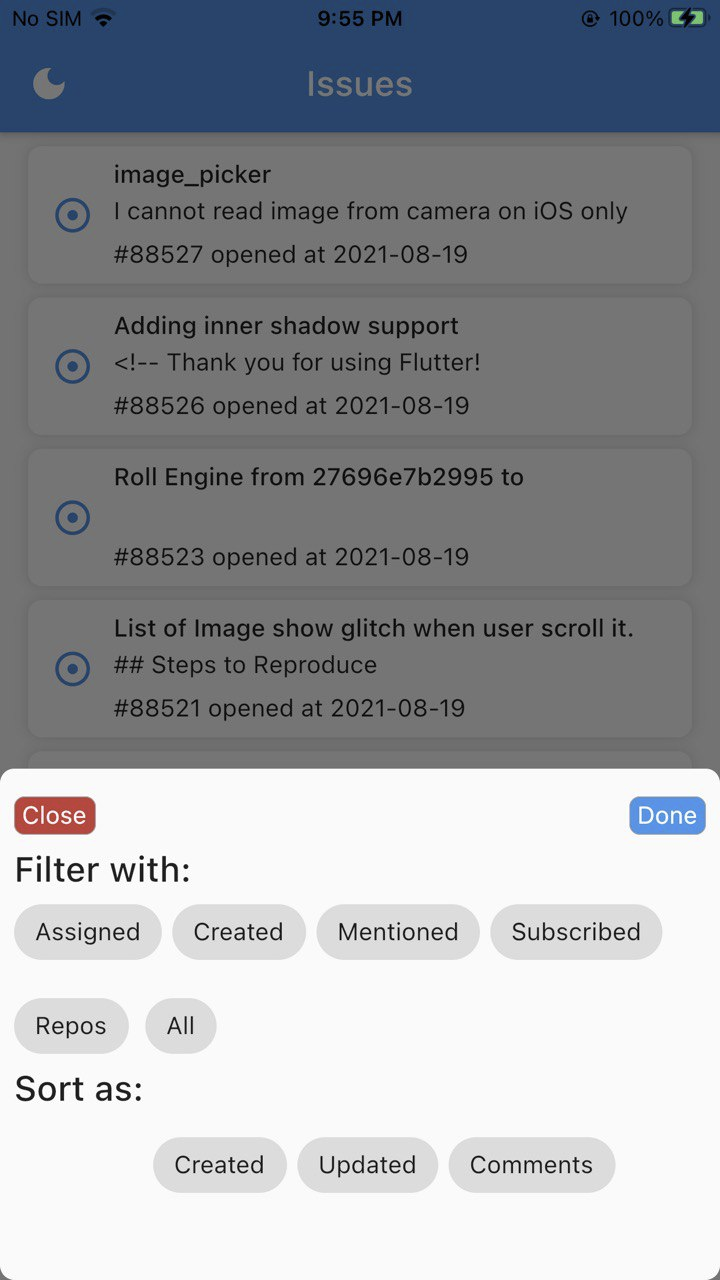 |
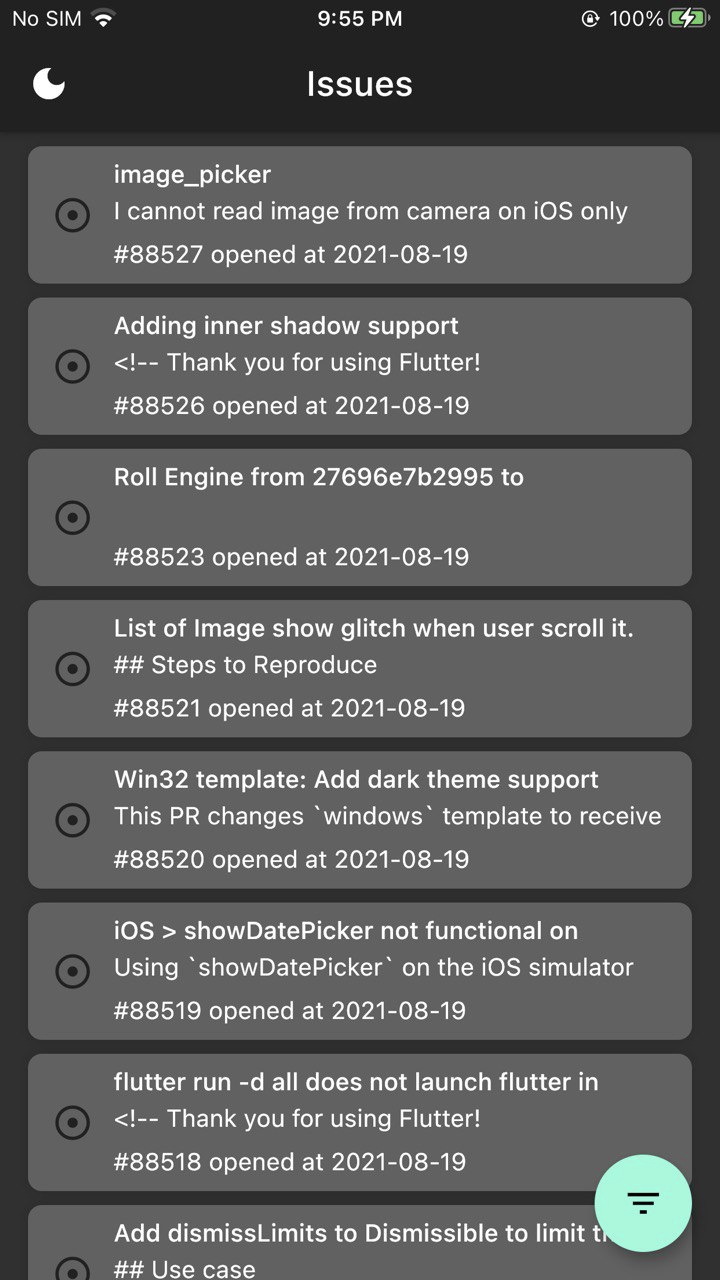 |
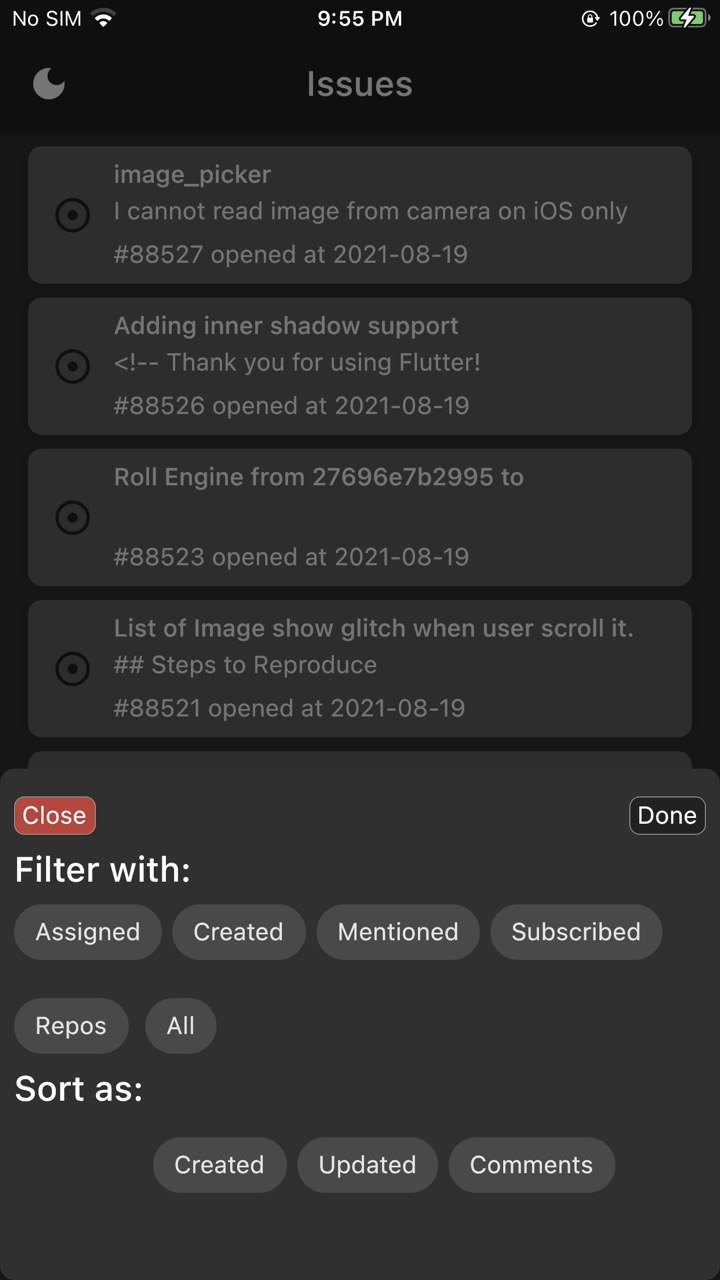 |
You will notice a full page loading indicator. It's just for showing that, if we build a common Builder then we can use in Interceptor and can be shown whenever required.

- Thir project is using
BLoC's 7.0.0version as State management library. But asBlocteam is working on newer version that will help to remove boilerplate of writingmapEventsToSateand bloc will look like this:class IssueDetailBloc extends Bloc<IssueDetailEvent, IssueDetailState> { IssueDetailBloc(): super(IssueDetailInitial()) { // Load issue detail. on<LoadIssueDetail>(_loadIssueDetail); } // perform your action here void _loadIssueDetail(LoadIssueDetail event, Emit<IssueDetailState> emit) async { // your business logic will be here to handle state and event } }
- Sentry.io is being used to log all errors and issues in a server.
This project contains 3 flavors:
Before run application you need to create .env file in app directory and add these varaibles:
#Logs Controller --  create your key (https://sentry.io/welcome/) and add
SENTRY_IO=

API_URL=https://api.github.com/repos/flutter/flutter
To run the desired flavor either use the launch configuration in VSCode/Android Studio or use the following commands:
# Development
$ flutter run --flavor development --target lib/main_development.dart

# Staging
$ flutter run --flavor staging --target lib/main_staging.dart

# Production
$ flutter run --flavor production --target lib/main_production.dart
*Github Issues works on iOS and Android.
This project relies on flutter_localizations and follows the official internationalization guide for Flutter.
Note: For demo purposes, I have added two locales but have same strings. We can update and even add more locales to support.
- To add a new localizable string, open the
app_en.arbfile atlib/l10n/arb/app_en.arb.
{
    "@@locale": "en",
    "counterAppBarTitle": "Counter",
    "@counterAppBarTitle": {
        "description": "Text shown in the AppBar of the Counter Page"
    }
}
- Then add a new key/value and description
{
    "@@locale": "en",
    "counterAppBarTitle": "Counter",
    "@counterAppBarTitle": {
        "description": "Text shown in the AppBar of the Counter Page"
    },
    "helloWorld": "Hello World",
    "@helloWorld": {
        "description": "Hello World Text"
    }
}
- Use the new string
import 'package:github_issues/l10n/l10n.dart';

@override
Widget build(BuildContext context) {
  final l10n = context.l10n;
  return Text(l10n.helloWorld);
}Update the CFBundleLocalizations array in the Info.plist at ios/Runner/Info.plist to include the new locale.
    ...

<key>CFBundleLocalizations</key>
<array>
<string>en</string>
<string>es</string>
</array>

...- For each supported locale, add a new ARB file in
lib/l10n/arb.
├── l10n
│   ├── arb
│   │   ├── app_en.arb
│   │   └── app_es.arb
│   │   └── ----------
- Add the translated strings to each
.arbfile:
app_en.arb
{
    "@@locale": "en",
    "counterAppBarTitle": "Counter",
    "@counterAppBarTitle": {
        "description": "Text shown in the AppBar of the Counter Page"
    }
}
app_es.arb
{
    "@@locale": "es",
    "counterAppBarTitle": "Contador",
    "@counterAppBarTitle": {
        "description": "Texto mostrado en la AppBar de la página del contador"
    }
}
We like to highlight some major dependencies:
- dio: ^4.0.0 -- A powerful Http client for Dart, which supports Interceptors, Global configuration, FormData, Request Cancellation, File downloading, Timeout etc.
- freezed: ^0.14.2 -- Welcome to Freezed, yet another code generator for unions/pattern-matching/copy.
- get_it: ^7.1.3 -- This is a simple Service Locator for Dart and Flutter projects with some additional goodies
- pull_to_refresh: ^2.0.0 -- A widget provided to the flutter scroll component drop-down refresh and pull up load.support android and ios
- sentry_flutter: ^5.1.0 -- This package includes support to native crashes through Sentry's native SDKs: (Android and iOS). It will capture errors in the native layer, including (Java/Kotlin/C/C++ for Android and Objective-C/Swift for iOS).
In this repository we have covered one widget and one unit test to show as a demo.