Repository navigation
EN 02 First start
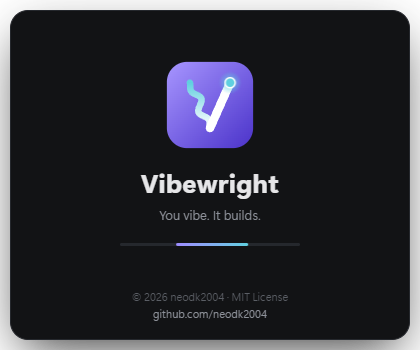
- A splash screen appears for about two seconds while the app loads.
- Vibewright checks whether Claude Code is installed and whether you are signed in.
- Not installed → a link to the official installation guide. Install Claude Code, then restart Vibewright.
- Not signed in → click Sign in. A small window and your browser open; sign in there, then click Check again.
- Choose where your projects should live:
- If Vibewright finds Obsidian vaults, pick one. Dashboards, tasks and (if present) your Kanban board are written there.
- Without Obsidian you can save locally as .md + .html (in
Documents\Vibewright) – every project then also gets an HTML dashboard you open in your browser. Installing Obsidian is optional; if the automatic installation is not available on your PC, Vibewright opens the official download page.
You can change all of this later in the settings.