See all your Next.js, Supabase, and Vercel errors in one terminal pane — no browser switching.
npm run dev 2>&1 | npx bugside dev
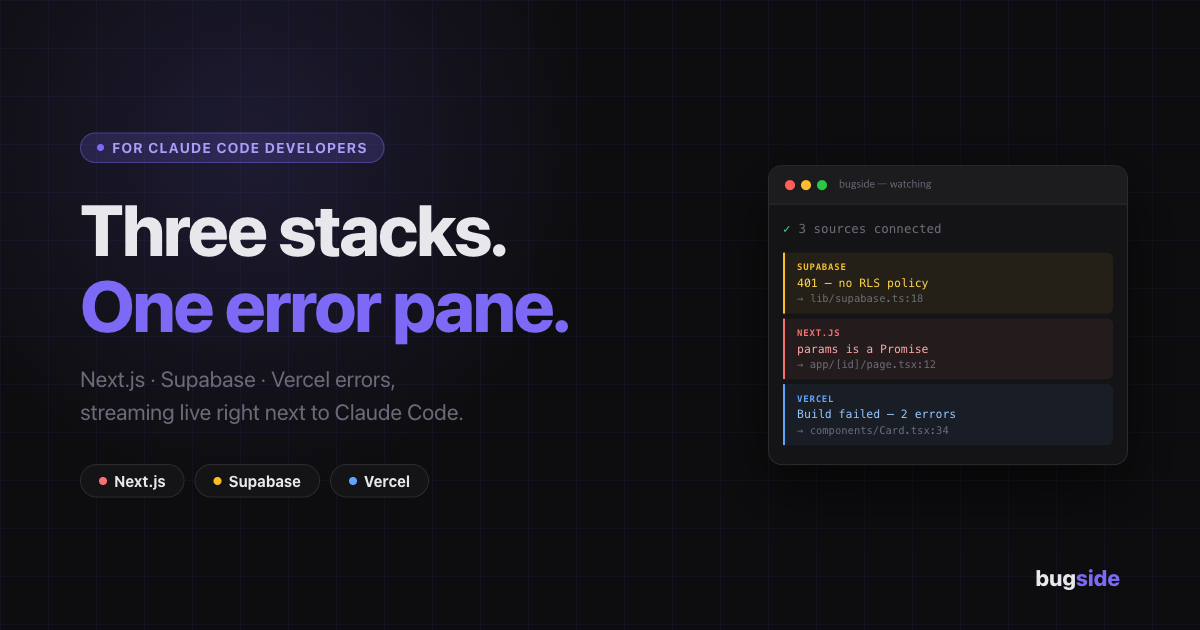
When building with Next.js + Supabase + Vercel, errors are scattered across:
- Terminal (Next.js runtime/compile errors)
- Browser console (client-side errors, Supabase API failures)
- Vercel dashboard (build/function errors)
Bugside consolidates all three into one always-visible terminal panel, so you never lose focus.
npm install -g bugside
# or use without installing
npx bugside devnpx bugside initThis adds "dev:debug" to your package.json:
{
  "scripts": {
    "dev:debug": "npm run dev 2>&1 | npx bugside dev"
  }
}
Then run:
npm run dev:debugnpm run dev 2>&1 | npx bugside dev# terminal 1
npm run dev
# terminal 2
npx bugside devBugside opens a proxy on port 3001. Browse at http://localhost:3001 instead of localhost:3000 to capture browser and Supabase errors.
| Source | Errors |
|---|---|
| Next.js | Runtime errors (⨯), compile failures, hydration mismatches, type errors |
| Supabase | API errors (4xx/5xx from /rest/v1/ requests), network failures |
| Vercel | Function errors, HTTP 5xx, build failures |
- Stdin parser — strips ANSI codes and parses Next.js/Vercel log lines using official log symbols (
⨯✓⚠) - Browser proxy — runs on
:3001, injects a script that interceptswindow.fetchandwindow.onerror, sends errors to a local collector - Supabase proxy — same proxy intercepts Supabase REST API calls and reports 4xx/5xx responses
- TUI — renders errors in a fullscreen Ink (React) panel with source badges, timestamps, and file locations
bugside dev [options]

Options:
  -p, --port <port>  Next.js dev server port (default: 3000)
  -h, --help         display help