Steps To Reproduce
-
Go to ''
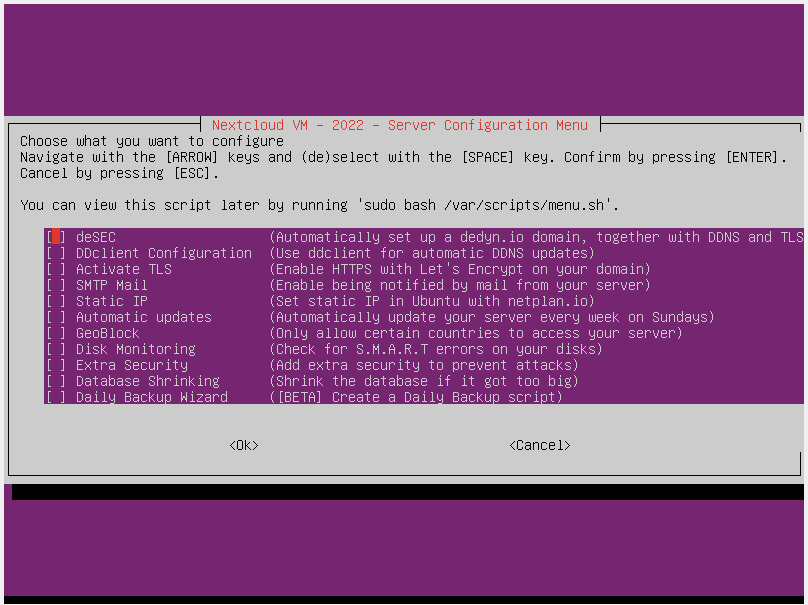
"
-
Start the Script and typed in the domain name: ******
was result in the following notification:
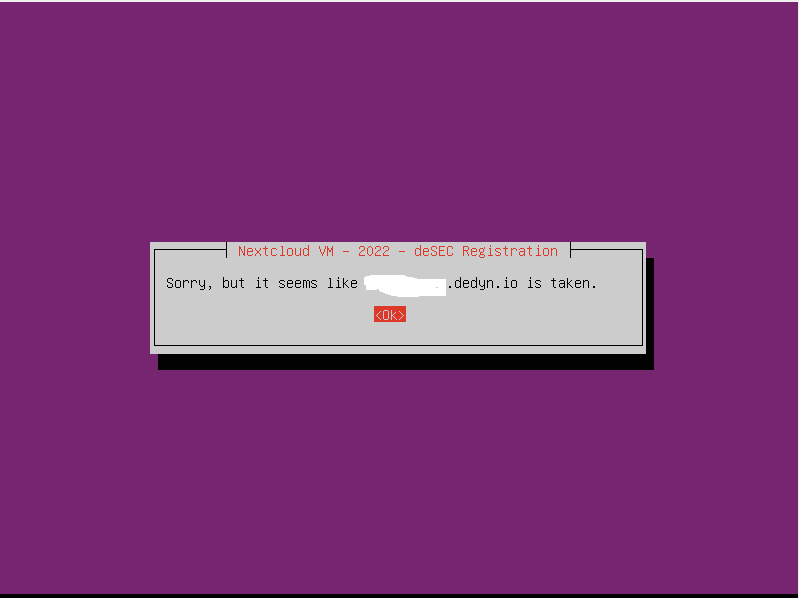
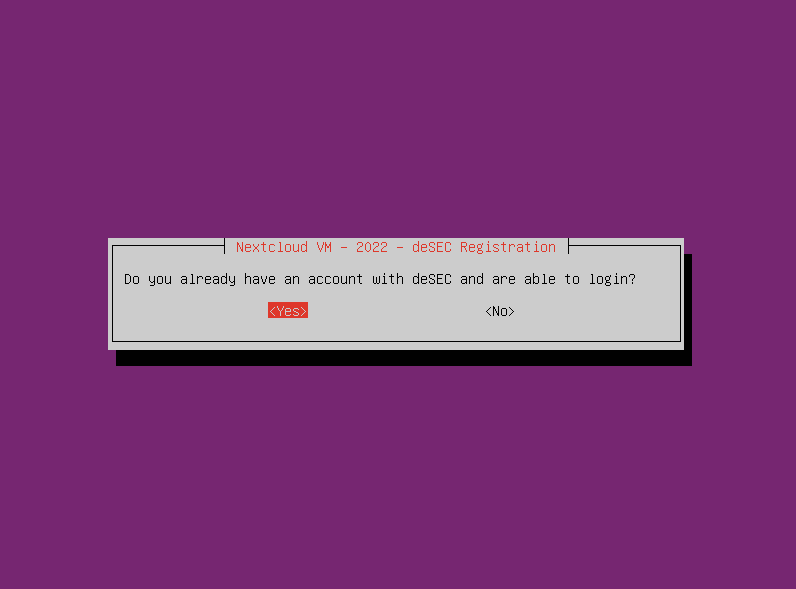 -- choose ok.
- after confirmation with ok
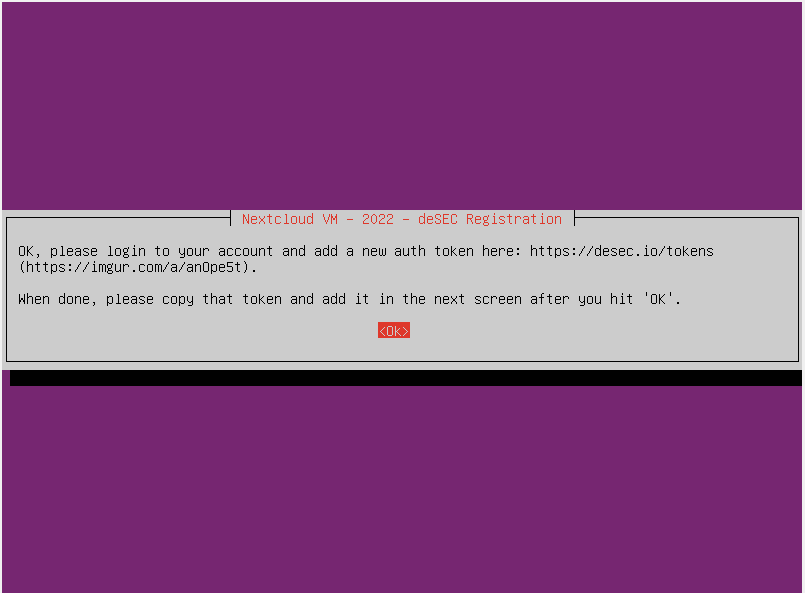
the script will skip forward:
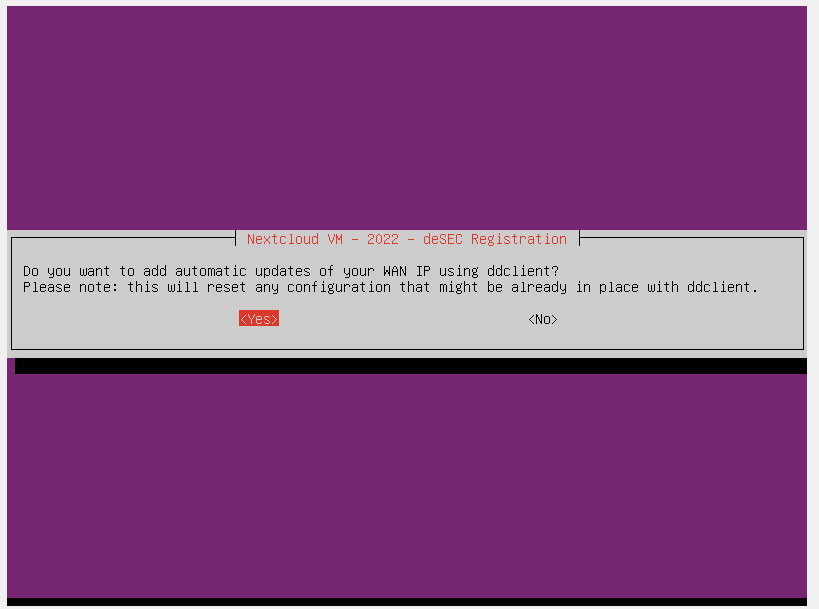
There is no way to type in the Token after pressing OK. How can i type in the token and finish the set up?
Expected Result
Log into my desec Account by using the token.
Actual Result
Skip over the Login input box and aks for automatic WAN IP (after pressing OK I got the error that the token is missing ...)
Screenshots, Videos, or Pastebins
No response
Additional Context
No response
Build Version
I downloaded today from https://shop.hanssonit.se/
Environment
By using the scripts, By downloading the VM
Environment Details
No response

Steps To Reproduce
Go to ''

"
Start the Script and typed in the domain name: ******

was result in the following notification:
the script will skip forward:
There is no way to type in the Token after pressing OK. How can i type in the token and finish the set up?
Expected Result
Log into my desec Account by using the token.
Actual Result
Skip over the Login input box and aks for automatic WAN IP (after pressing OK I got the error that the token is missing ...)
Screenshots, Videos, or Pastebins
No response
Additional Context
No response
Build Version
I downloaded today from https://shop.hanssonit.se/
Environment
By using the scripts, By downloading the VM
Environment Details
No response