Conversation


 bkeryan
requested review from
csjall,
dixonjoel,
mshafer-NI,
nstokes-nati and
pbirkhol-ni
as code owners
bkeryan
requested review from
csjall,
dixonjoel,
mshafer-NI,
nstokes-nati and
pbirkhol-ni
as code owners

|
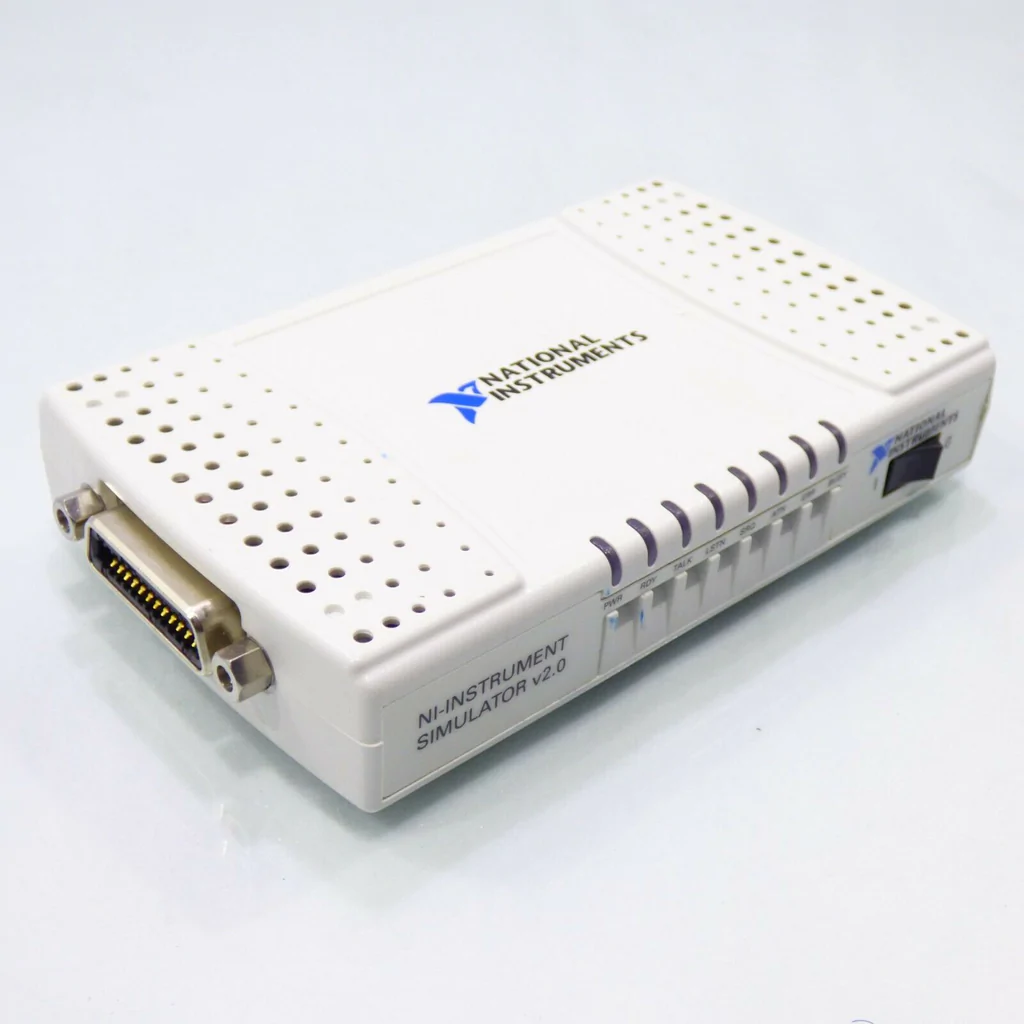
FYI, the NI Instrument Simulator v2.0 is a small plastic box that connects to a PC via GPIB and/or RS-232.
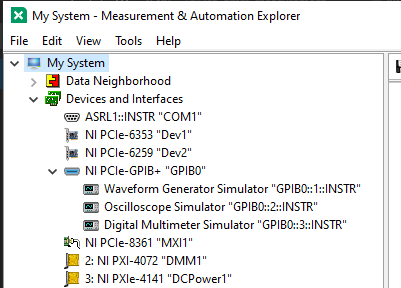
It simulates three instruments: a waveform generator, an oscilloscope, and a digital multimeter:
You can configure some settings in software by running the NI Instrument Simulator Wizard:
I reset the simulator to its default factory settings, which includes GPIB multi-address mode with address 1-3. |
|
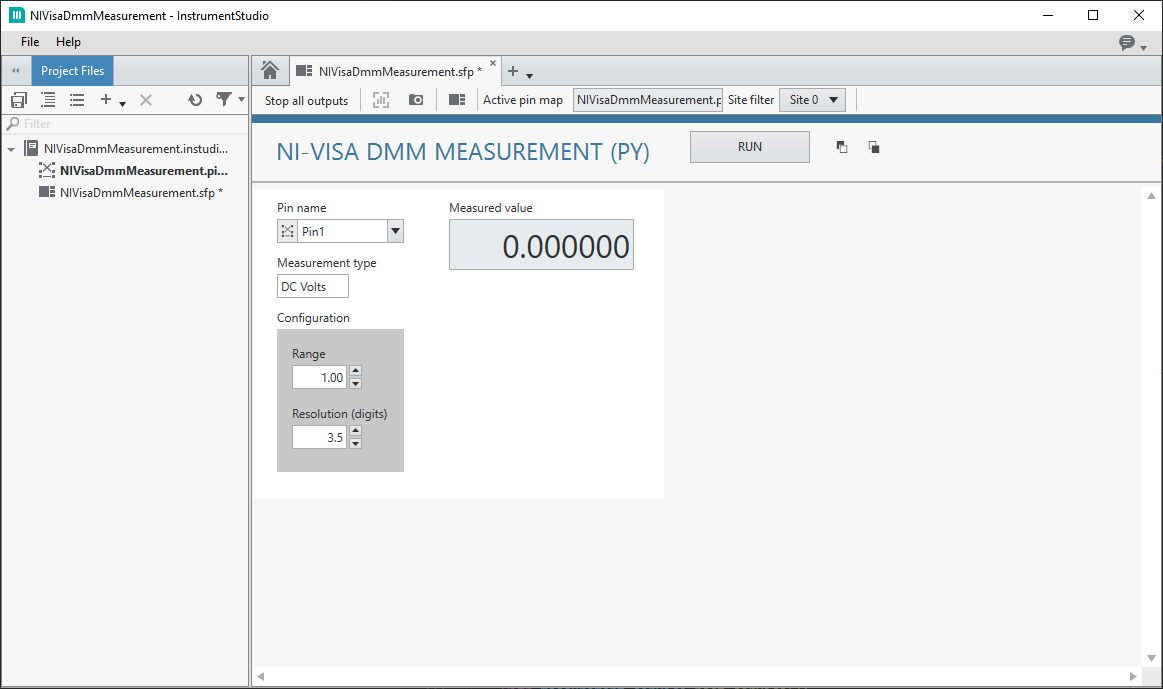
.measui panel: copied from nidmm_measurement and removed outputs that aren't supported by the simulator.
|
|
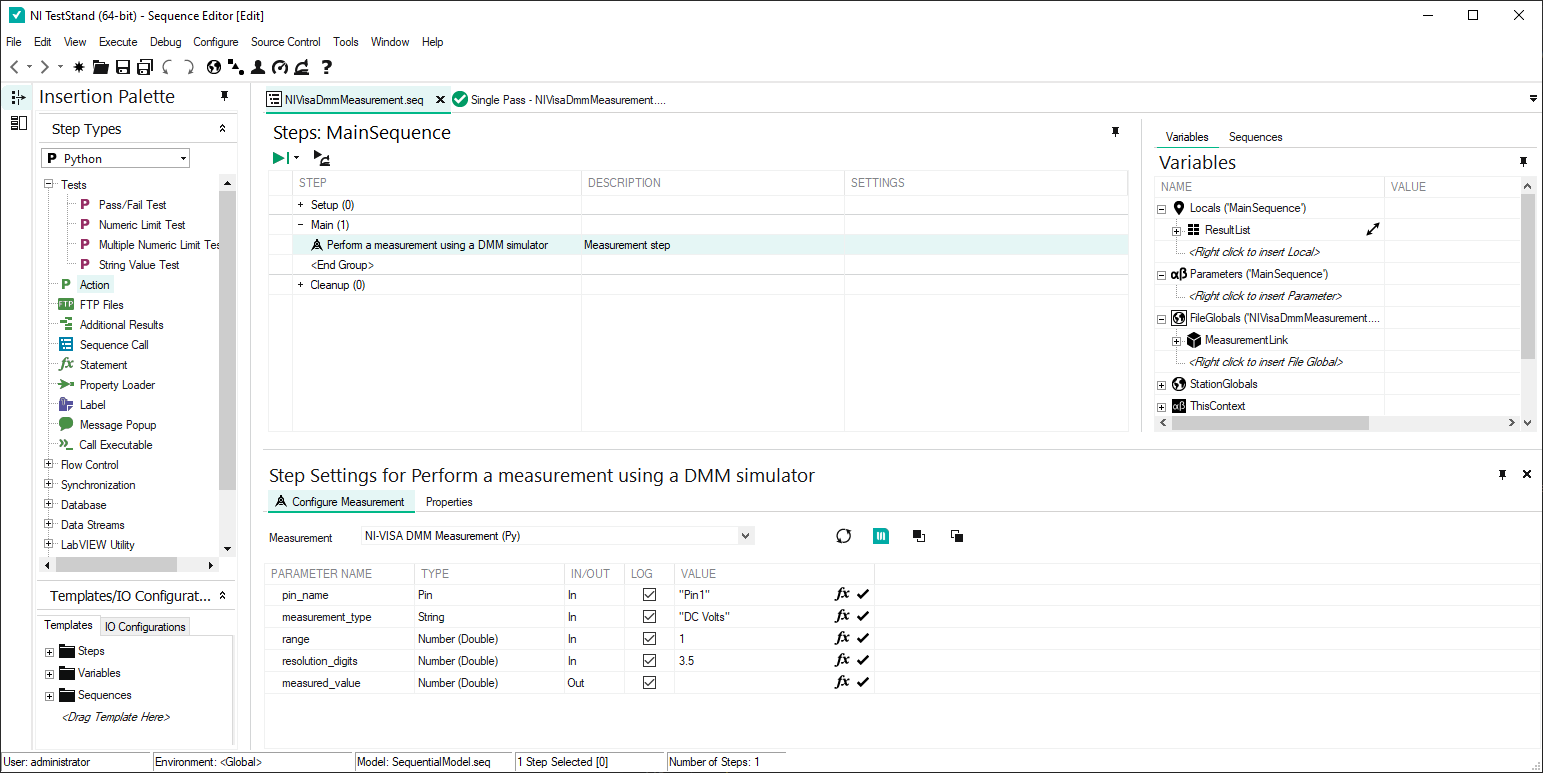
TestStand: Report w/duplicated measurement step (for more readings): |
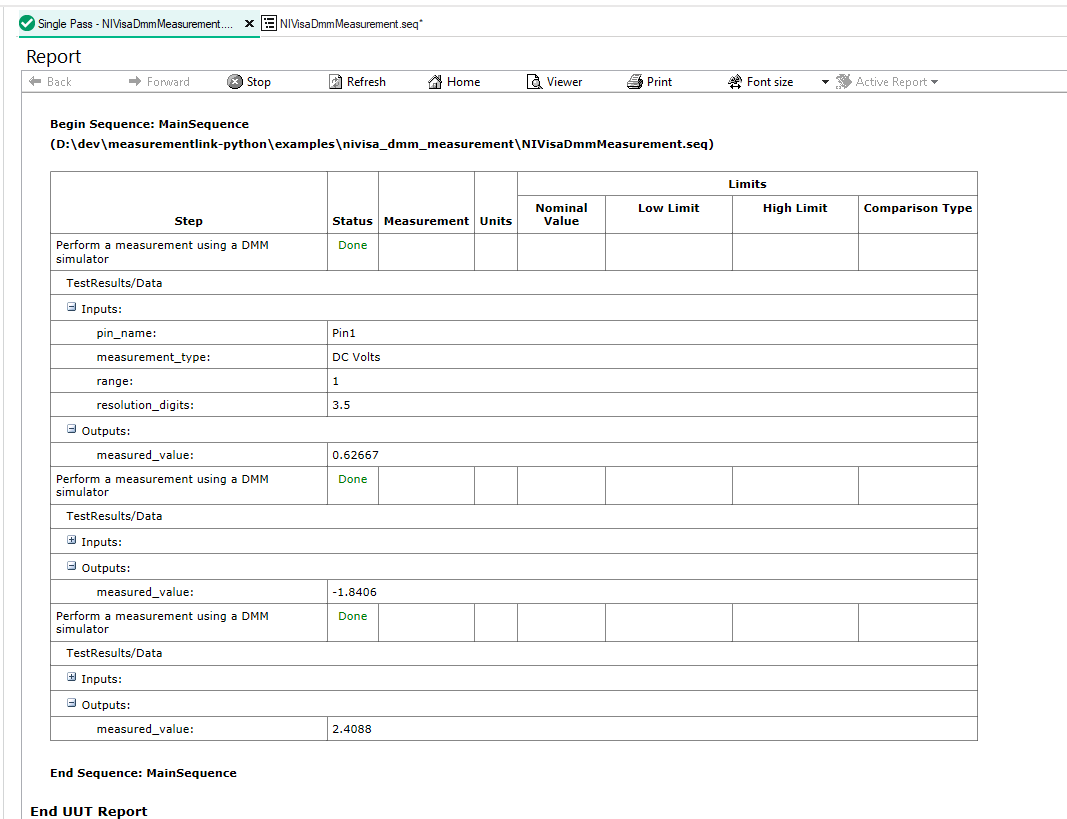
|
I created Test Case 2263609: Use a Python measurement service with NI-VISA in TestStand to document how to set up and run this example. |
|
Neither NI nor the IVI Foundation distribute official Python support for VISA. I used pyvisa and pyvisa-sim. |


|
This link is a blast from the past. :) http://sine.ni.com/apps/utf8/niid_web_display.model_page?p_model_id=13039 |

3 participants


What does this Pull Request accomplish?
Add a
nivisa_dmm_measurementexample, which usespyvisato perform a DMM measurement with NI Instrument Simulator v2.0 hardware. It also supports usingpyvisa-simto simulate the simulator hardware.Why should this Pull Request be merged?
Implements the NI-VISA part of AB#2086086: Test Architect can access python example for using session management
What testing has been done?
Manually tested with InstrumentStudio, MeasurementLink UI Editor, and TestStand.