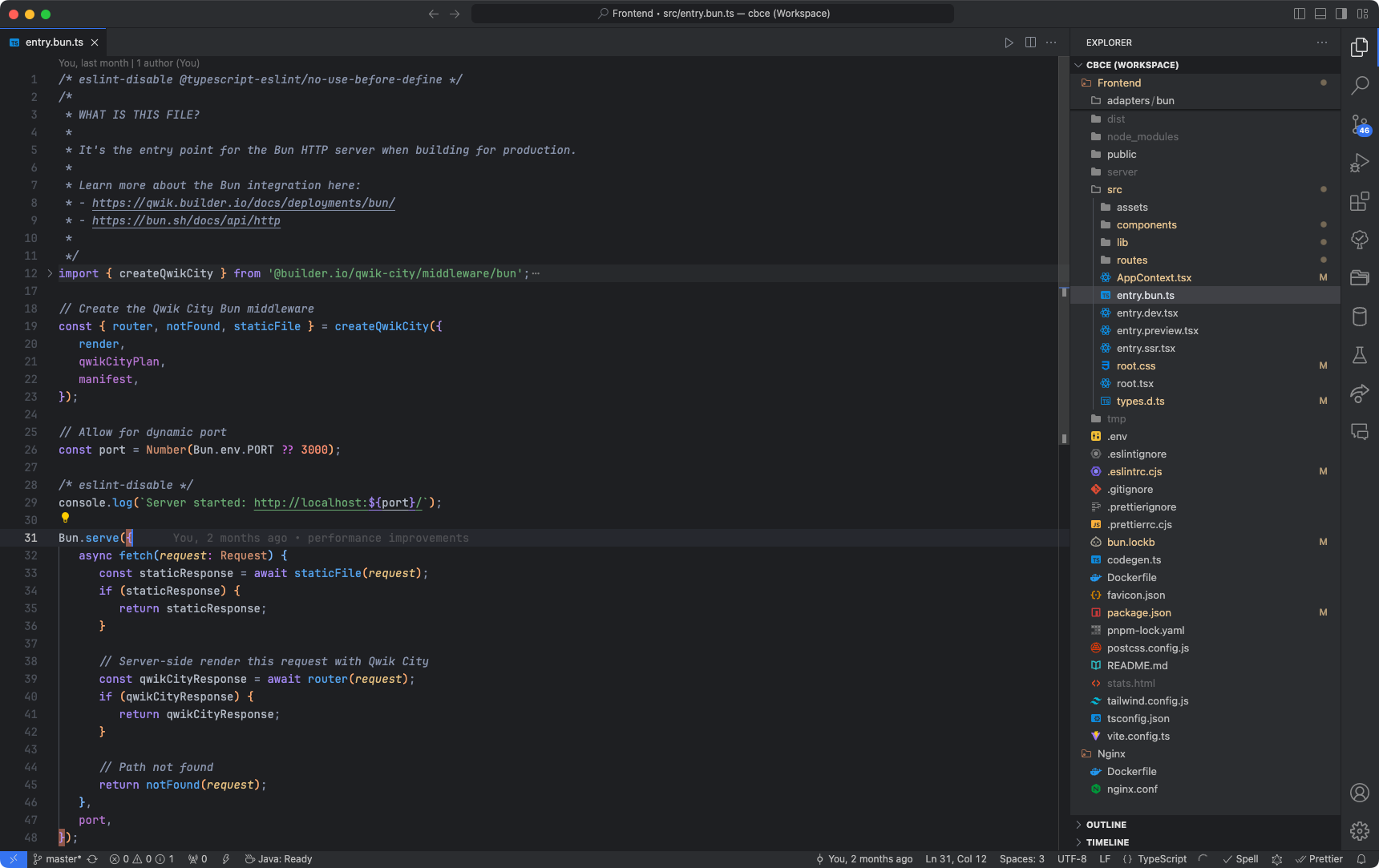
Better Coding Theme is a Visual Studio Code extension that adds themes titled "Better Coding".
See the CHANGELOG for the latest changes.
- Open the extensions sidebar on Visual Studio Code
- Search for
Better Coding Theme - Click Install
- Click Reload to reload your editor
- Select the Manage Cog (bottom left) > Color Theme > Better Coding Theme
- 🌟🌟🌟🌟🌟 Rate five-stars 😃
For any issues or suggestions, please use GitHub issues.
Enjoy!