Repository navigation
Home
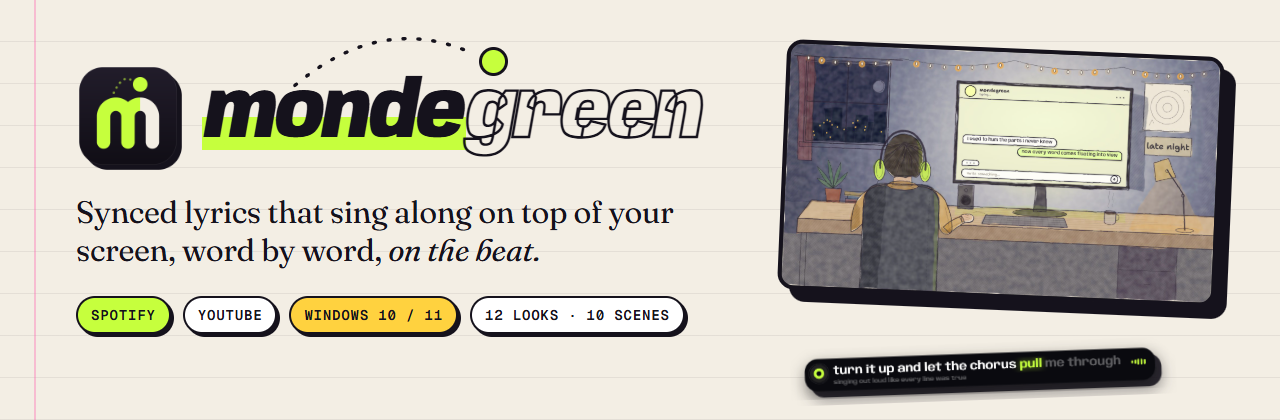
mondegreen is a free, open-source synced lyrics overlay for Windows. While Spotify or YouTube plays, word-by-word lyrics float on top of your screen, light up the moment each word is sung, and move on the beat of the song. Press Ctrl Alt F and the lyrics take over the whole screen as a lyrics visualizer.
A mondegreen is a misheard lyric. This app is the fix.
| Page | What's in it |
|---|---|
| Installation | Installer or portable exe, SmartScreen, updating, uninstalling |
| Getting started | Your first song in under a minute |
| Overlay looks | All 12 looks and who each one is for |
| Listen mode | The 10 full-screen scenes and their controls |
| Settings and sync | Placement, size, colour, tap-to-sync, Bluetooth delay |
| Keyboard shortcuts | Every shortcut on one page |
| FAQ and troubleshooting | No lyrics, wrong timing, nothing shows, resetting |
| How it works | Now playing, lyrics, beat tracking and drawing, in depth |
| Building from source | Run, test, capture screenshots, build the exe |
| Privacy | Exactly what leaves your PC (very little) |
- Word-by-word sync from word-timed karaoke lyrics, with line-synced lyrics as a fallback.
- Beat-locked motion from a beat tracker that listens to your speakers.
- 12 overlay looks and 10 full-screen scenes, coloured from each song's album art.
- No login, no Premium, no API key. It reads what's playing from the Windows media controls.
- Windows 10 and 11, 64-bit. Installer or portable exe.