A kanban style productivity app where you can create and track individual tasks across three coloums, from Todo to Completed. Tasks can also be grouped into collections weighted by point value. Tracking book readings by pages is also possible. The FAB (Floating Action Button) allows the user to create their desired task type while the swipeable functionality of each list item allows the user to edit, delete or progress on the task.
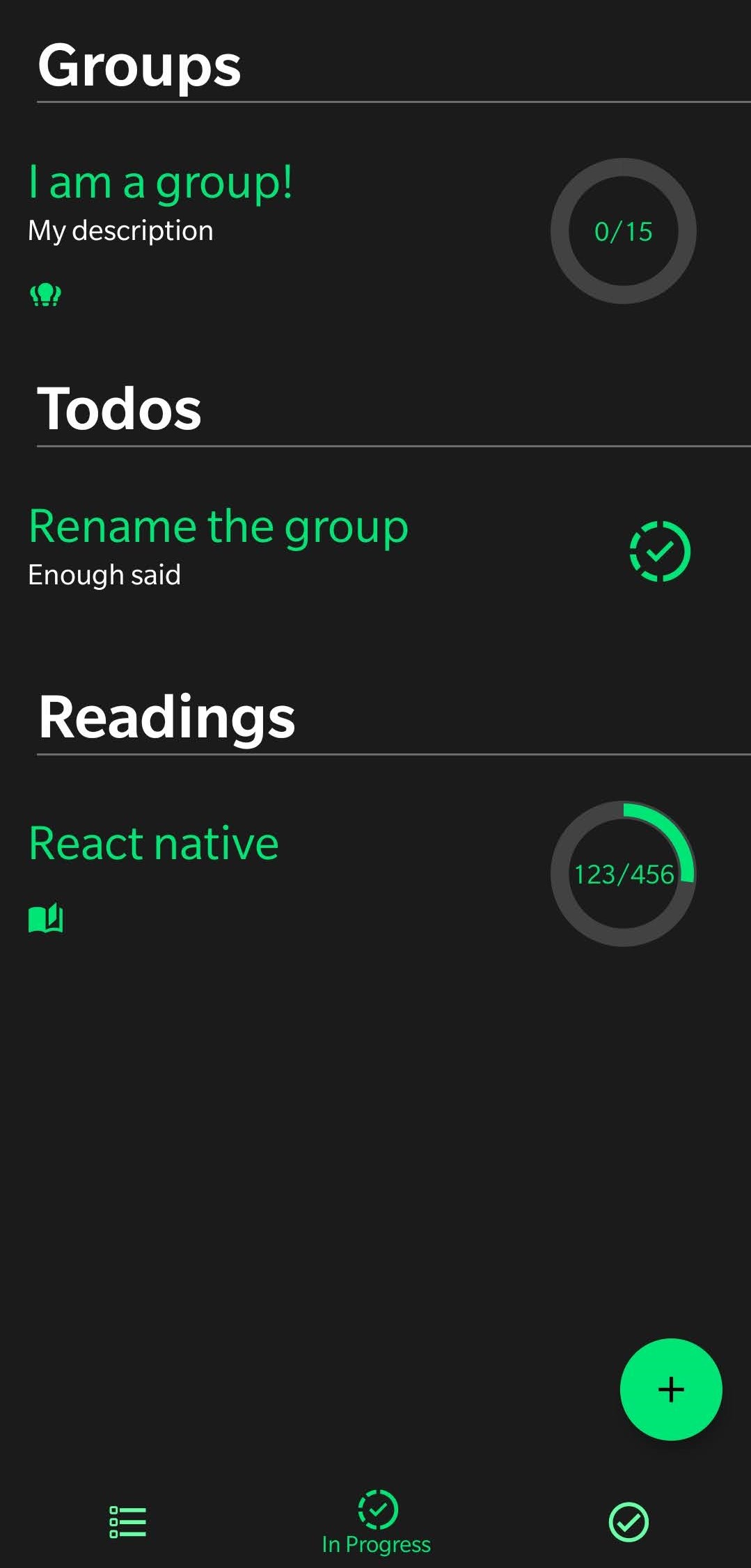
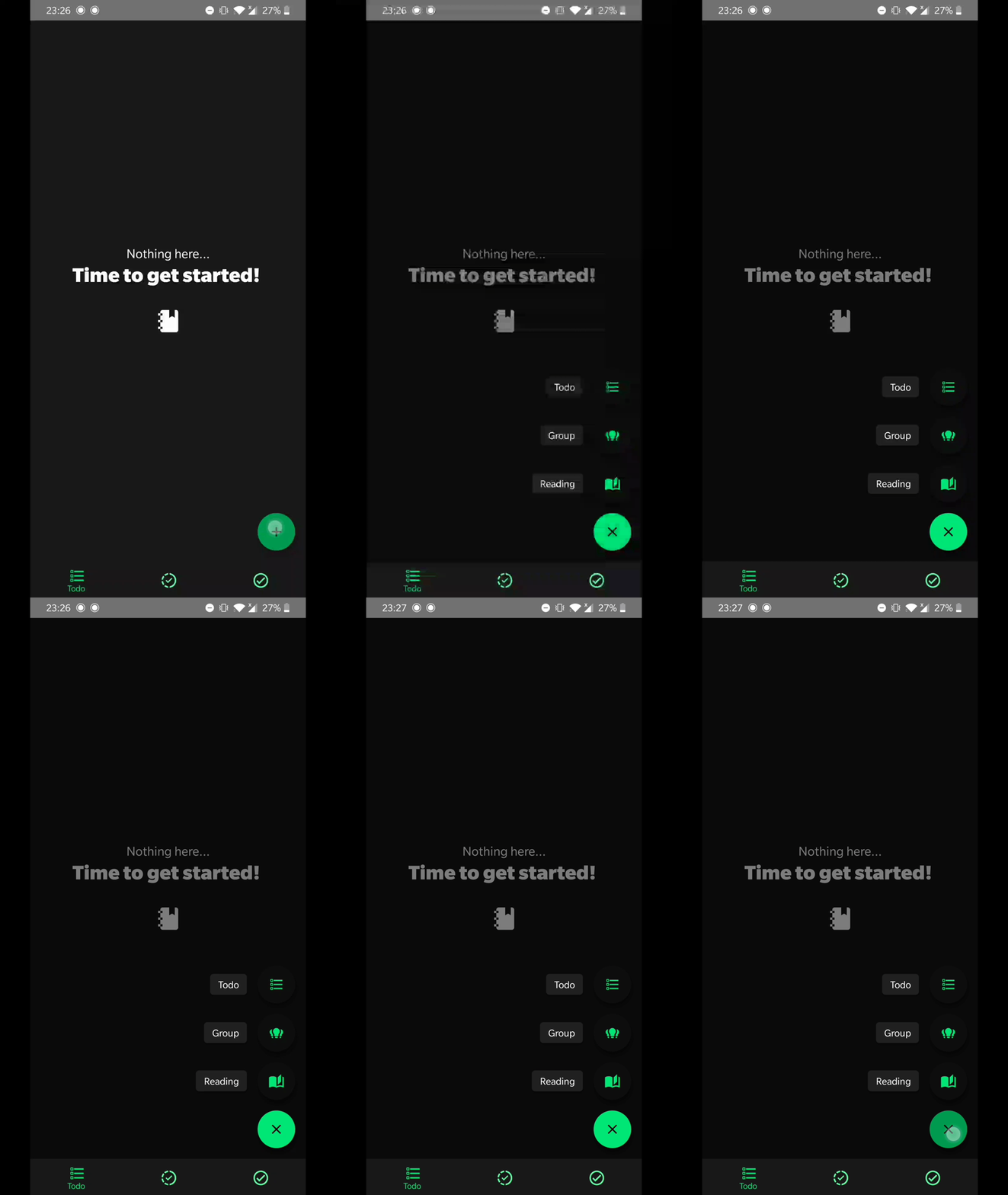
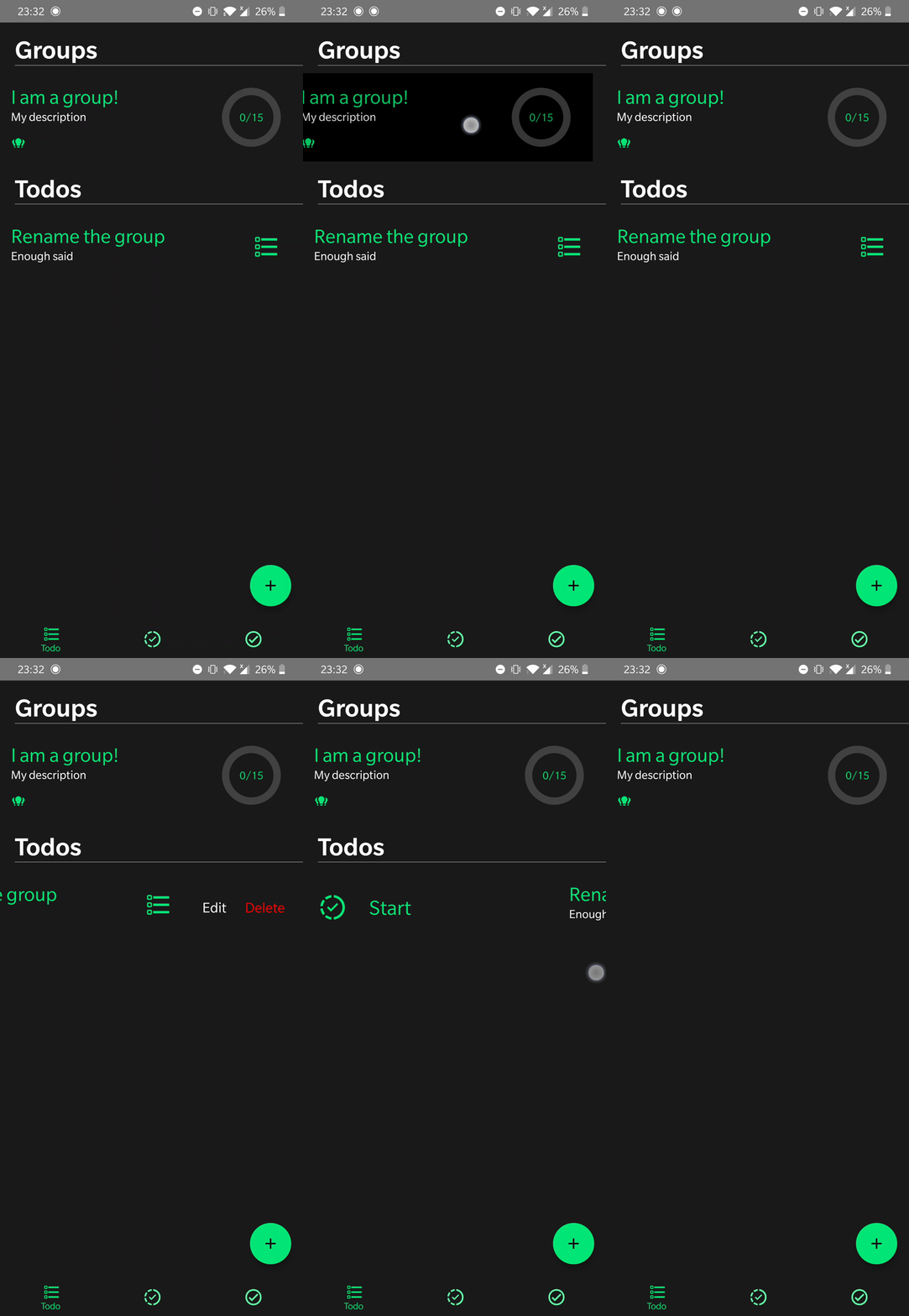
This was created using Typescript React Native with MobX for state management and Realm DB for local storage.
Some key tools:
- Material Design for colors
- React Native Paper for bottom navigator & FAB
- Formik for forms
- Yup for validation
- React Navigation
- Material Design Icons\
- React Native Circular Progress for the circular progress bars
- See the node modules for less important ones
I wanted to go start to finish on a project that I would use every day. I learned a ton about architecting a project of this size and a valuable lesson about future proofing and writing maintainable code.
The app needs a big refactor to cut down on code repetition and improve performance, cleaning up the UI couldn't hurt either. After that, I'd be interested in exploring the possibility of shipping to the play/app store to make it available for others.
Other quality of life improvements include:
- Using react context or dependency injection to pass the main data store around the app
- Improving the logic behind readings to consider which pages have been read and which are left to suggest tasks to be created
- Build projects in vertical slices, go start to finish on one key functionality and then expand to cover other features.
- Prepare as if the project is going to be shipped, spending hours planning is a lot better than facing tons of issues down the line
- Spend time refactoring code as each new feature is added so that you don't have a massive task at the end
- Write tests lol
To run the app via android simulator / physical device : npx react-native run-android
If using a physical device first make sure you can see your device listed: adb devices When running the app for the first time on a new device, you need to run this: adb reverse tcp:8081 tcp:8081 to link the ports