How to install on OSX - Could not find instructions on the website #1853

Description

Sorry for the seemingly basic question but how do I install node.js on Mac OSX? I couldn't find instructions on the site. I was directed here to install node.js, https://nodejs.org/en/ and I see a link to download.

When I click on that link it shows a list of files in a folder.
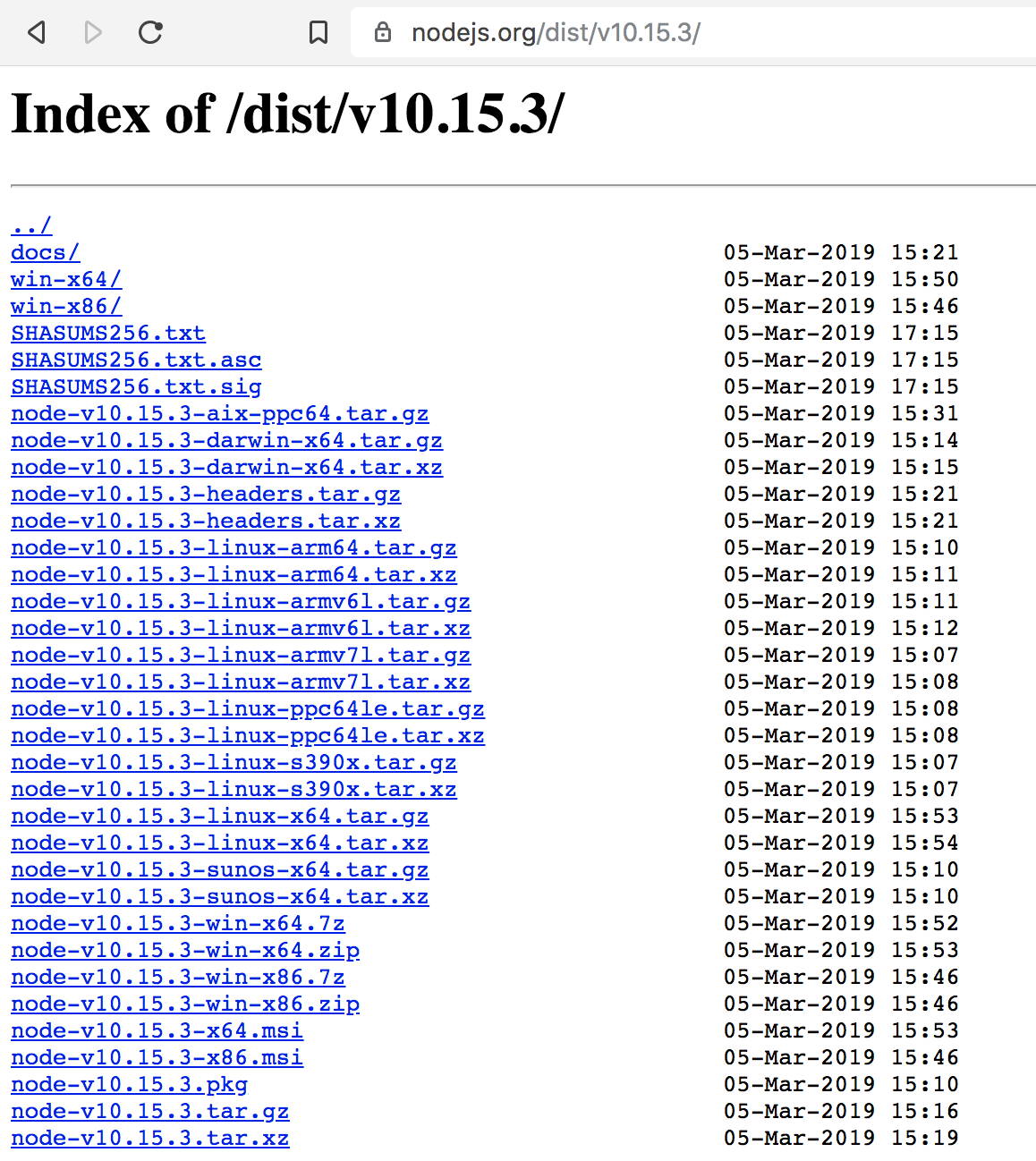
Which do I download?
I guessed that it may be node-v10.15.3-darwin-x64.tar.gz? Is this right? I downloaded it and uncompressed it and it shows a list of files.
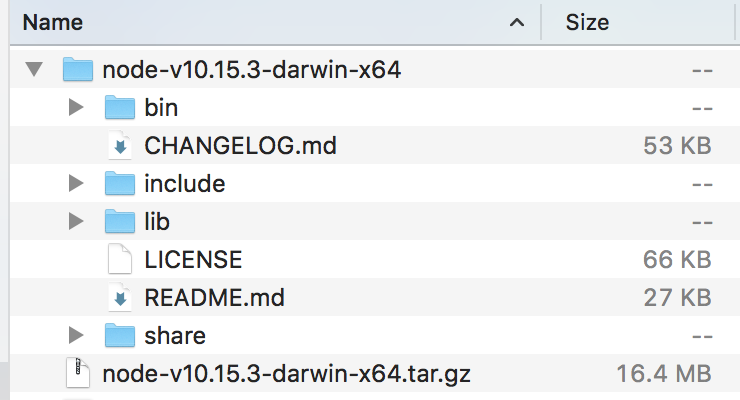
Where do I put these?
When I opened the read me I found a reference to "installation" and it points back to the download page lol
Binaries, installers, and source tarballs are available at
https://nodejs.org/en/download/.