
Trying to make Game Launcher for my game. Tech stack: ElectronJS, React, Typescript.
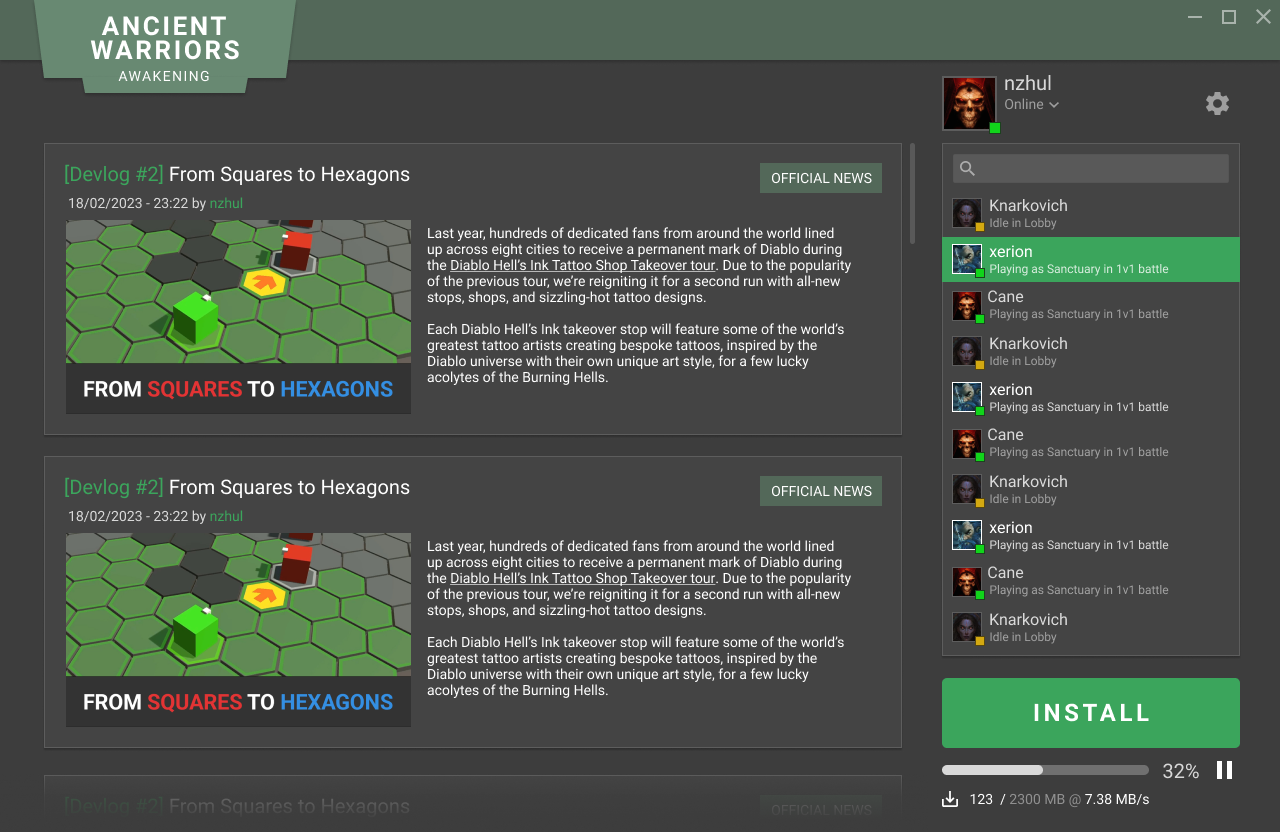
How it should look like when it is ready:
- Change the app version in package.json.
- Add commit message that includes the new version. For example: "bump package version to 1.0.31"
- Push to master or merge PR in master
- Wait for the build to complete and create release in draft mode.
- Open the release, populate release details information and
Publishthe release. - Wait for https://hazel-nzhul.vercel.app/ to pick up the changes. Depending on INTERVAL environment variable, the wait time will be between 1 and 15 minutes.
- The AutoUpdate should trigger on user local clients.
There is github workflow in .github/workflows/main.yml that do the following:
- Checks if there is an update in the project version.
- The check step try to find if there is new version. The new version can be introduced in two ways: 1. Add it to your commit message: Ex: "{WHATEVER} 1.2.3" or just change the version property in
package.json. Using the second aproach is slower and it is recommended to use the first one - Usually I do separate commit that only triggers the new version. For example "bump version to 1.0.21"
- The check step try to find if there is new version. The new version can be introduced in two ways: 1. Add it to your commit message: Ex: "{WHATEVER} 1.2.3" or just change the version property in
- If there is a change in the version the build step is triggered. There are two steps here:
yarn install --network-timeout 600000(this installs dependencies and have increased timeout to 6 minutes)yarn publish> this command do multiple actions- It executes
makewhich creates executables using Squirrel.Windows - creates new release in github
- attaches assets to the release. There are 3 assets and all 3 are important, because later on they will be used for auto-update functionality: .exe, .nupkg and RELEASES
- In order for the publish command to work it is important to have proper configuration in
forge.config.ts. Please check thepublisherssection there. The important part are therepository owner and name
- It executes
In order for the auto-update functionality to work I have set up the following:
- I have hazel update server running at this address: https://hazel-nzhul.vercel.app/
- Hazel is very simple server that query github API every 15 minutes and checks if there is new release.
- If there is new release it remembers that and exposes this information to whoever is interested.
- In my main.ts file I have the following code that connects to hazel update server and listens for updates. The check is done every minute
  const server = 'https://hazel-nzhul.vercel.app';
  const url = `${server}/update/${process.platform}/${app.getVersion()}`;
  console.log(url);
  autoUpdater.setFeedURL({ url });
  autoUpdater.checkForUpdates();

  setInterval(() => {
    autoUpdater.checkForUpdates();
  }, 60000);
- If there is new version the app will show popup dialog that shows the user that new version is being downloaded and it will be installed on app restart.
Note for me: I am using my github account as login to vercel. Please check this article for full guide: https://medium.com/geekculture/auto-update-electron-apps-using-github-releases-c1c890f603e0
1. Register free account in vercel
2. npm i -g vercel
3. vercel login
4. git clone https://github.com/vercel/hazel.git
5. cd hazel
6. yarn install
7. vercel -e ACCOUNT="nzhul" -e REPOSITORY="launcher"
   1. This command sets environment variables in vercel. You can do it manually through the vercel website interface.
   2. By default Hazel refreshes his cache every 15 minutes If you want to make hazel check more often, set this as environment variable INTERVAL = 1
8. vercel --prod
- Create classic token in Github.
- Add the token as environment variable on your PC GITHUB_TOKEN={value}
- run `yarn run publish`. It is important to add the `run`, because otherwise the publishing wont trigger