This playbook will install and configure the IOTA full node. In addition:
- Install and configure iota-pm: a GUI to view/manage peers
- Password protected, HTTPS accessible dashboards
- Run all services as systemd controlled processes (unprivileged users)
- Alerting and notifications
- Configure firewalls
iricconfiguration tool- HAProxy for Wallet/API connections
- Optional: Nelson and DevIOTA Field
- Monitoring for IRI + Graphs amazing work of Chris Holliday
For a "click-'n-go" installation see: Getting Started Quickly
For the full tutorial use the Wiki*
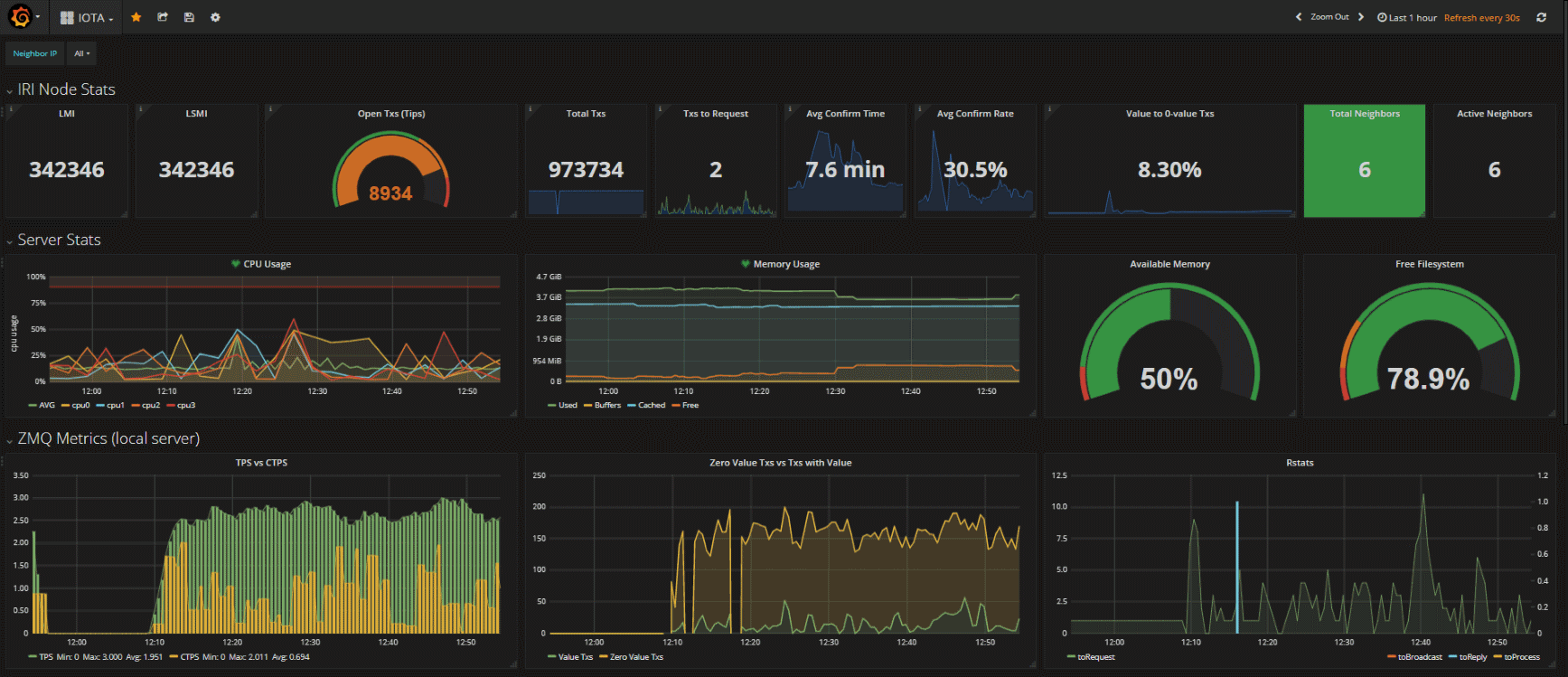
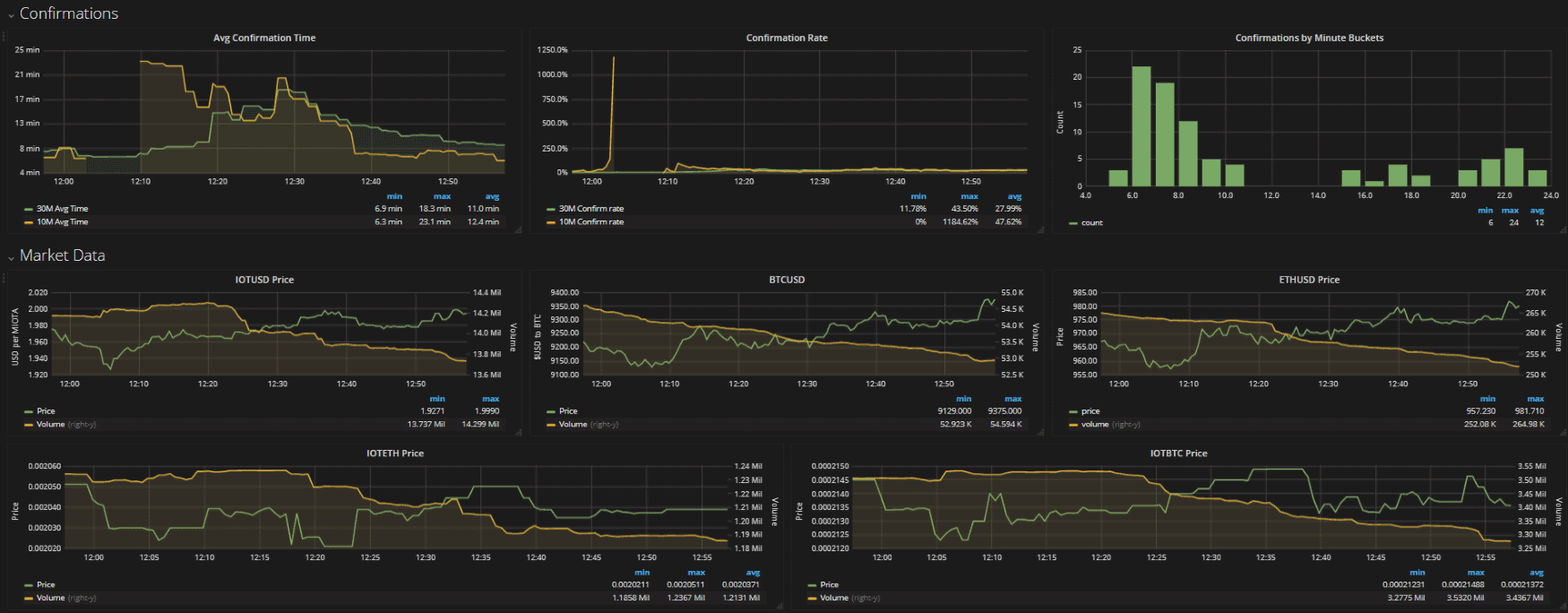
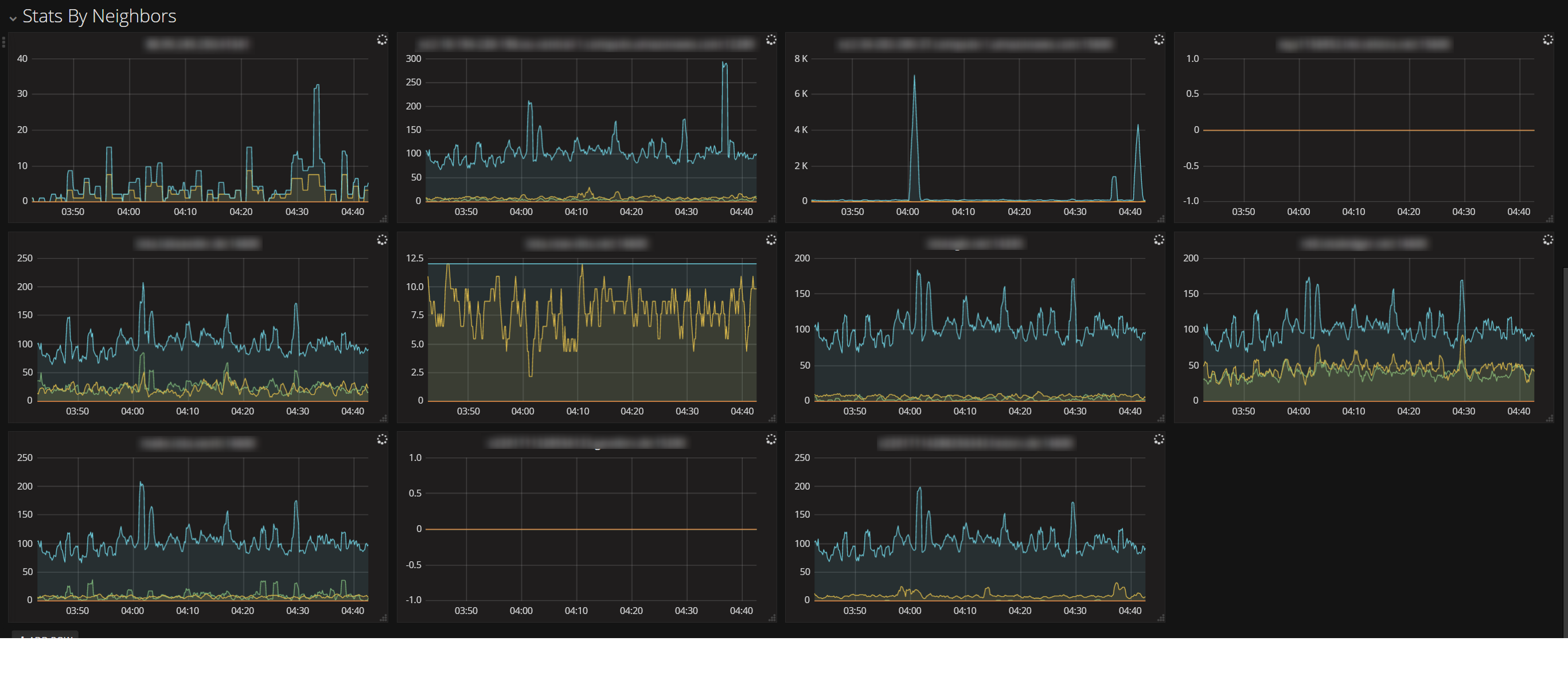
A redhat/centos or debian/ubuntu node where you want to have the node running on.
Latest Ansible installation for your distribution (http://docs.ansible.com/ansible/latest/intro_installation.html)
Playbook was tested with:
- Ansible>=2.4
- Ubuntu 16.04
- Ubuntu 17.04
- CentOS 7.4
Please feel free to contribute.
This playbook can be installed locally or on a remote host (given you have SSH access to it)
If you want to install to a remote host, edit the inventory and set the name and IP accordingly (i.e. hostname FQDN)
In groups_vars/all/*.yml you will find files with some configuration options and comments.
Important value to edit is the iotapm_nginx_password in the group_vars/all/iotapm.yml. Set a strong password.
To edit the password and/or add more users refer to the wiki link up in this README doc.
Edit other options if you want to tweak anything (most importantly check the latest IRI version and edit accordingly).
Simply run:
ansible-playbook -i inventory -v site.ymlYou can install a specific role (or skip) by using:
--tags=first-role-name,second-role-name or --skip-tags=rolename,etcFor example, to skip the monitoring role:
ansible-playbook -i inventory -v site.yml --skip-tags=monitoring_roleTo find available roles run grep "\- .*_role$" roles/*/tasks/main.yml:
# grep "\- .*_role$" roles/*/tasks/main.yml
roles/iotapm/tasks/main.yml:    - iotapm_role
roles/iri/tasks/main.yml:    - iri_role
roles/monitoring/tasks/main.yml:    - monitoring_role
Note that some roles are dependant on other roles having been installed. For example, the monitoring_role depends on iri_role.
Specifying tags or skipping tags is mostly handy when upgrading a role.
To re-install iri (this will remove any existing database) or for example to install a different version after having edited the version in the groups_vars/all/*.yml file:
First, if you already have iri running:
sudo systemctl stop iriThen:
ansible-playbook -i inventory -v site.yml -e "remove_iri_workdir=1"By default the playbook will not overwrite essential configuration files which have already been deployed, as this might discard values configured by the user.
In order to overwrite or update configuration files, the extra environment variable "overwrite=true" can be set i.e. -e overwrite=true when running the playbook.
This will backup existing configuration files with a timestamp.
The playbook has a directory group_vars/all/ with a collection of variable files. These are used by the playbook. Variables can be overriden using the -e somevar=someval argument when running the playbook.
Another way to override the variables declared in group_vars/all/ files is to create a new "override" file. Since the variable files are processed alphabetically, you can create a file called group_vars/all/zzz-override.yml and any variable declared in it will override any previously declared variable.