Repository files navigation
In this Crypto website you can:
Find your favorite crypto.
Buy and Sell crypto.
Open and Close Short positions on your crypto.
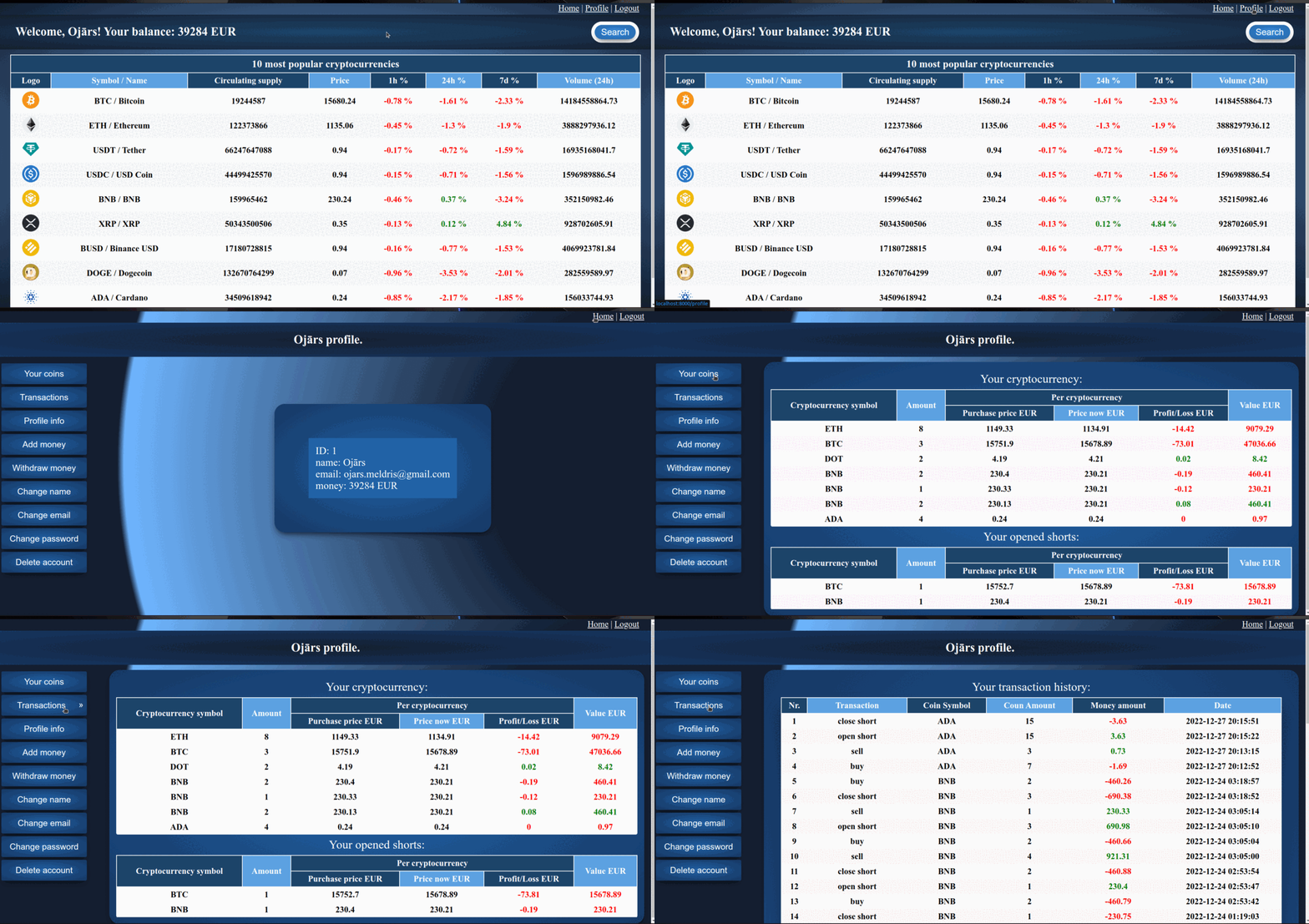
Check your transaction history
PHP 7.4
MySQL 8.0.31
Instructions to run the website:
Clone this repository using the command: git clone https://github.com/ojcis/crypto.git
Install the required packages using the command:composer install
Make a copy of the .env.example and rename it to .env
Register at https://coinmarketcap.com/api/ and get your API key.
Enter your API key in the .env file.
Create data base 'cryptocurrency'.
Import the table structure (script.sql) into the project.
Here are instructions on how to import script.sql into your database https://www.jetbrains.com/help/phpstorm/import-data.html
Enter your database credentials in the .env file.
You need to run the website from crypto/public folder by typing in terminal:cd public/php -S localhost:8000
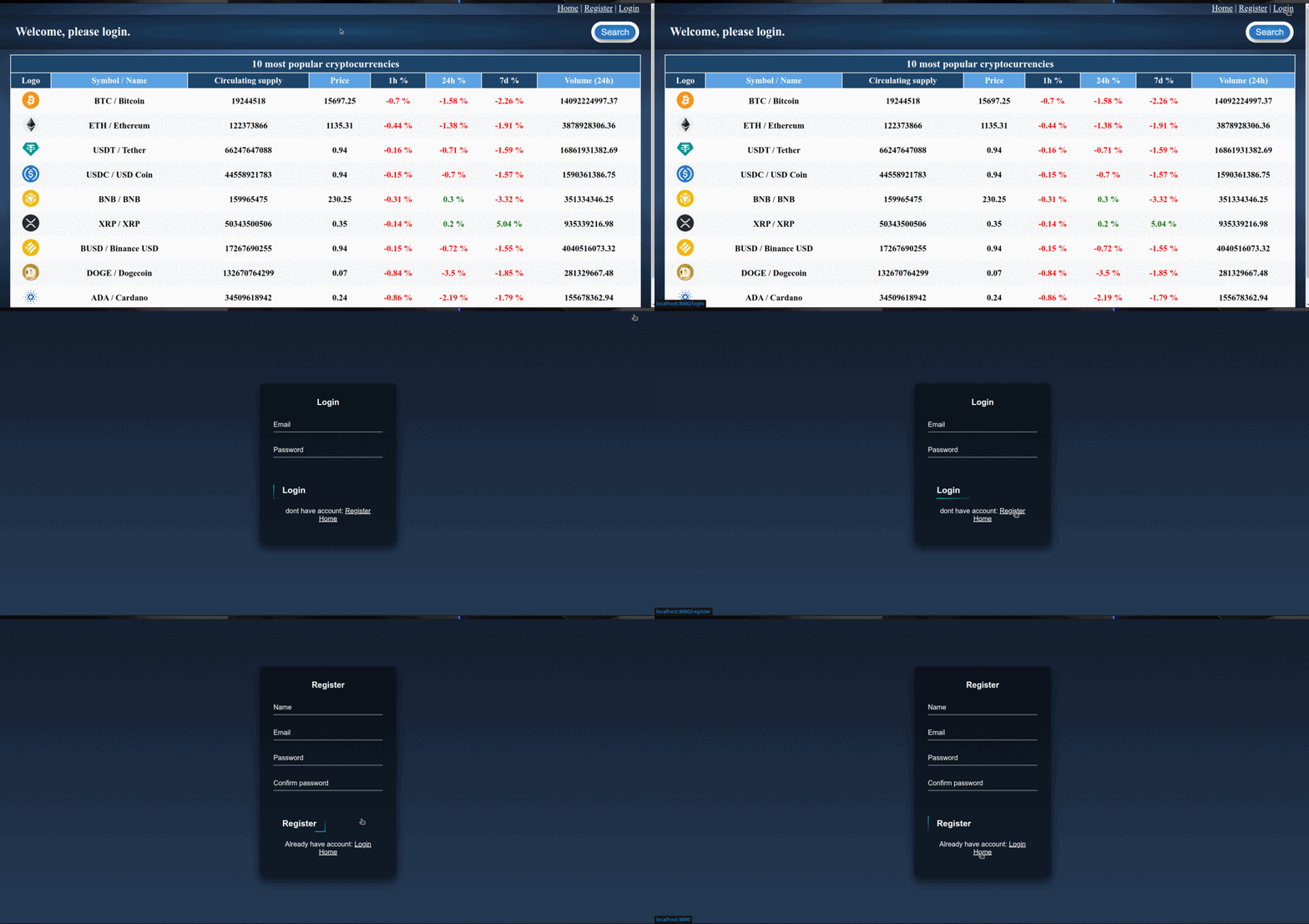
Home page, login, register::
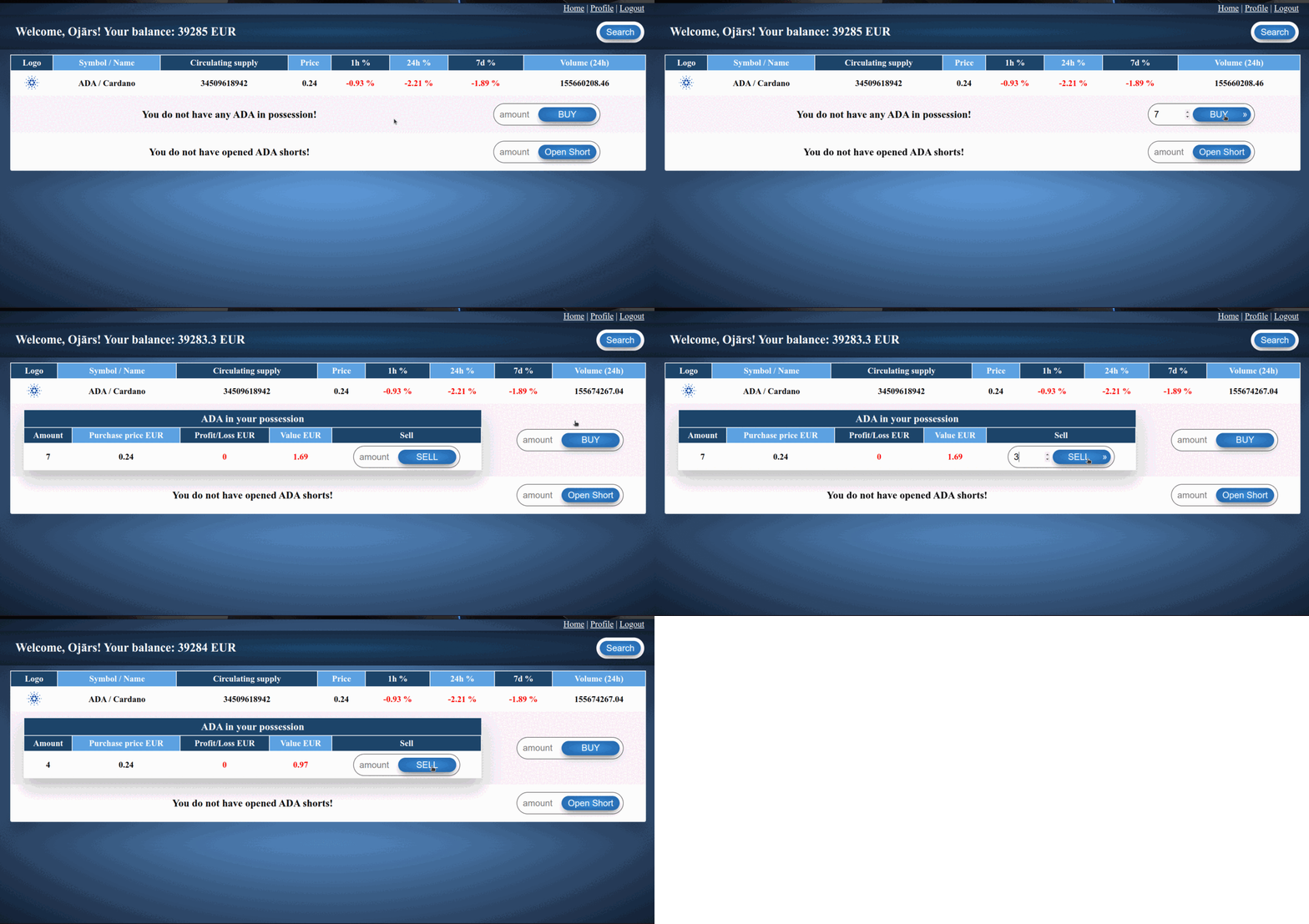
Open, close short position:
About
No description, website, or topics provided.
Resources
Stars
Watchers
Forks
You can’t perform that action at this time.