

You will deploy this full-stack application to Heroku using the Heroku Deployment Guide on The Full-Stack Blog.
The app will be a single-page application that meets the PWA criteria. Additionally, it will feature a number of data persistence techniques that serve as redundancy in case one of the options is not supported by the browser. The application will also function offline.
To build this text editor, you will start with an existing application and implement methods for getting and storing data to an IndexedDB database. You will use a package called idb, which is a lightweight wrapper around the IndexedDB API. It features a number of methods that are useful for storing and retrieving data, and is used by companies like Google and Mozilla.
AS A developer I WANT to create notes or code snippets with or without an internet connection SO THAT I can reliably retrieve them for later use
GIVEN a text editor web application
WHEN I open my application in my editor
THEN I should see a client server folder structure
WHEN I run npm run start from the root directory
THEN I find that my application should start up the backend and serve the client
WHEN I run the text editor application from my terminal
THEN I find that my JavaScript files have been bundled using webpack
WHEN I run my webpack plugins
THEN I find that I have a generated HTML file, service worker, and a manifest file
WHEN I use next-gen JavaScript in my application
THEN I find that the text editor still functions in the browser without errors
WHEN I open the text editor
THEN I find that IndexedDB has immediately created a database storage
WHEN I enter content and subsequently click off of the DOM window
THEN I find that the content in the text editor has been saved with IndexedDB
WHEN I reopen the text editor after closing it
THEN I find that the content in the text editor has been retrieved from our IndexedDB
WHEN I click on the Install button
THEN I download my web application as an icon on my desktop
WHEN I load my web application
THEN I should have a registered service worker using workbox
WHEN I register a service worker
THEN I should have my static assets pre cached upon loading along with subsequent pages and static assets
WHEN I deploy to Heroku
THEN I should have proper build scripts for a webpack application
While building this project I learned to:




Text Editor deployed application pacific-forest-88818.herokuapp.com


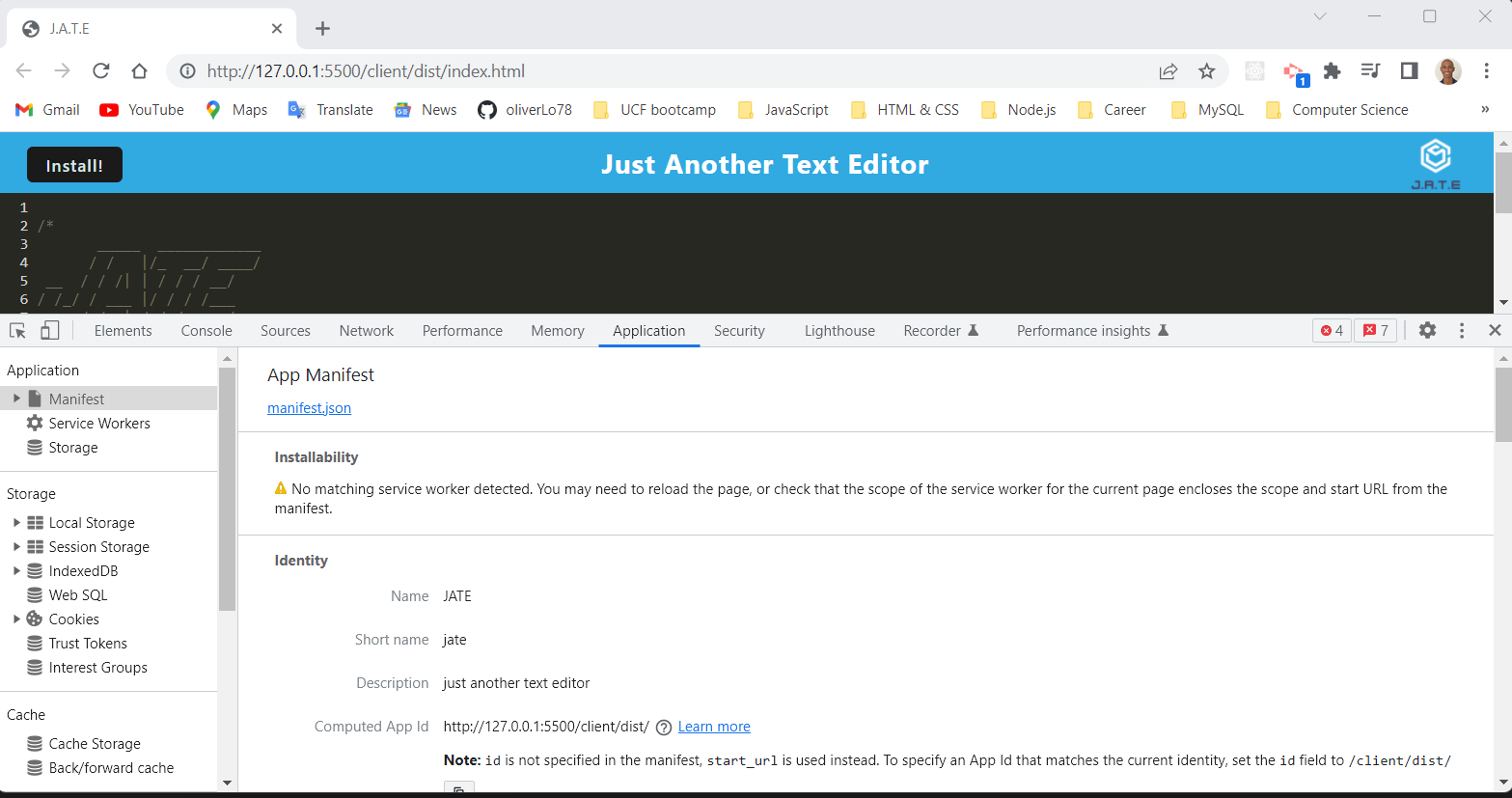
As a user you may add notes to the application. It will save your notes to a database so you may leave the page and have the notes stay.
Should you wish to have access to the text editor on your local device merely hitthe Install button at the top left of the screen. All of your notes will carry over.
From your terminal, run npm run start:dev in order to generate a dist folder. You will see that within the dist we have a condensed Progressive Web Application.
In order to see the application at work navigate to localhost:3000/ .
If you have a suggestion that would make this better, please fork the repo and create a pull request. You can also simply open an issue with the tag "enhancement". Don't forget to give the project a star! Thanks again!
- Fork the Project
- Create your Feature Branch (git checkout -b feature/AmazingFeature)
- Commit your Changes (git commit -m 'Add some AmazingFeature')
- Push to the Branch (git push origin feature/AmazingFeature)
- Open a Pull Request
Distributed under the MIT License. See LICENSE for more information.
For any further questions feel free to contact me via:
- GitHub: GitHub oliverLo78
- Email: oliverberto@gmail.com
- LinkedIn: Name on LinkedIn