
This is a Python script that detects Garbage in CCTV video and saves the corresponding images to a specified folder. Additionally, it sends the saved images to a server using HTTP requests.
Prerequisites This script requires the following Python libraries to be installed:
-
number.py OpenCV Numpy Requests os
-
api.py sqlite3 flask config pandas
Getting Started
To get started, follow these steps:
- Clone the repository to your local machine.
make extra folder in this file
1.core inside make "media" folder in this file
-
Install the required libraries using pip: pip install all #import file
pip install opencv pip install numpy pip install Requests pip instal sqlight3 pip install flask pip install flask_cors pip install pandas pip install config -
save photo in Internal on machine and using flask frame work store photo in sqlite3 database table
-
Run api then make user in api
user name = admin user
email = admin@gmail.com
user passwors = admin
Start API then write on your search engine this command
http://127.0.0.1:5000/admin/admin@gmail.com/admin -
Update the save_folder variable in the script to specify the folder where you want to save the detected number plate images.
-
Update the send_img function in the script to specify the URL of the server where you want to send the images.
-
set your path of where your program work store image in only core/media folder video file name is IMG_1891.mp4
-
Run the script using the commands:
python api.py

python number.py
License : This script is distributed under the GNU General Public License
Acknowledgements: This project uses the haarcascade_russian_plate_number.xml file from the OpenCV,GitHub repository.
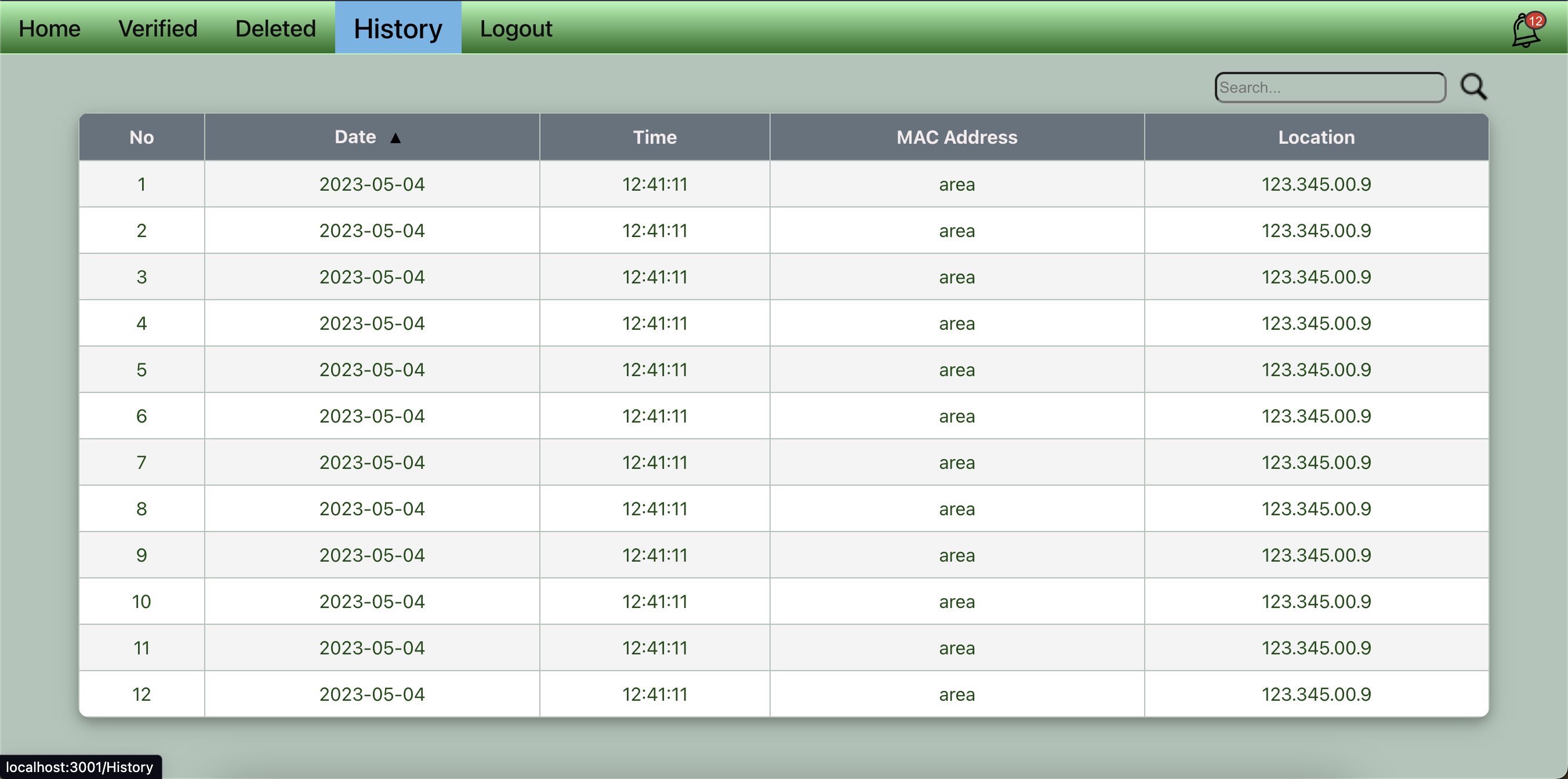
This is a React JS program that demonstrates the use of various React components and libraries. The program displays a simple user interface that allows users to perform various actions, such as adding and deleting items from a list, filtering and searching items, and displaying charts.
-
Requirements : This app is run online react-bootstrapt so internet and some offline images
-
Installation of React js :
-
create wab app using Terminal :
1. npx create-react-app number 2. cd number 3. npm start -
Installation commands:
npm axios npm Modal npm Button npm react-toastify npm menu -
And install other Requirements
-
Features :
This program demonstrates the following features of React JS:
- Components: The program is built using various React components, such as buttons, forms, and charts.
- State management: The program uses state to manage the data displayed on the user interface.
- Props: The program passes data between components using props.
- Hooks: The program uses various React hooks, such as useState and useEffect.
- React Router: The program uses React Router to handle navigation between different pages.
License: This program is licensed under the MIT License. See the LICENSE file for more information.