Home
The OpenCodeList Command Line Interface (in short: OpenCodeList Enbrea CLI) is a cross-platform command-line application for importing and exporting OpenCodeList data between the native OpenCodeList format and various supported external formats.
OpenCodeList CLI is intended for administrative tasks and provides the following capabilities:
- Importing data from supported file formats into code list documents (in OpenCodeList).
- Exporting code list documents (in OpenCodeList) to supported external formats.
- Integration into automated workflows, scripts, and build pipelines.
- Batch processing of code list conversions from the command line.
OpenCodeList CLI can be installed on any Windows computer:
-
Open the GitHub Releases page for OpenCodeList CLI in your web browser.
-
Download the installation package for the latest version. In most cases, this will be the Windows 64-bit MSI package.
-
Run the MSI package and follow the installation instructions.
OpenCodeList CLI is operated from the command line. You can use either the classic Windows Command Prompt or PowerShell.
To verify that the installation was successful:
-
Type
Command Promptinto the Windows taskbar search box and open the Command Prompt application.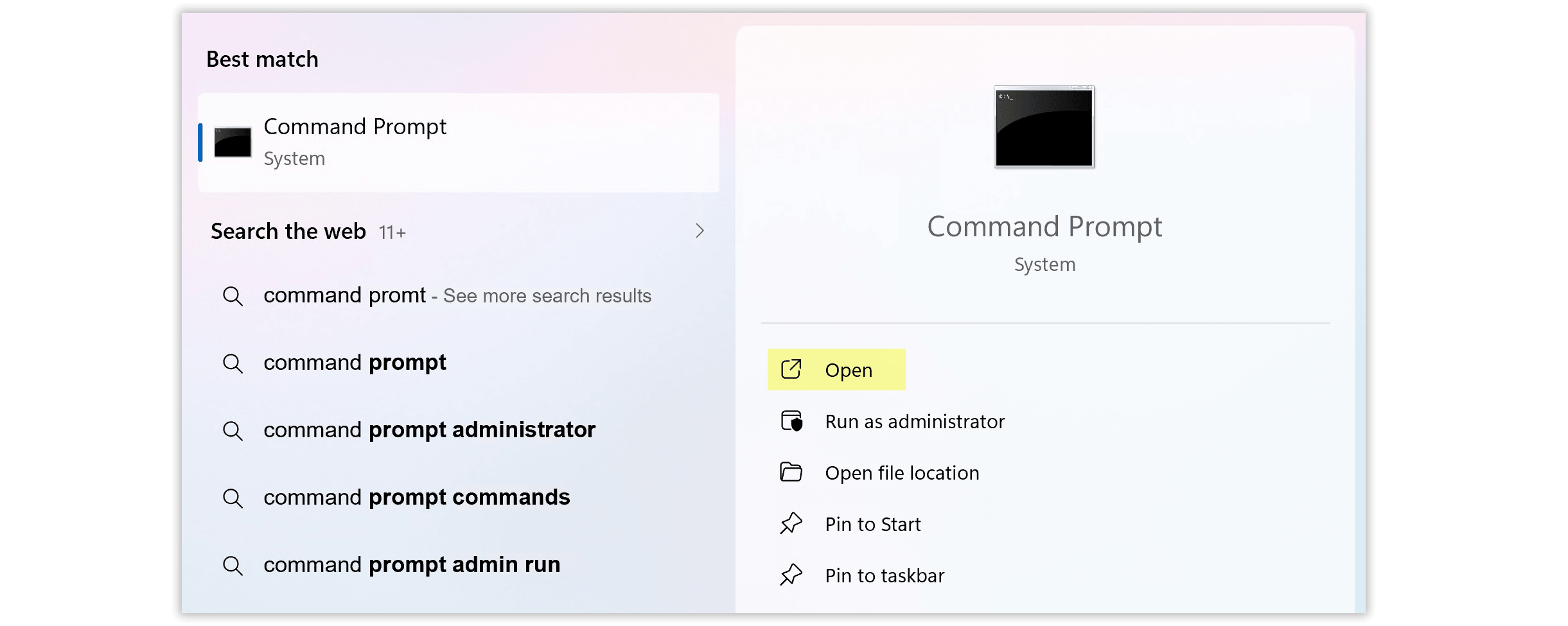
-
Enter the following command and press Enter:
ocl -?
A help screen should appear, providing a brief overview of the commands supported by OpenCodeList CLI.
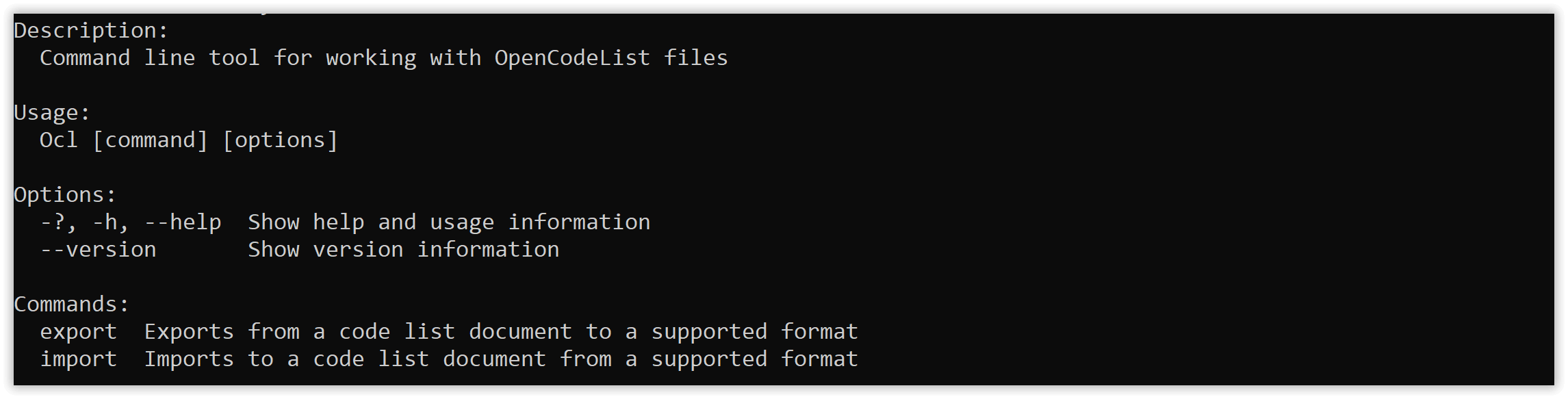
OpenCodeList CLI provides the following commands: