 EmulatorJS
Ejs_Core Gba ( game boy advance ) freezes at 97% And replacing loading bar with custom text ? #470

Replies: 2 comments 1 reply

What browser are you using? You are using the new cores, correct? What is your OS?
I do not open external images (because of tracking, cookies, popups, ads, etc.), you can upload images straight to github if you would like for me to view them Example:
You can do this by editing the code in |


|
, Reply: since GBA was/is a handheld console. All my testings & settings are done on a mobile Android smartphone. It's what I'm the most comfortable with. Occasionally I switch between chrome & opera browser. But most of the time on chrome ( , My Response: I guess they are located Or Here > https://github.com/EmulatorJS/EmulatorJS/blob/main/data/emu-main.js right ? The embarrassing thing is: I have limited experience with only PHP & CSS , (html) - I totally suck @ JS I tried uploading the project file of Emulator Js to my web host file manager. But the emulator was stuck at "Loading..." Forever. it didn't even get to " Decompress Game Core 97% " The only thing that worked was creating through this -> https://emulatorjs.org/editor.html Is there a parameter I could add to replace with custom text? Like the ones here maybe? -> : https://emulatorjs.org/docs/Options.html About new cores / old cores |

I'll add this |


Uh oh!
There was an error while loading. Please reload this page.
Uh oh!
There was an error while loading. Please reload this page.
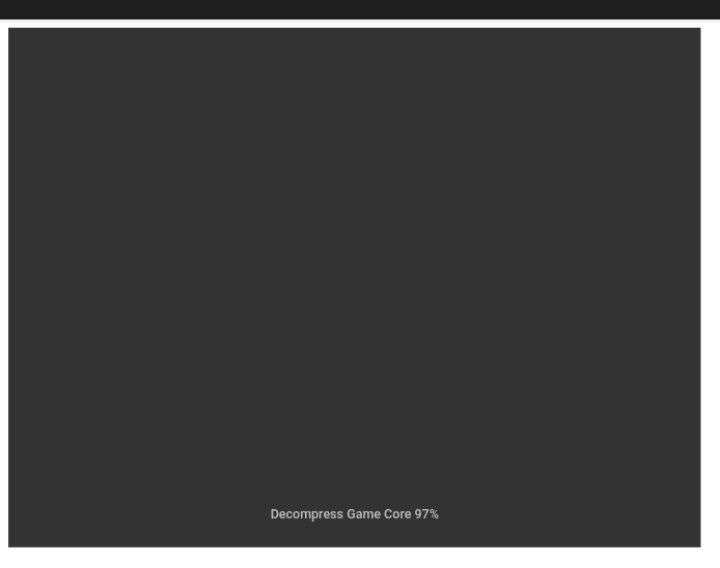
What causes the EJS_core = 'gba' game loading to sometimes freeze forever at ' Decompress Game Core 97% ' , as seen in this screenshot -> https://postimg.cc/LgmDbDDV
How can I avoid this freezing? Cause it's the same problem for the GBA section on : https://www.emulatorjs.com/gba.html ( I know you're not affiliated with them. )
,
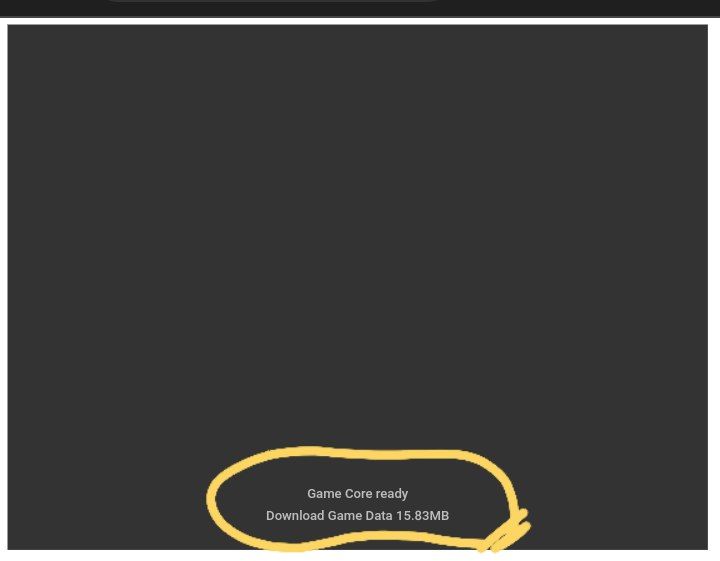
Also how can I replace the loading text / bar as seen in this screenshot -> https://postimg.cc/FdVg3cvk
How do I replace it with a customized text for example a text like: " please wait a few minutes while game loads " ?
All reactions