CLI to access all APIs and agent skills on the Orthogonal platform.
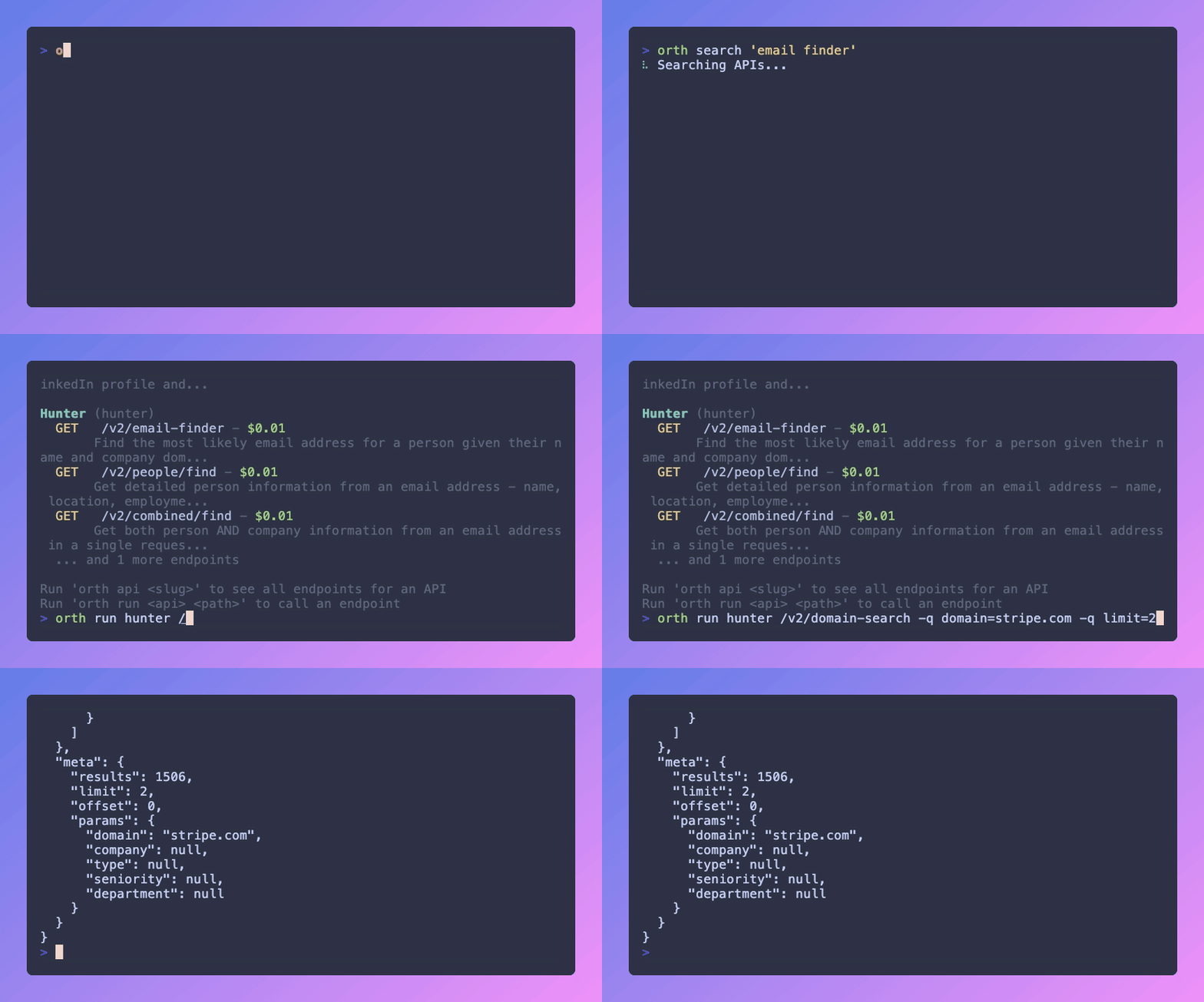
# Install globally
npm install -g @orth/cli

# Or use npx
npx @orth/cli <command># Login with API key
orth login --key orth_live_your_key
# Or set environment variable
export ORTHOGONAL_API_KEY=orth_live_your_key
# Check auth status
orth whoami
# Logout
orth logout# Search for APIs
orth api search "email finder"
orth api search "web scraping" --limit 20
# List all APIs
orth api list
# Show API endpoints
orth api show hunter
# Show endpoint details
orth api show hunter /v2/domain-search# GET request with query params
orth api run hunter /v2/domain-search -q domain=stripe.com
# POST request with body
orth api run olostep /v1/scrapes --body '{"url": "https://stripe.com"}'
# Raw output for piping
orth api run hunter /v2/domain-search -q domain=stripe.com --raw | jq '.emails'# TypeScript (default)
orth api code hunter /v2/domain-search
# Python
orth api code hunter /v2/domain-search --lang python
# cURL
orth api code hunter /v2/domain-search --lang curl# Request an API to be added to the platform
orth api request https://docs.example.com/api -d "Weather data API"# List verified & discoverable skills
orth skills list
# Search for skills
orth skills search "react best practices"
# Show skill details
orth skills show owner/skill-name# Install a skill to all supported agents
orth skills add owner/skill-name
# Install for a specific agent only
orth skills add owner/skill-name --agent cursorInstalls to 7 agent skill directories:
| Agent | Directory |
|---|---|
| Cursor | ~/.cursor/skills/ |
| Claude Code | ~/.claude/skills/ |
| GitHub Copilot | ~/.github/skills/ |
| Windsurf | ~/.codeium/windsurf/skills/ |
| Codex | ~/.agents/skills/ |
| Gemini | ~/.gemini/skills/ |
| OpenClaw | ~/.openclaw/skills/ |
# Initialize a new skill from template
orth skills init my-skill
orth skills init my-skill --bare  # SKILL.md only, no subdirectories

# Create a skill from a GitHub repo
orth skills create https://github.com/owner/repo
orth skills create owner/repo --path skills/my-skill --ref main

# Submit a local skill to the platform
orth skills submit ./my-skill
orth skills submit --name "My Skill" --tags "react,testing"

# Request verification (required before discoverability)
orth skills request-verification owner/my-skill

# Request a skill to be added (by description or GitHub URL)
orth skills request "A skill for React testing patterns"
orth skills request https://github.com/owner/cool-skill- Submit your skill → it's on the platform but not publicly visible
- Request verification → our team reviews it
- Once verified → toggle discoverability on/off from your dashboard
# Check balance
orth balance

# View usage
orth usage --limit 20These top-level commands are aliases for their orth api counterparts:
orth search "query"          # → orth api search "query"
orth run slug /path          # → orth api run slug /path
orth code slug /path # → orth api code slug /path# Install dependencies
npm install
# Build
npm run build
# Watch mode
npm run dev
# Run tests
npm test
# Watch tests
npm run test:watchMIT