


Used to create a RedZone Slide deck via Python Script
To get it working you will need to pull a PAT from ADO which can be found in the ADO website at the top right corner by your name.
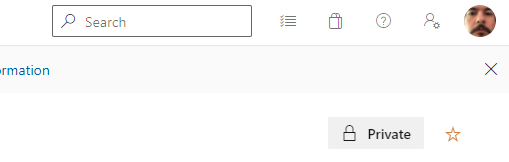
the icon with the person and the gear should give you a dropdown menu that should have a link for Personal Access Token.
In the script I use environment variables to keep secrets out of the code. Line 14 and 15 of Main.py reference the environment variabbles I used. If you want you can just hardcode the ADO PAT and your Alias (Alias@mirosoft.com) to use it for the API call in line 104 and 132.
Currently the best example that I have created a PPT presentation with are the MIP workitems in ADO that I assigend to myself to test these features. So if you select the number 5 for power platform it might not work right because it doesnt have the necessary HTML table to pull information from in your ADO items.
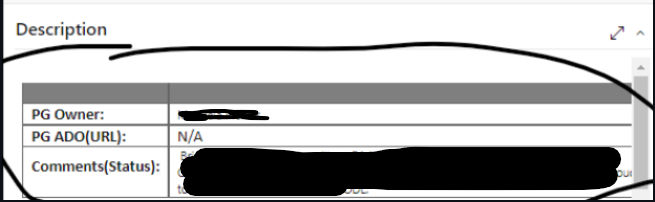
You might have noticed that I added some of these tables to your Redzone items a couple months ago to test the function on all of the redzone. What the table does is fill out the information for the PG owner, the ADO url, and the comment status in the slide deck. I reccommend testing with the MIP RZ items so you get an idea of how it populates the slide deck.
Once you have all the files in this repository on a folder in your machine just run the following command: Python Main.py [Outfile-Name] ex. "Python Main.py Power.PPTX"
This will start the script and you will be prompted via the command line which RedZone you would like to generate a slide deck for. Type the corresponding number and then the slide deck will populate in the same folder as the rest of your files.