Searching for words
Three different search methods are available:
- By prefix (keys
^or=) - By substring (keys
"or') - By using a (so called) fuzzy method
(keys
*or~)
The / key is also assigned to the fuzzy search method by default
but can be re-assigned to any search methods using the -/ option.
When searching, the following special keys are available:
- The
EscandEnterkeys allow you to return to navigation mode.Escalso interrupts the search and clears the pattern. - The
HomeandEndkeys allow you to restrict the search to words starting or ending with the pattern.
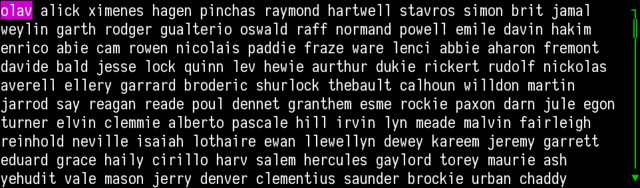
After pressing one of the search keys, the appearance of the cursor changes. Note that in these screenshots, the default colors and attributes are the default ones.
After pressing Enter, the n and N keys move the
cursor to the next (previous) matching word.
By example, if we have the following window on the terminal:
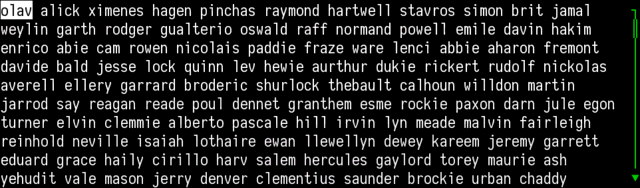
Pressing / displays something like the following image:
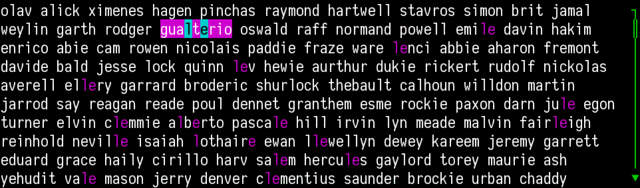
After having hit l and e, the terminal shows:
Enter terminates the search session:
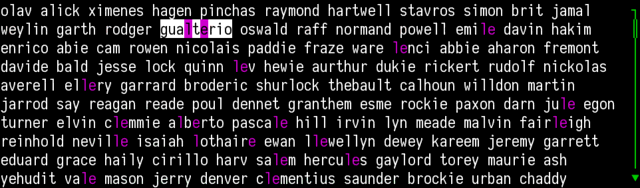
Pressing n moves the cursor to the next matching word:
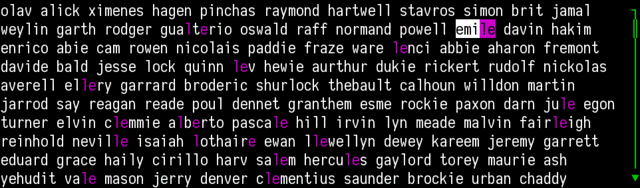
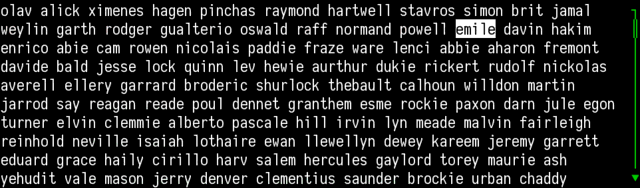
Pressing Esc cleans the search buffer and returns to navigation mode:
The following animation summarizes these steps: