PDF content is out of scale in Chrome print preview when rendering canvas into jsPDF doc #3571

Description

Greetings,
I am experiencing an issue when viewing the Print Preview for a generated PDF in Chrome. I am using the following code to render an html canvas and generate an image to insert into a new PDF document using the .addImage() function, and outputing a data uri string which I'm using in an html element to display the document:
 let img = canvas.toDataURL('image/jpeg')
 // ^outputs a valid image url with document content scaled correctly on canvas element
 let doc = new jsPDF('p', 'px', [canvas.width, canvas.height])
doc.addImage({ imageData: img, format: 'JPEG', x: 0, y: 0, width: canvas.width, height: canvas.height })
let base64 = doc.output('datauristring')
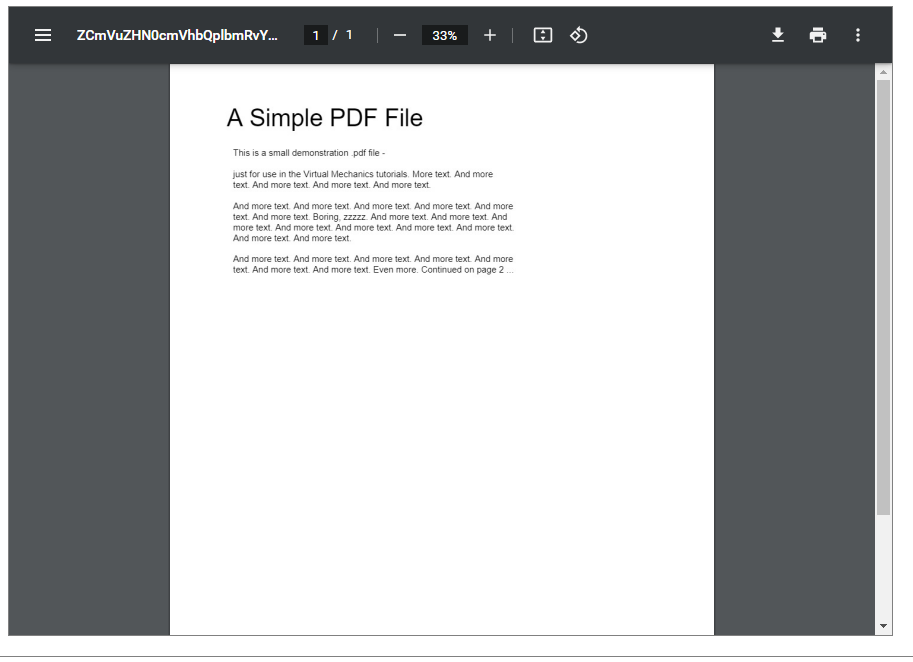
The generated base64 passed to the window scales the document fine and the document appears normal:
However, when attempting to print with "Default" scale settings enabled, the document appears out of scale in the preview window:

Setting the print destination to Save as PDF does not have this issue, and setting the Scale manually to "Fit to Printable Area" and "Fit to Page" also do not print out of scale.
Has anyone else experienced this issue? Or have any idea what may be causing this?