


SRMSim is an application the simulates the internal ballistics of a solid rocket motor
Basic functionality: Run SRMSimApp.java to open the application to get started. The application should look like the following:
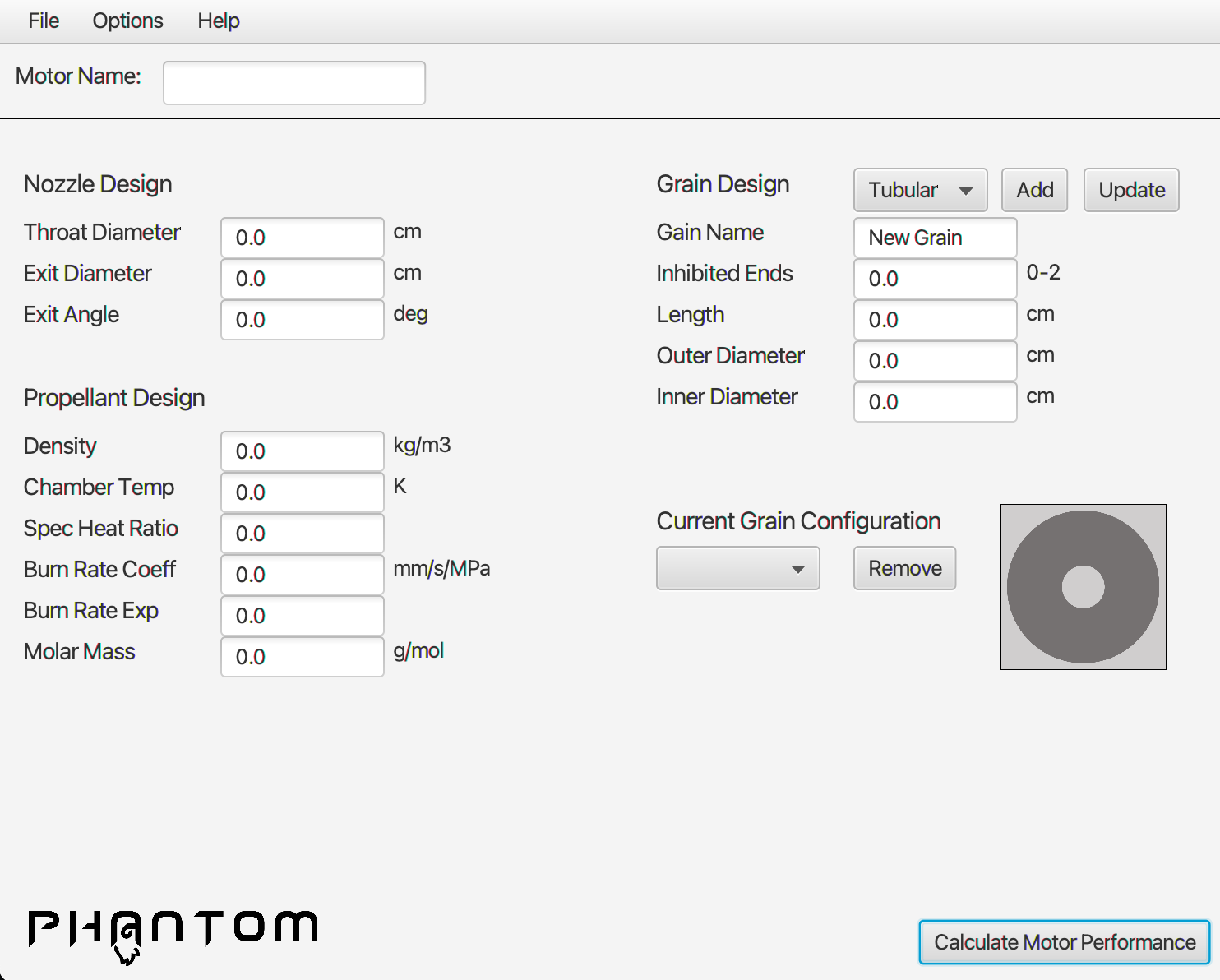
On this screen you can create your motor from scatch or you can import a preset motor, or another previously saved motor.
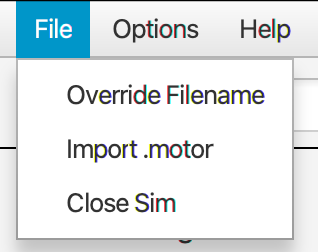
To access the import menu, select import motor from the file menu:
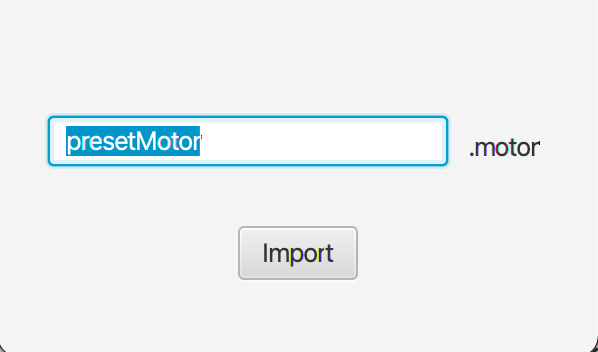
Here you can import your saved motor name to import its values. Some preset motor names are "presetMotor", "presetTubular", "presetCross" and "presetMoon".
Typle your desired motor name into the box and hit import when ready.
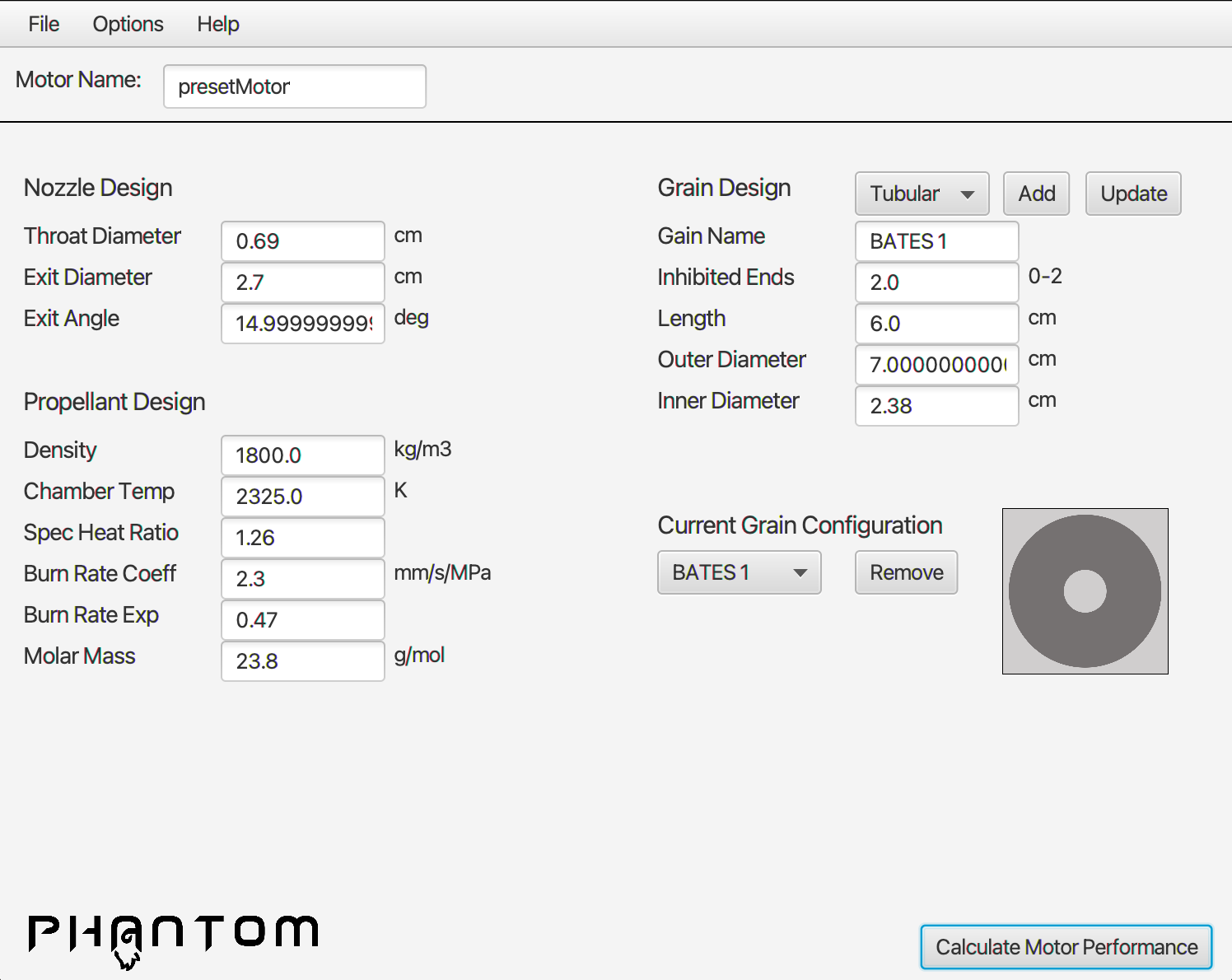
All values stored in the imported file will be updated on the motor design screen. Feel free to edit, alter and modify, or just simulate as it is!
Grain configuration can be edited in the "Current Grain Configuration" drop down:
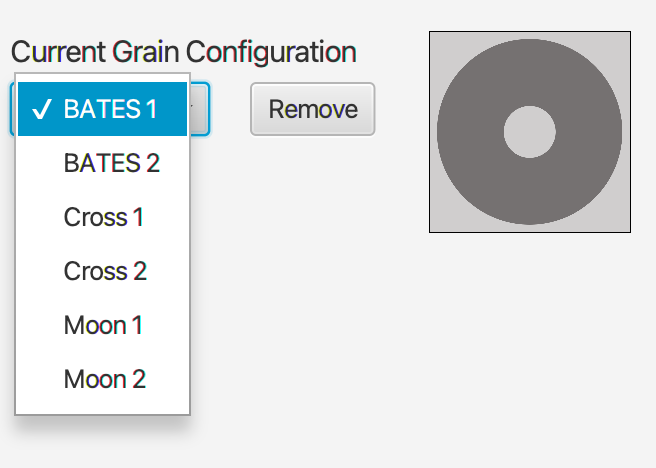
Select a grain you wish to update or remove here. Add a new grain to grain configuration by designing the grain and hitting the add button.
Simulation can be activated by hitting the "Calculate Motor Performance" button in the bottom right corner. Note simulation time varies per motor complexity and size.
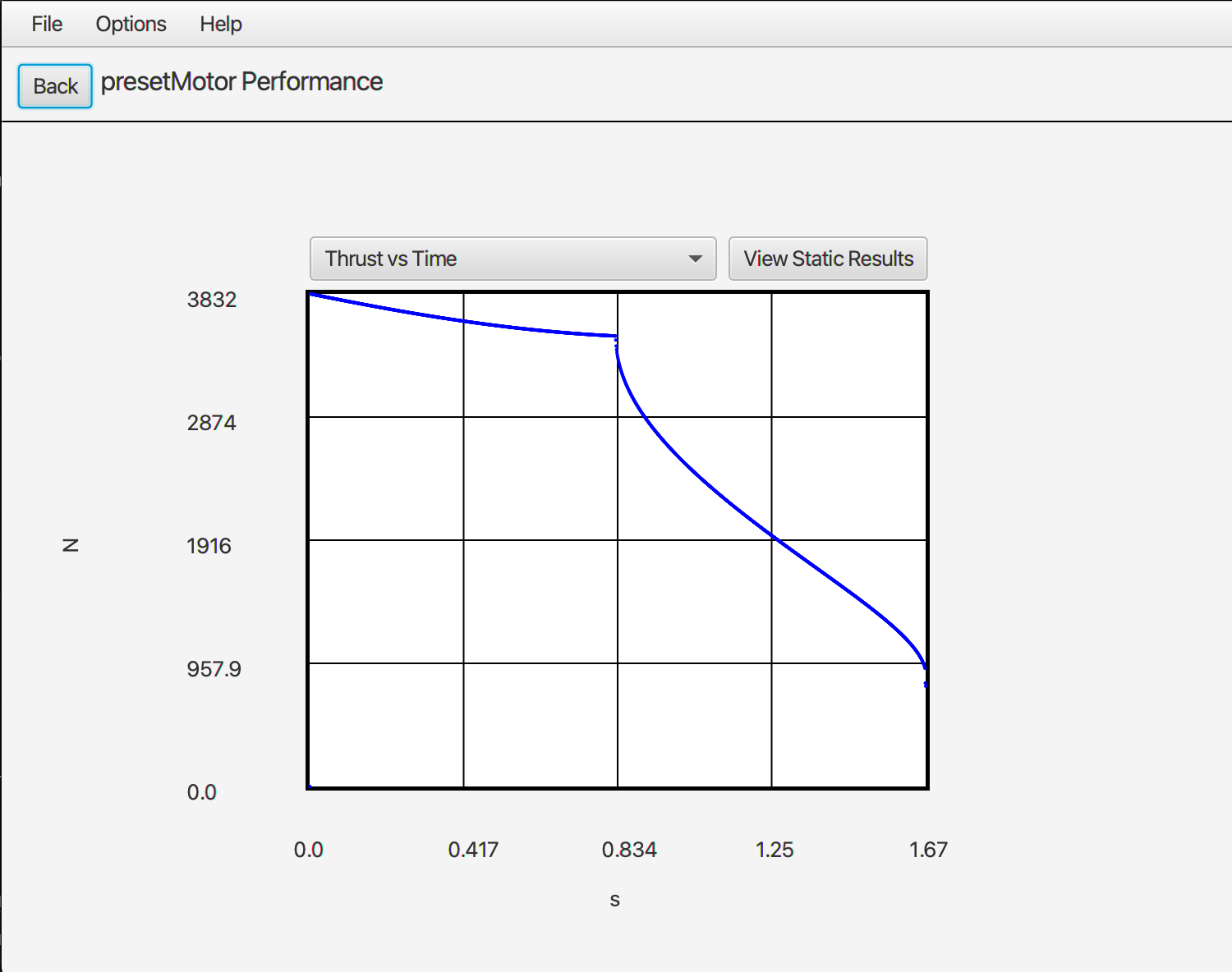
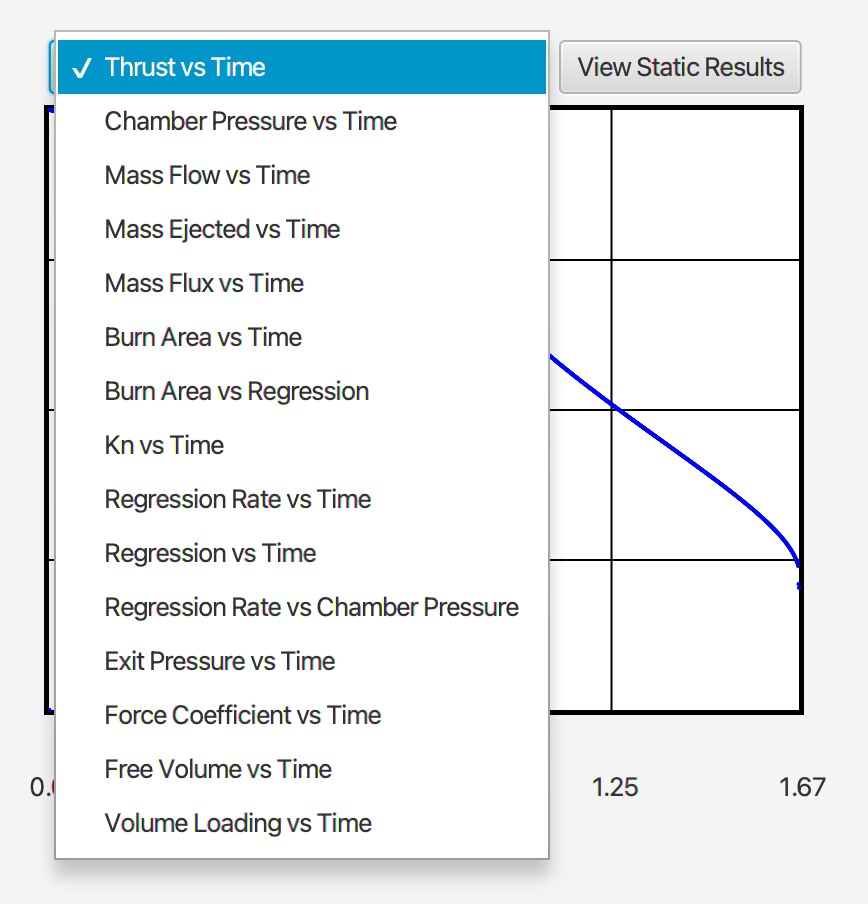
The plot pane is shown right after simulation, here you can select a graph to display the performance of your motor via a drop down menu.
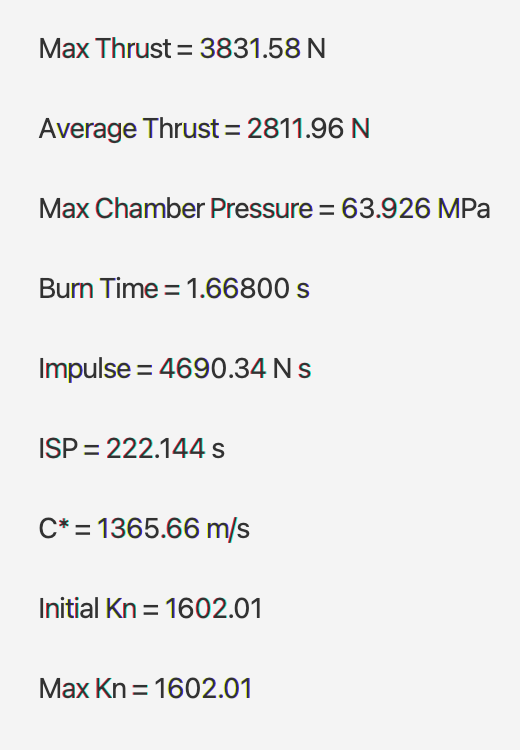
By hitting the "View Static Results" button, static performance values will be displayed to the user.
The file menu can be utilized to import and export file, a ".motor" file can store properties of motor design, and a csv file can be generated for user analysis of data collected.
The options menu is used to toggle english or SI units. The program defaults into SI units but is compatible with english inputs or outputs. Corresponding conversions will be calculated to ensure continuous results.