feat: add button to quickly switch accounts#36
Conversation


|
Thanks for your contribution! I'll review it ASAP |
|
Hi, @phillipthelen , sorry for the late review. This feature is really helpful! Perhaps there is a point that can be improved that the entry is a bit hidden(long press Me tab item). Most users may not notice this behavior. If you don't mind I'd like to add some commits to this PR to give users some tips for this feature. |
|
I 100% agree with you! Do you have an idea for how to better surface this feature? Are there other places in the app where tutorials/hints are shown? |

|
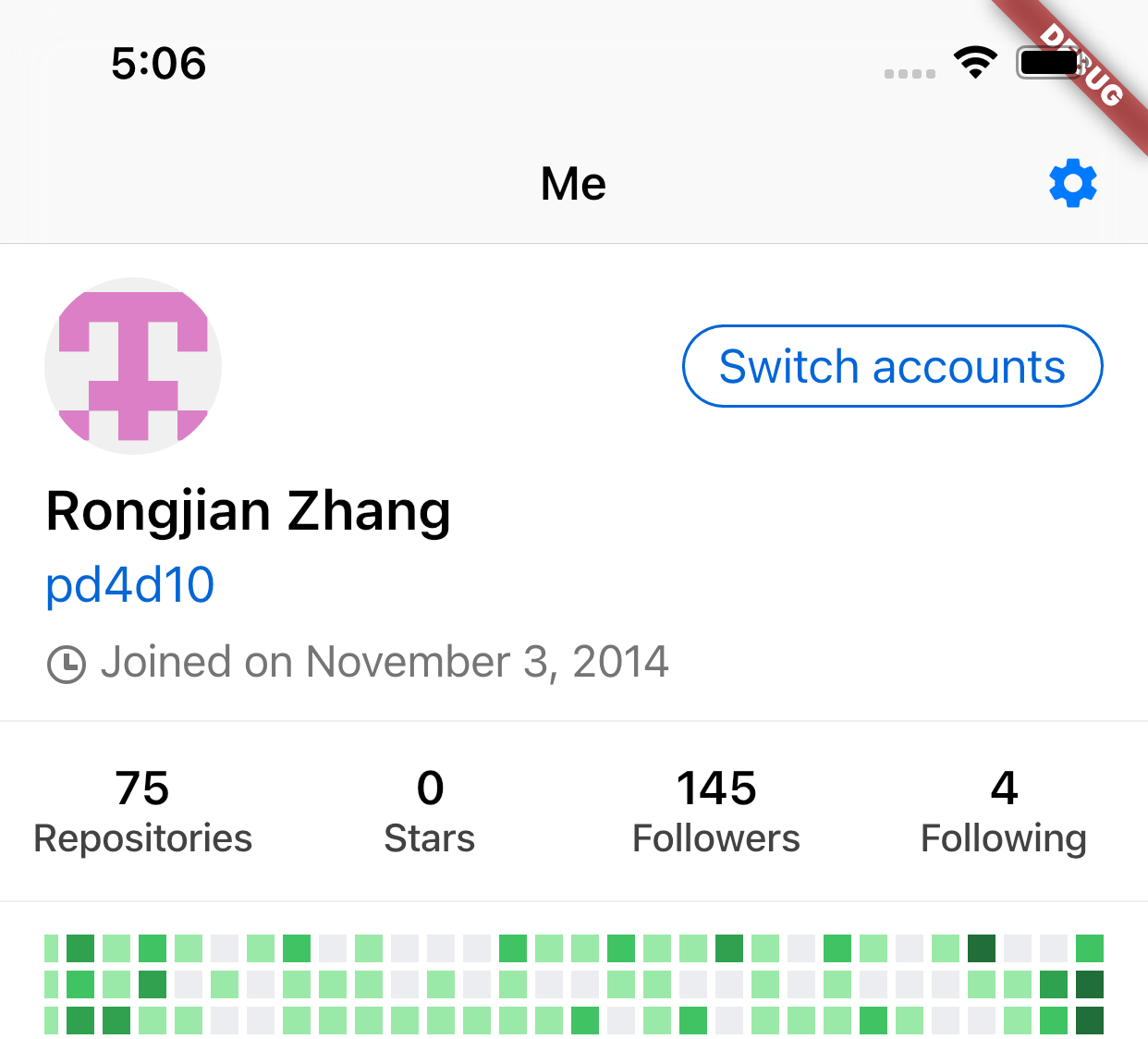
Hi, @phillipthelen , sorry for the long wait. I still don't figure out how to add the hints. Instead of that, my new proposal is to add a 'switch accounts' button to the The code base has changed significantly after 8 months, which would cause lots of conflicts on merge/rebase, so I'm going to rewrite these code and force push to this PR's branch. |
|
|
 pd4d10
changed the title
pd4d10
changed the title
pd4d10
changed the title
pd4d10
changed the title
|
Thank you for all your efforts! Feel free to ping me if there are other ideas |
2 participants


Fixes #35
I had to do this slightly hacky, since the way BottomMenuItem works, does not allow it to be wrapped in a gesturerecognizer. So I wrapped the icon and text widgets individually. This does seem to work pretty well though.
As described in the issue, this PR adds a long-press gesture to the "Me" tabbar item. It brings up a bottom modal where you can quickly choose a different account. Choosing the currently active one doesn't reload the app but instead just closes the modal. I also added a "Manage" link, that opens the regular login view where the user can also add new accounts or delete existing ones.