GamesLibrary is a RESTful API developed with ASP.NET Core and EF Core that allows users to access information about over 1000 video games. The data was collected by scraping gamestop.ca with a Python script and the BeautifulSoup4 library. The API is connected to a SQLite database.
I deployed the app with a docker container at render.com
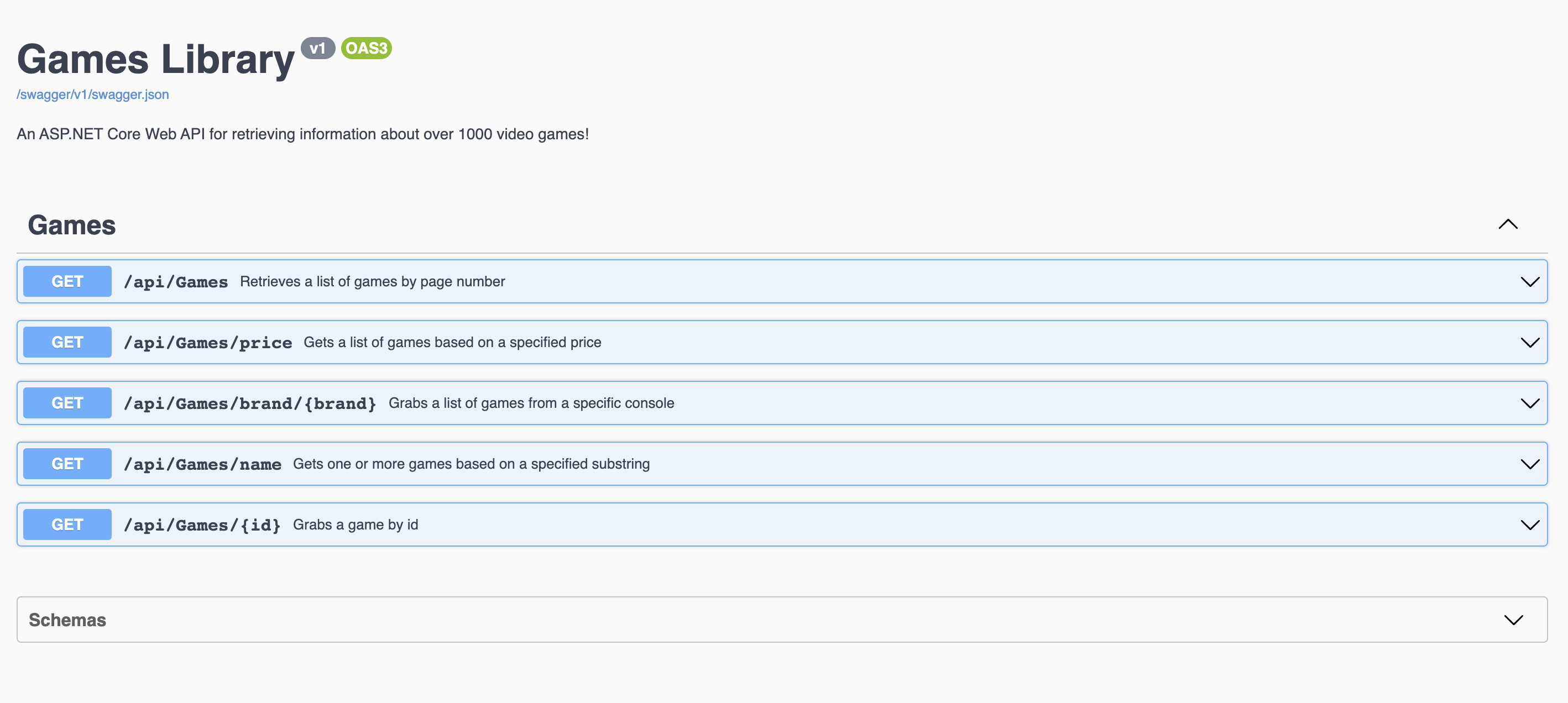
Check it out! I provided the Swagger UI documentation on the site.
https://gameslib.onrender.com/swagger/index.html
After creating a bunch of API's with Node.js and Express I wanted to find another way to write them. ASP.NET Core is one of the most popular frameworks out there, so I decided on learning that. I also wanted to learn how to containerize apps using Docker.
- C# (more so a refresher. Haven’t coded in c# for years)
- SQL and SQLite (a refresher as well)
- ASP.NET Core
- Using an ORM (Entity Framework Core)
- Containerizing applications via Docker
- Web scraping with Python and BeautifulSoup 4
Retrieves a list of games by page number.
[HttpGet]
public async Task<ActionResult<IEnumerable<Game>>> GetGames(int pageNumber = 1, int pageSize = 10)Gets a list of games based on a specified price.
[HttpGet("price")]
public async Task<ActionResult<IEnumerable<Game>>> GetGames([FromQuery] string condition, [FromQuery] float price)Grabs a list of games from a specific console.
[HttpGet("brand/{brand}")]
public async Task<ActionResult<IEnumerable<Game>>> GetGames(string brand)
Allowed strings:
xb1 - Xbox One
xsx - Xbox Series X
ps5 - PS5
ps4 - PS4
pc - PC
switch - Switch
Gets one or more games based on a specified substring.
[HttpGet("name")]
public async Task<ActionResult<IEnumerable<Game>>> GetGameByName(string searchString)Grabs a game by id.
[HttpGet("{id}")]
public async Task<ActionResult<Game>> GetGameById(string id)