This application was developed to solve managing invoices for small businesses and freelancers( in their respective fields) when working with clients. Small business owners/Freelancer can record customer details and record invoices as well as access those details The web application was developed using MEAN stack (Mongodb, Express.js Angular and Node.js), HTML5, CSS along with a npm package manager. [other tools that were used are bootstrap, angular-route and RestEasy(Chrome Extension to run and test mongodb queries)] The web application can be access through a website if hosted, currently the web application runs on a localhost server, and performs crud operations.
The mongodb database has two schemas, customerSchema and invoiceSchema, the customerSchema is structured to support strings, and an embedded document. The invoiceSchema is structured to support strings, integers and a reference object to the customerSchema. The documents are set in a one to one relationship with document reference, this is to add repetition of the information of the Customer data, if the invoiceSchema data was embedded within the customer schema, as another document the embedded document could lead to large documents that contain fields that the application does not need and would cause extra load on the server which would result in slow read operations.
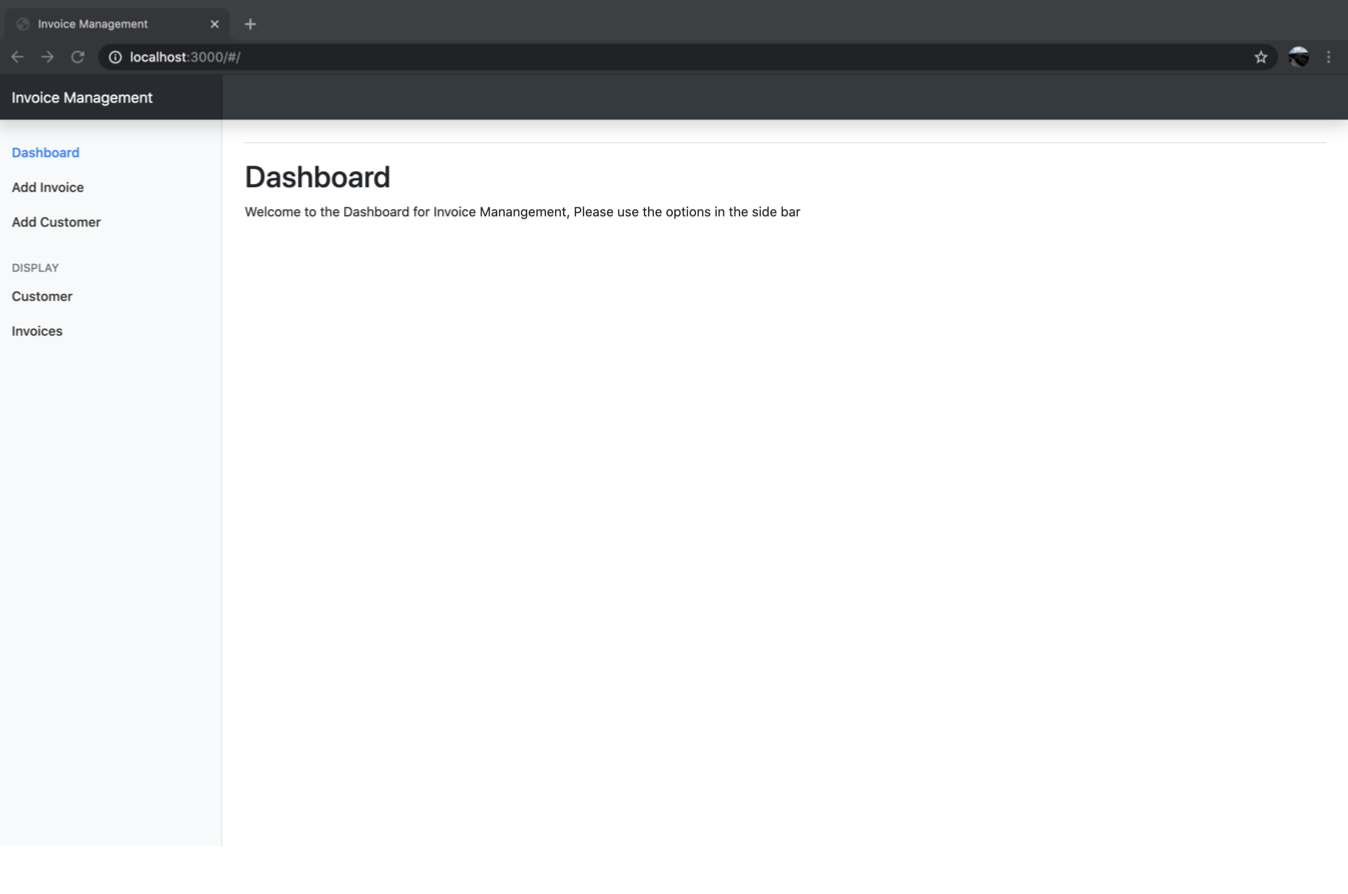
- From the Dashboard navigate to add ‘add customers’
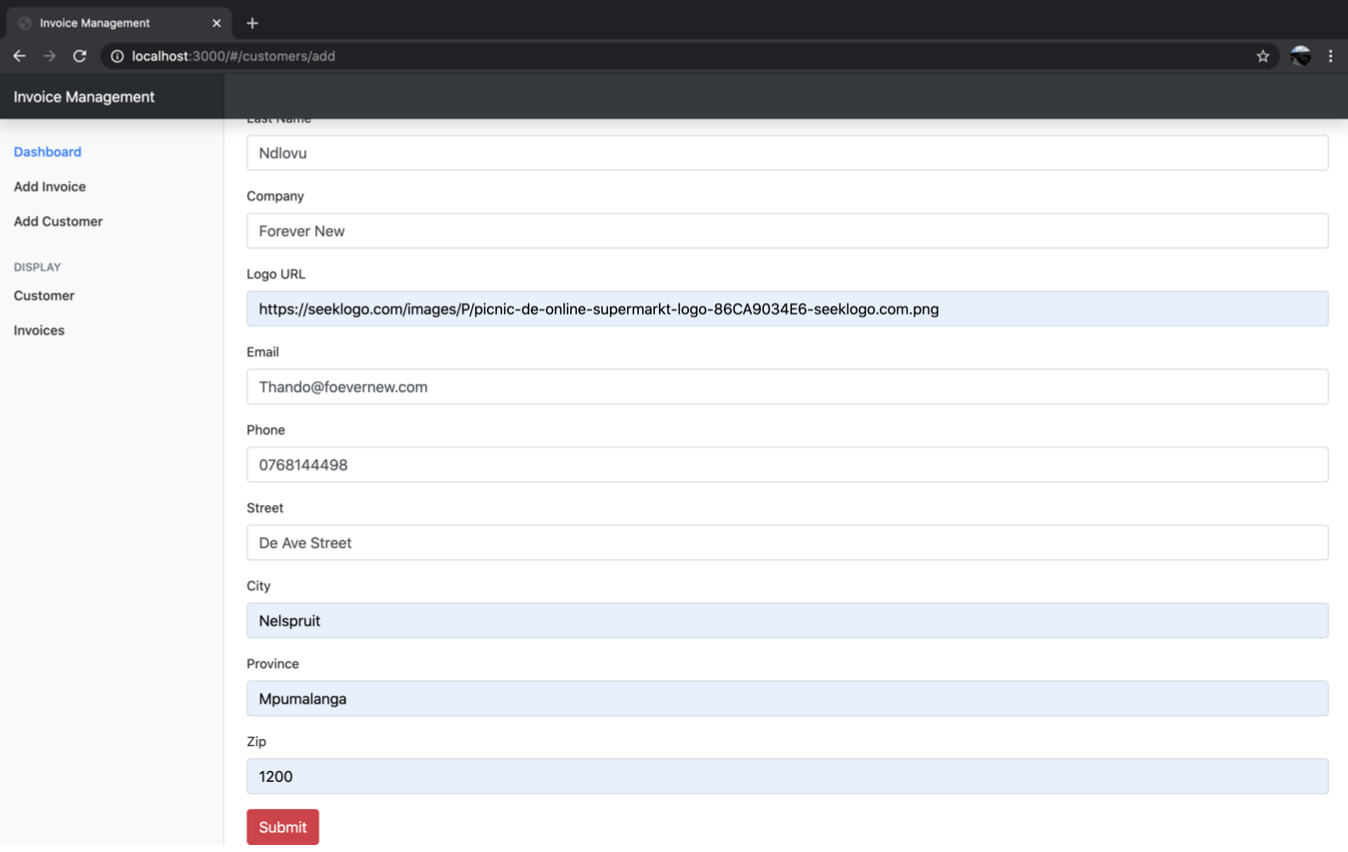
- Fill in customer details
- After entering the details you can choose to place a link a logo of the customer you entering if you want to
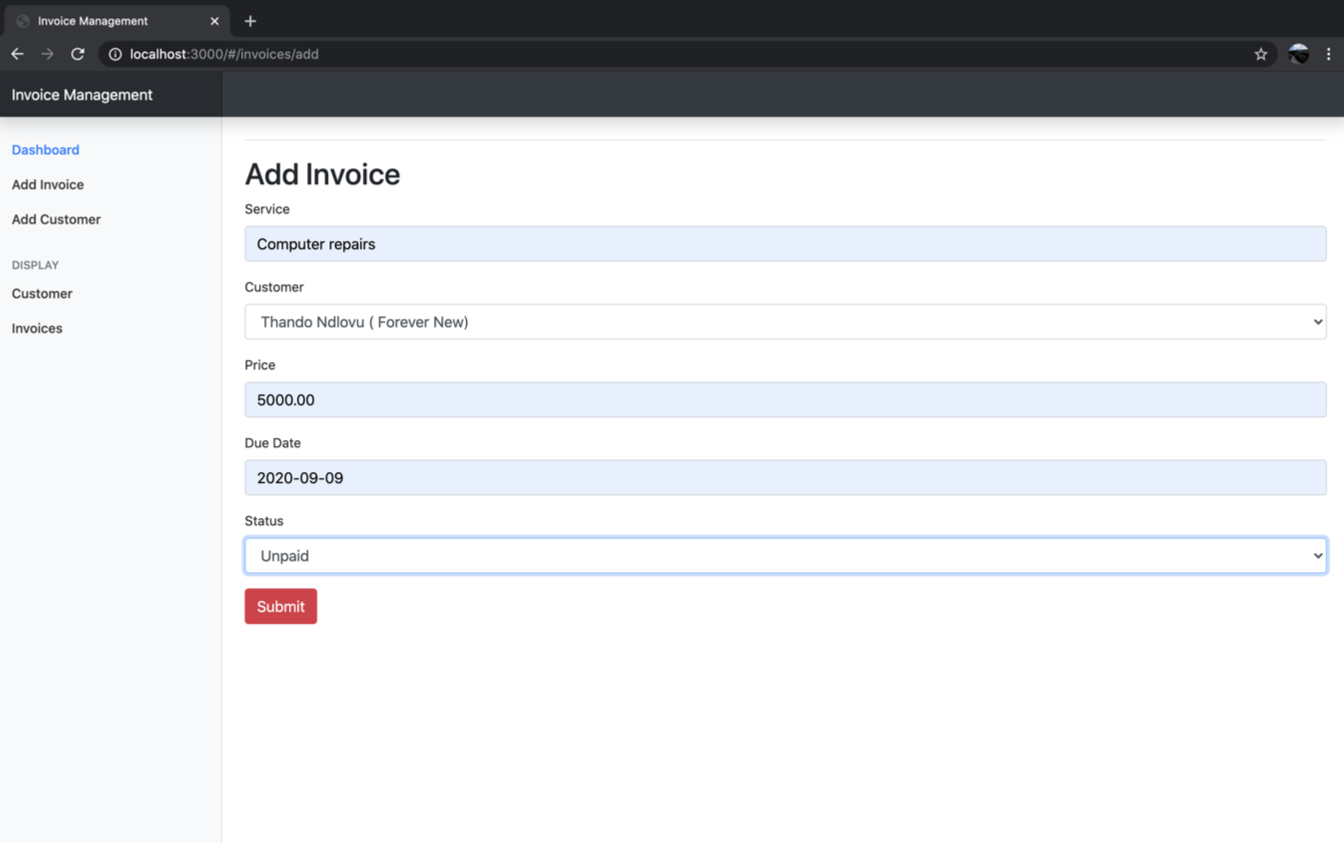
- After submitting the details navigate to ‘add invoices’
- And fill information relating to the customer
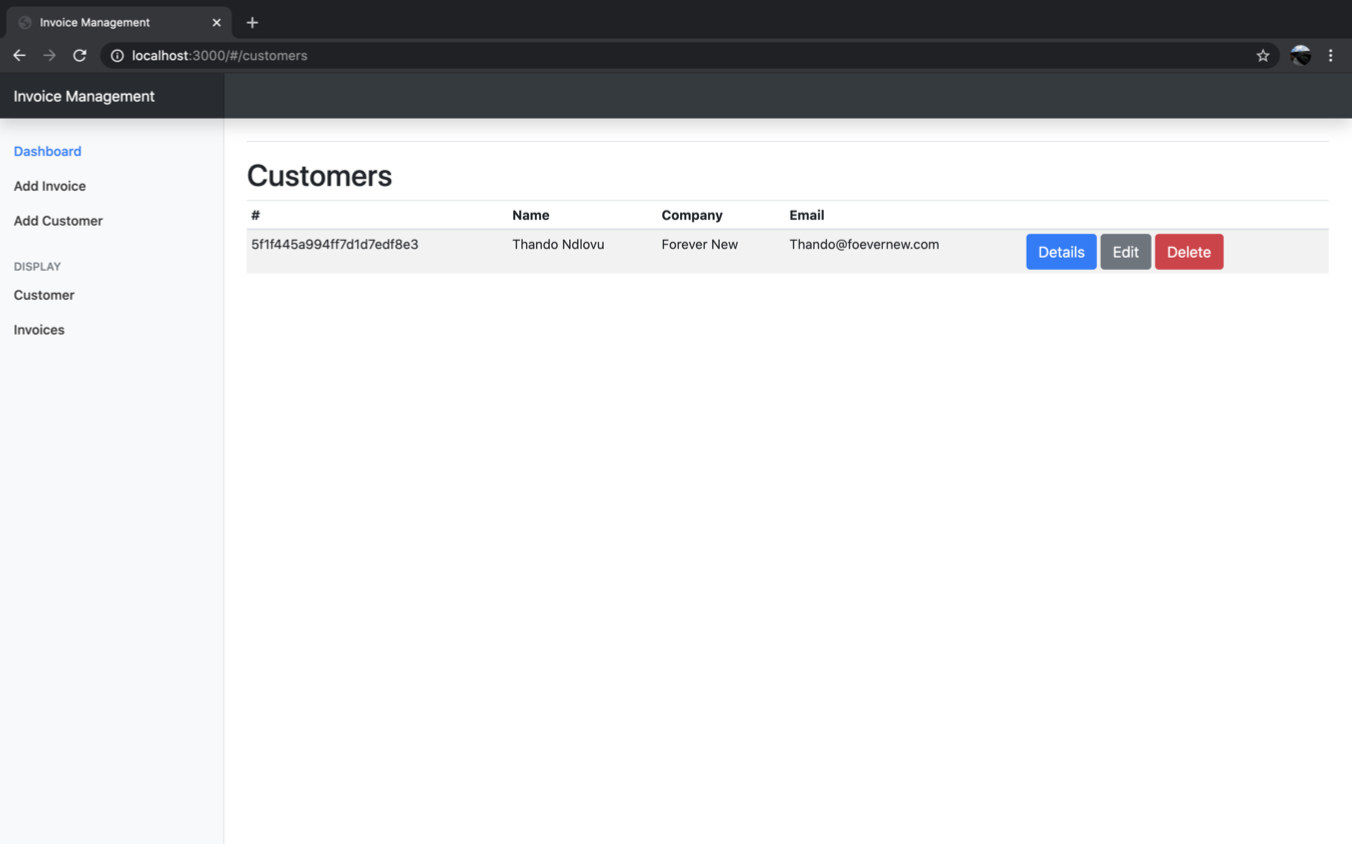
- You can perform edit and remove operations if to the details you have entered about the customer or removed the customer

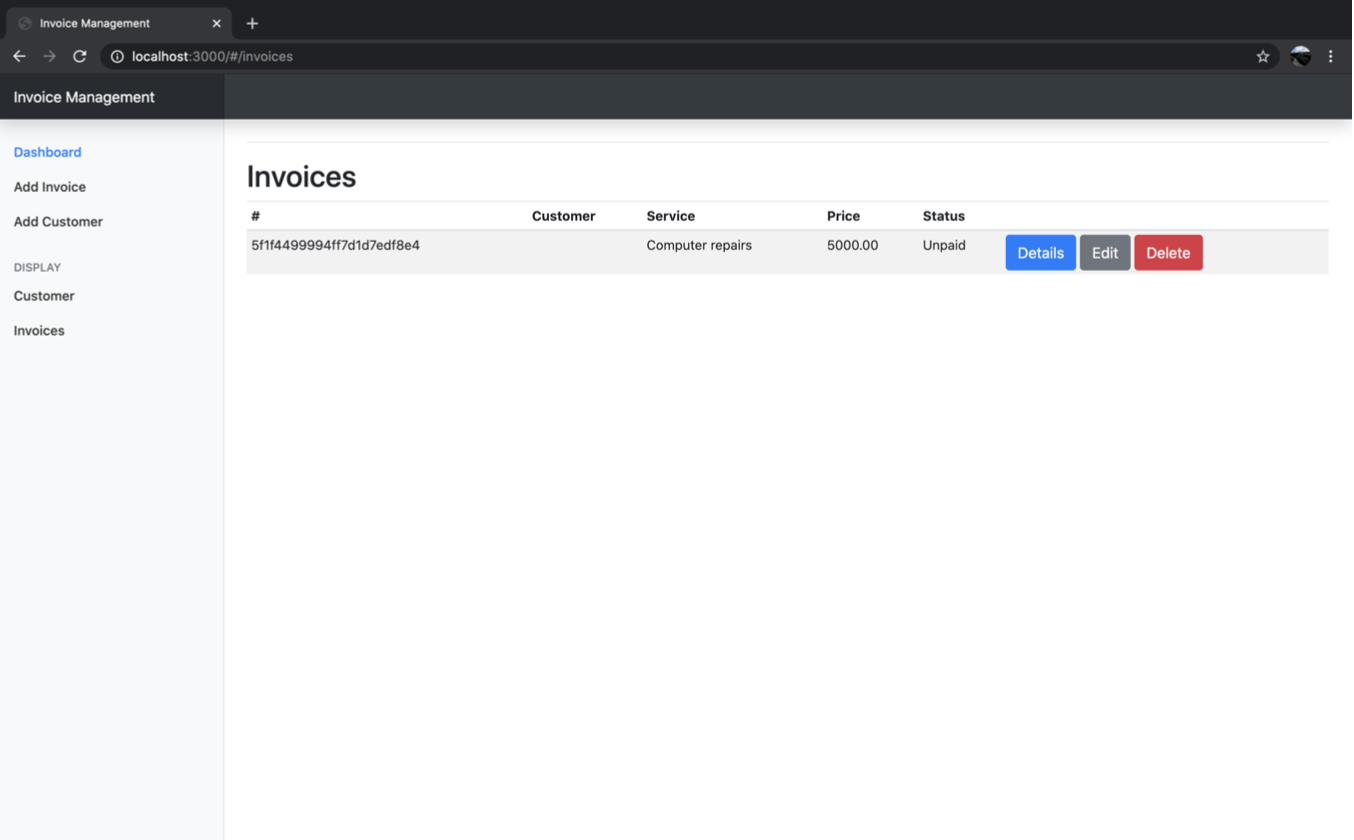 Edit Invoice
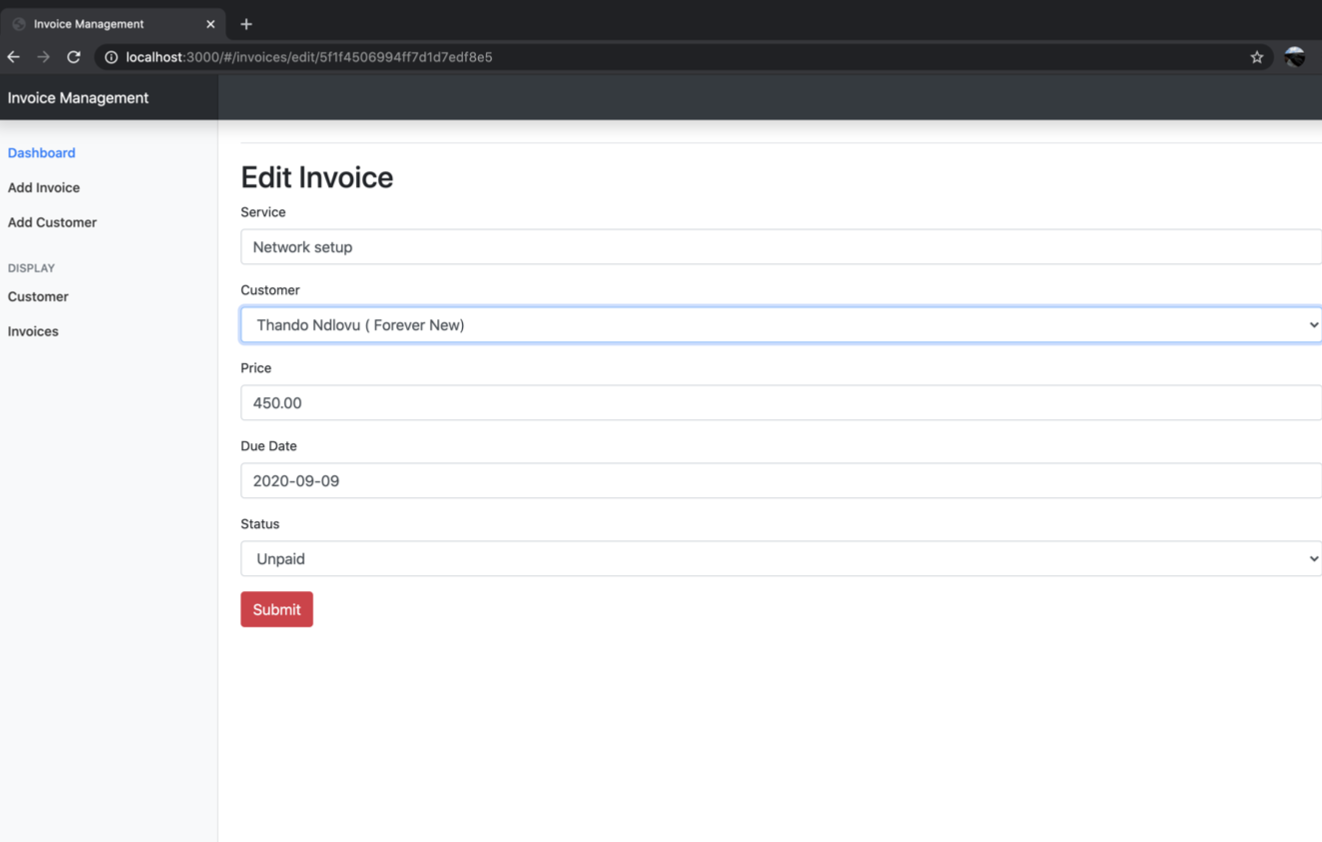 Edited Invoice
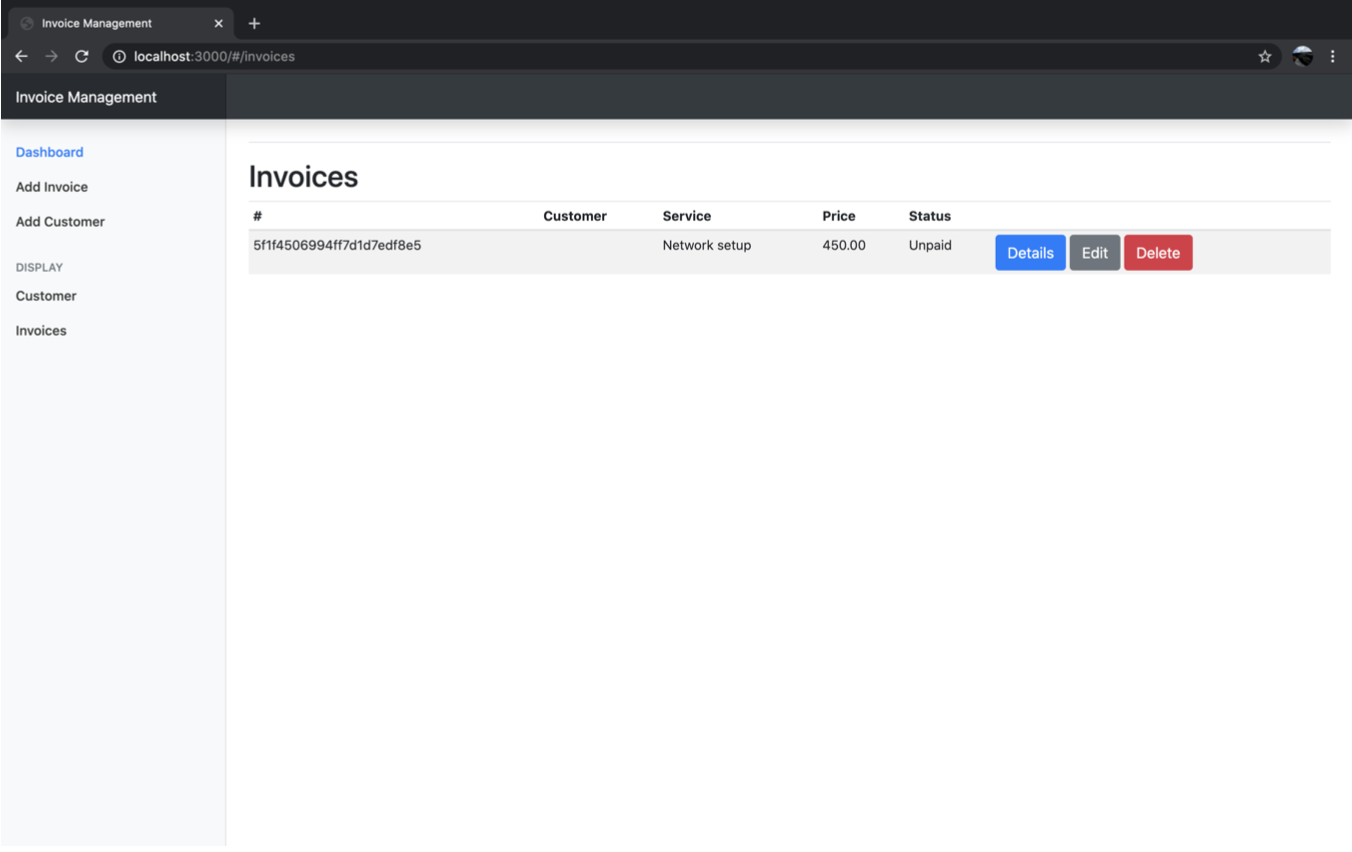 Delete Invoice
