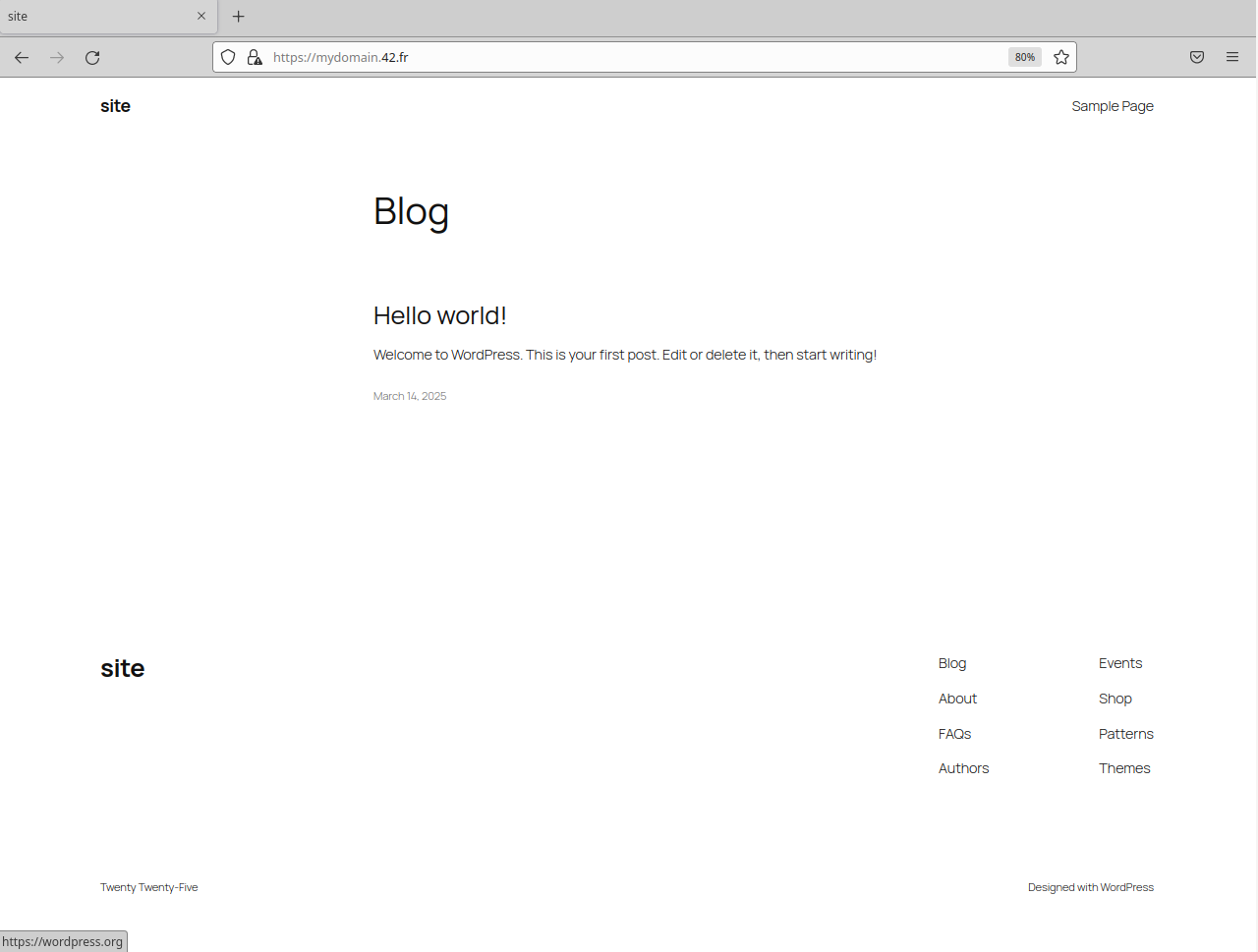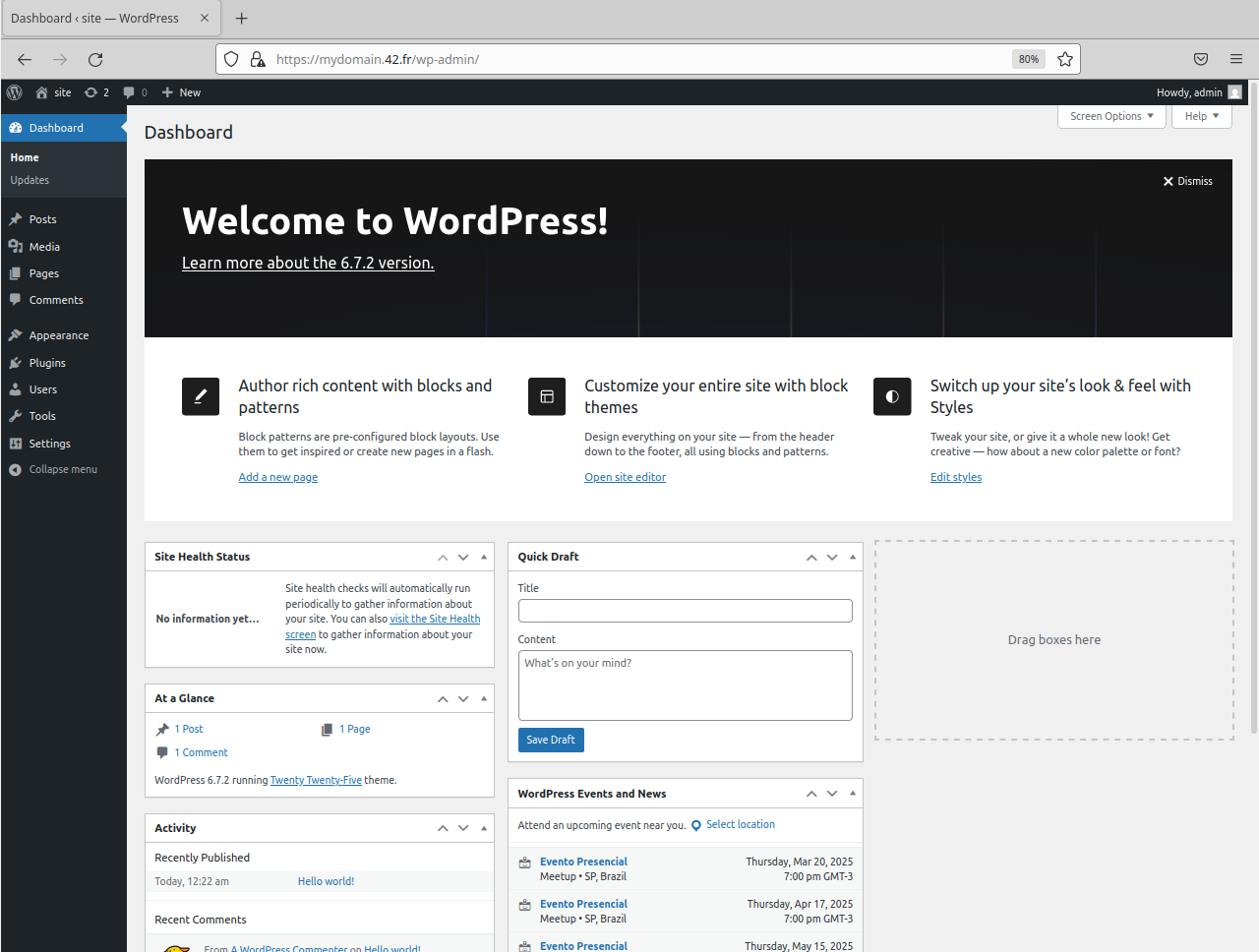
The Inception is a project that focuses on introducting the docker world and its elements.
In this project the following topics are covered:
It consists of:
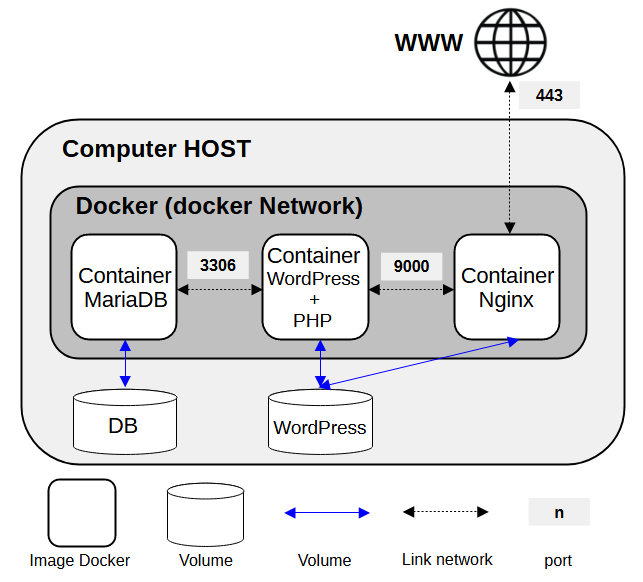
- Create 3 containers. One with MariaDB, one with WordPress and the other with Nginx. None of these images MUST BE a pre-built images! All images MUST BE created from the Debian or Alpine (in this case, I chosse the Alpine).
- Create 2 volumes, one for MariaDB and the other for WordPress (which must be shared between the Nginx and Wordpress containers)
- Create 1 network to allow communication between the services that are running in the 3 containers.
- If case of a crash, the container must restart.
- Furthermore, the creation of images, container management, volumes, and network must be doing using Docker compose.
More details about the project:
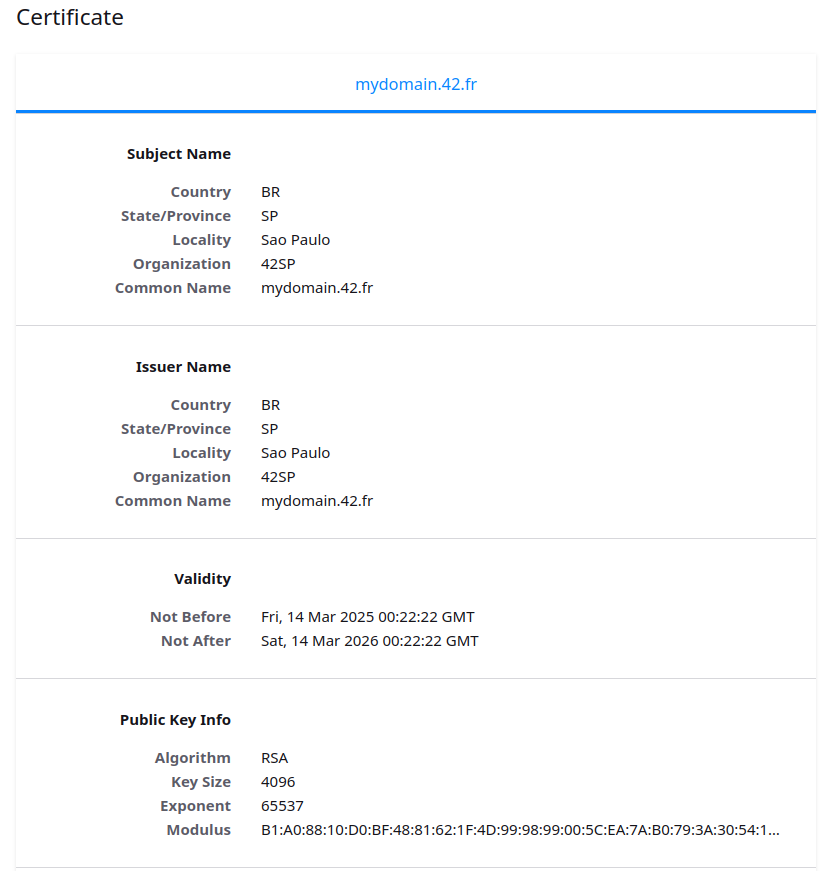
- A Docker container that contains NGINX with TLSv1.2 or TLSv1.3 only.
- A Docker container that contains WordPress + php-fpm (it must be installed and configured) only without nginx.
- A Docker container that contains MariaDB only without nginx.
- A volume that contains your WordPress database.
- A second volume that contains your WordPress website files.
- A docker-network that establishes the connection between your containers.
Overview of the schema:
What is the Docker? Docker is a technology aimed at creating a minimal and isolated enviroment for running a program. This environment has all the necessary resources to the run the program, and it is called a "container" within the Docker ecosystem. Futhermore, the Docker provides tools and means to facilitate the creation and management of these containers.
Docker Compose is a tool that allows you manage multiple containers in a simple and organized way, all through a configuration file (usually called of docker-compose.yml). It allows you to configure images, volumes, networks and environment variables, making the process of creating, updade and running complex application easier and faster. Instead of running multiple commands in Docker, which would make the process time-consuming and prone to errors, Docker Compose simplifies everything with a single command.
Since data created or changed within a conatainer belongs to it, when the container is deleted, the data is also deleted. However, in some cases, it is desirable to keep the data generated inside the container. To do this, Docker offers a feature called volume. A volume is a machanism that allows data persistence outside of container. In other words, when data is generated or modified, if it path is mapped to a volume, it will be stored outside the container. Volumes are used not only to data persistence, but also to:
- Data sharing between containers (since a volume can be used by more than one container)
- Backup, since data is outside of the container, making the backup process easier.
- Migration, because if a new application, in a new container, needs the data from the old container, using volumes makes this process simpler.
When a container is created, by default it receives a default network from Docker. Docker allows the creation of networks, enabling communication between containers. A Docker internal network is only visible to the containers that are connected to the same network. By default, Docker has 3 types of networks:
- Null: a container created using this network doesn't have any network configured.
- Bridge: the default network that a container receives when it is created. It allows containers to communicate, but the disadvantage of this network is that it doesn't have an active DNS, which means that containers can only communicate by IP. This can make the communicate more difficult, as the IP of the target conteiner IP must be known in advanced.
- Host: The container uses the host network where Docker is installed.
Furthermore, Docker allows the creation of custom networks to meet different configuration and isolated needs.
Docker Registry is the location where the images used to create the containers are stored. It can be public or private. By default, the official Docker Registry is Docker Hub: https://hub.docker.com/
Docker and Docker Compose versions used:
- Docker Compose
1.29.2 - Docker
20.10.12
Attention, it is important to note that two changes are made on the HOST for the project to function.
- A path is created:
/home/mydomain.42.fr, to save the volumes. - The line:
127.0.0.1 mydomain.42.bris added to the/etc/hostsfile
Before running the Makefile, you need to fill in the variables inside the .env file located in the srcs folder
| variable name | description |
|---|---|
| DATABASE | wordpres database name |
| DATABASE_ROOT | root user to maridb |
| DATABASE_ROOT_PASSWORD | root password |
| DATABASE_USER | other user to dabase |
| DATABASE_USER_PASSWORD | user password |
| DATABASE_HOST | database hostname MUST BE mariadb |
| WORDPRESS_ADMIN_USER | wordpress administrator user |
| WORDPRESS_ADMIN_PASSWORD | wordpress administrator password |
| WORDPRESS_ADMIN_EMAIL | wordpress administrator e-mail account |
| WORDPRESS_USER_USER | wordpress simple user name |
| WORDPRESS_USER_PASSWORD | wordpress simple user password |
| WORDPRESS_USER_EMAIL | wordpress simple user e-mail account |
| WORDPRESS_TITLE | wordpress site title |
| WORDPRESS_URL | wordpress site URL, MUST BE: https://mydomain.42.fr |
| DOMAIN | the domain, MUST BE: mydomain.42.fr |
1. It will create the directory /home/mydomain.42.fr to store the volumes
2. It will add the line: 127.0.0.1 mydomain.42.br to the /etc/hosts file
3. It will build the 3 images: mariadb, nginx, and wordpress
4. It will create 2 volumes: volume-mariadb and volume-wordpress
5. It will create 1 network: inception
6. It will bring up the 3 containers
1. It will run the command docker-compose down
1. It will execute the command docker-compose down
2. It will remove the images: mariadb, nginx, and wordpress
3. It will remove the volumes: volume-mariadb and volume-wordpress
4. It will remove the directory: /home/mydomain.42.fr