A simple tool for making score videos without a video editor.
Demo video:
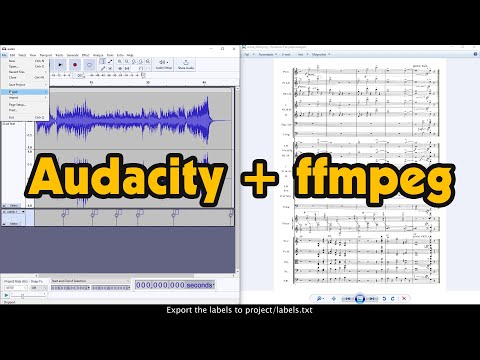
Put source audio, images and labels.txt files into project folder
Start _makevid to compile video and wait for output.mp4 (check _YOUTUBE folder)
You can use labff.exe in standalone mode if you'd like to convert the labels file
Default resolution is 3840x2160 @10fps, it can be changed by editing _makevid.bat
Any audio formats are accepted, the default input file is audio.mp3, it can be changed by editing _makevid.bat
Based on andrewmole's idea
sproc by CMaj7