This python script allows you to configure and operate the Energenie remote control sockets through a Raspberry Pi with the Energenie Pi-mote control board.
The python script has been only tested with Raspbian OS.
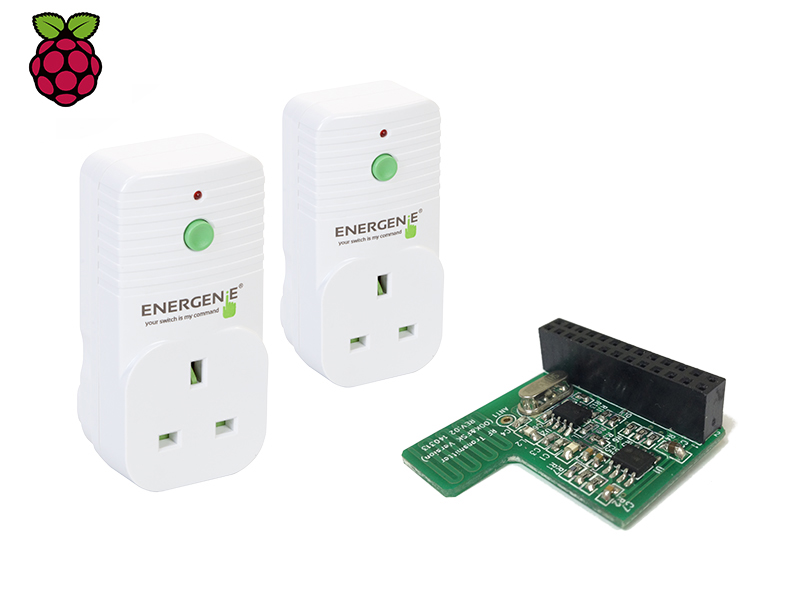
An Energenie Pi-mote control board and at least one remote control socket are required.
Python3 and elevated privileges (sudo) are required.
The arguments to be passed to this python program are:
- Socket (1-4). Type the desired socket number to control
- State (on/off). Type the desired action to perform
This python scripts requires of the following Debian packages:
- build-essential
- python3-dev
- python3-gpiozero
- python3-pkg-resources
To run the python program the socket number and state must be introduced.
- Help
# sudo python3 socketcontrol.py -h
usage: socketcontrol.py [-h] socket status

positional arguments:
  socket      socket number to control (1-4)
  status      turn on/off the socket (on/off)

optional arguments:
  -h, --help  show this help message and exit
- Configure or Power on socket 1
# sudo python3 socketcontrol.py 1 on
Turning on socket: 1
- Power off socket 1
# sudo python3 socketcontrol.py 1 off
Turning off socket: 1
MIT
- Jose Gomez | www | twitter