
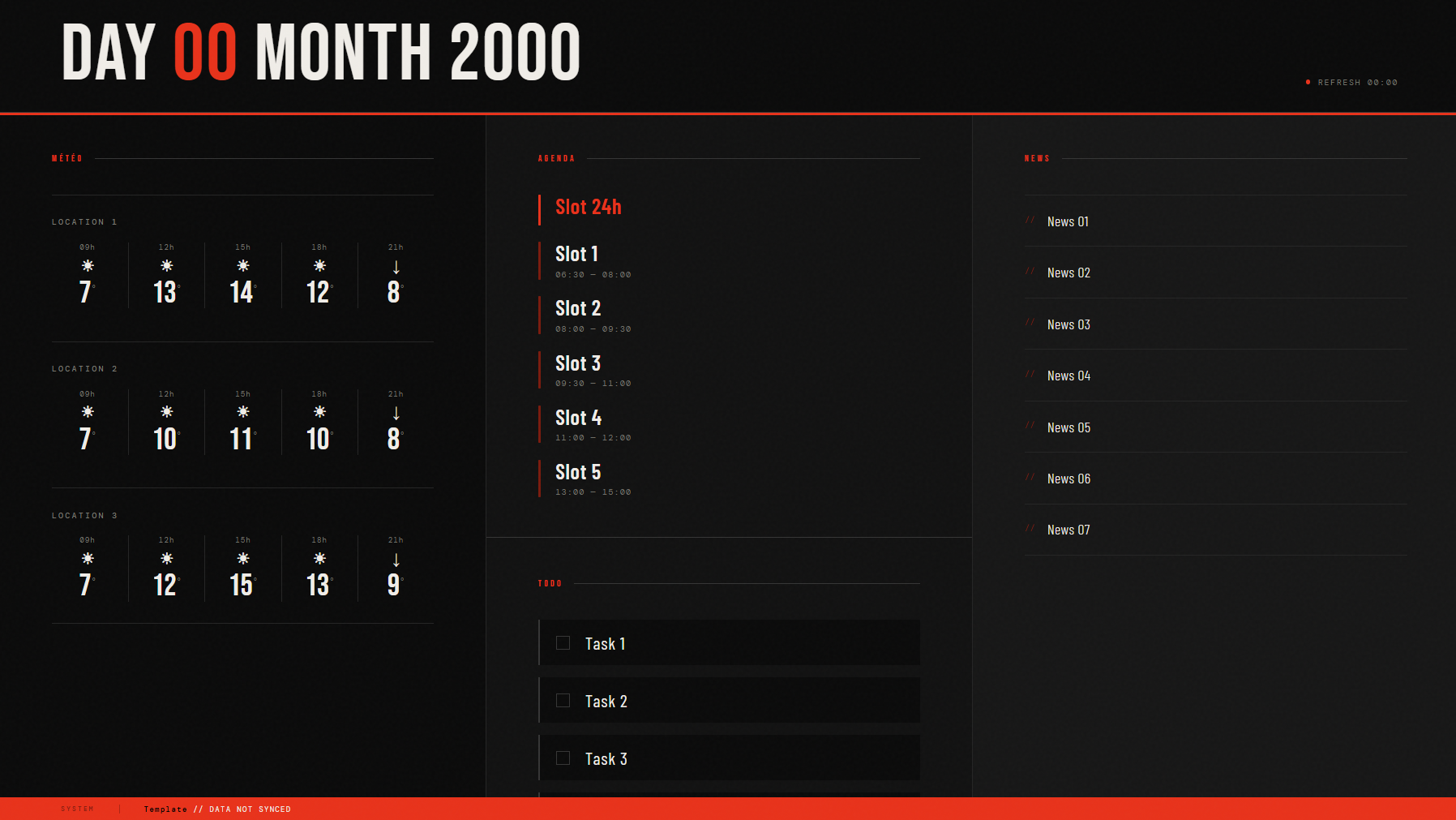
 Dashboard featuring weather, your calendar, to-do list, and news, streamed to your Chromecast
Html version
pip3 install requests icalendar recurring-ical-eventspng version (demo version)
pip3 install requests Pillow icalendar recurring-ical-eventsOn the html version:
On line 7: Add your ICS calendar links
On line 8: Add your to-do file (1 task per line)
On line 9: your HTML output file
On line 58: you can change the weather service
On line 69: your RSS feed (default setup: Belgian news)
On line 78: you can customize the days of the week in your language
On line 79: you can customize the months in your language
On line 81: add your locations for the weather
After installing Catt
pip3 install cattYou can add a script to your cron job to generate the file and stream it to your TV:
python3 dashboard_html.py
catt -d "Chromecast" cast_site "http://192.168.0.238/dashboard.html"
I've noticed that if the Chromecast is in deep sleep mode, it doesn't wake up. You can add a PNG file of a waiting screen to your script; that solves the problem.
catt -d "Chromecast" cast "waiting_screen.png"
python3 dashboard_html.py
catt -d "Chromecast" cast_site "http://192.168.0.238/dashboard.html"Readme generator: https://www.makeareadme.com/
I used Catt to send MP3 files via a cron job directly to my Google Home as an "MP3 alarm clock," and I thought I could improve it by sending a PNG to my Chromecast that would include my work and personal calendars, news, to-do list, and weather. But it looked really ugly, haha
And while I was figuring out how to optimize it, I realized you could send a link directly to an HTML page;