- Python
- dlib (pip install dlib)
- openCV (pip install opencv-python)
- Download "shape_predictor_68_face_landmarks.dat"
The purpose of this project is to gather into one app different models regarding faces.
- Face landmarks
- Face detection (yolo face CPU and GPU)
- Gender Age detection (not implemented yet)
- Identity (not implemented yet)
- Modify the path where you store "shape_predictor_68_face_landmarks.dat" model.
- Run
python main.pyfor straight forward script with one For loop or runpython multithread.pyfor a multithreaded script (better FPS) - Quit by pressing "Q" or "Esc"
- Toggle landmarks by pressing "L"
- Toggle Yolo face detection (CPU) by pressing "Y"
- Toggle Yolo face detection (GPU) by pressing "G"
- Toggle Gender and Age detection by pressing "A"
- Toggle Identity detection by pressing "I"
Note that you need to press a certain amount of time on the key as the script has to go through the rest of the script before going back into the cv2.waitKey part. I need to make a dedicated thread for that but it seems not possible to have interactions outside of the main thread.
Do not activate all at the same time or it will be very laggy.
-
When a face or more is detected
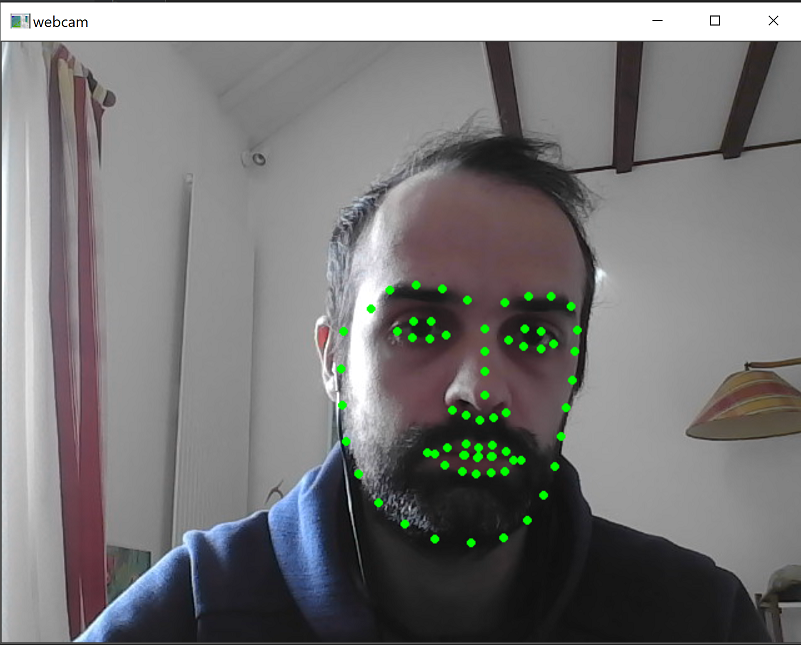
-
When no face detected
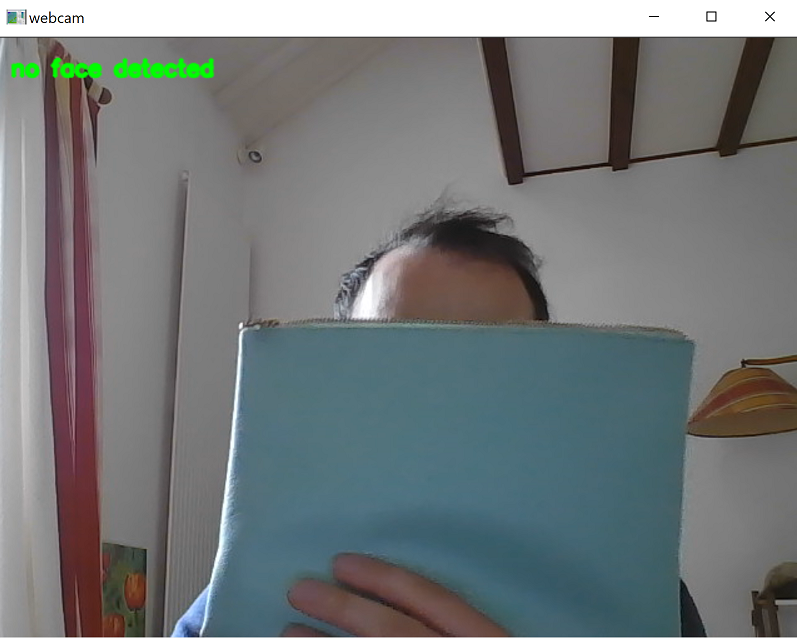
This topic is tricky as there is no official OpenCV method to show FPS. So I tried multiple techniques:
- utils FPS Class (FPS available when you stop the program)
- Calculation of time between 2 frames to deduct the FPS (possible to show it in real time)
- Use OpenCV get(cv2.CAP_PROP_FPS) (not efficient)