Terrain generation Tool for Unity using Modular Components




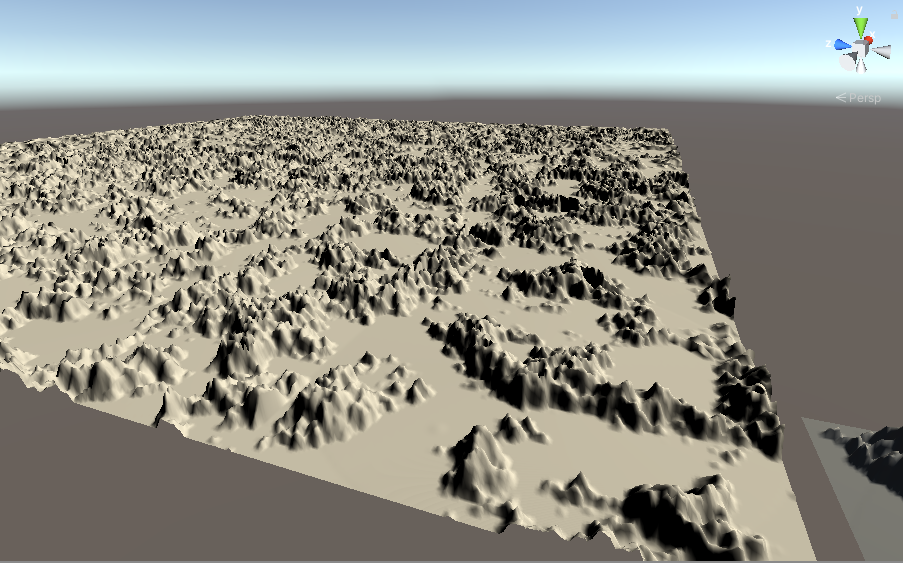
README
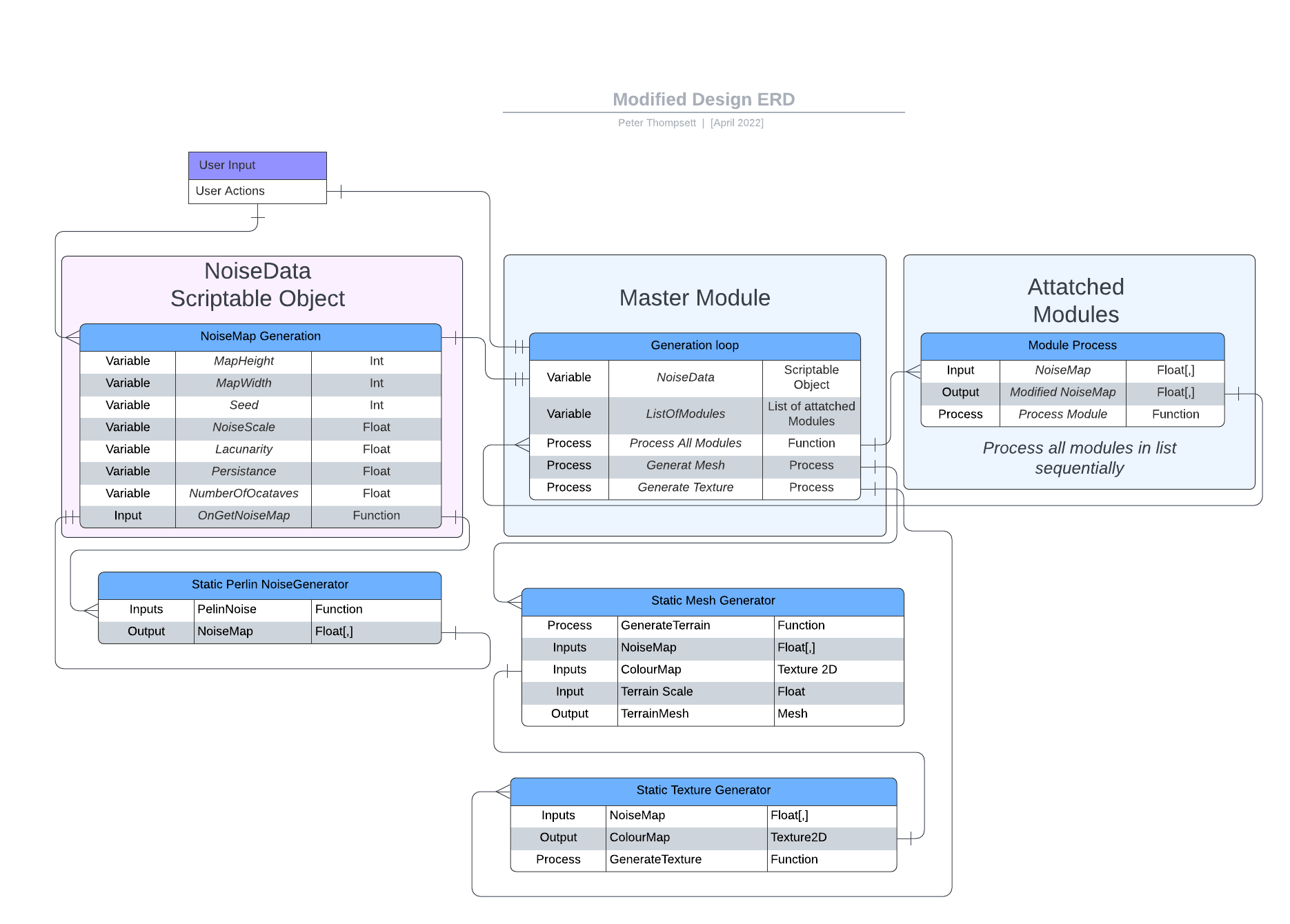
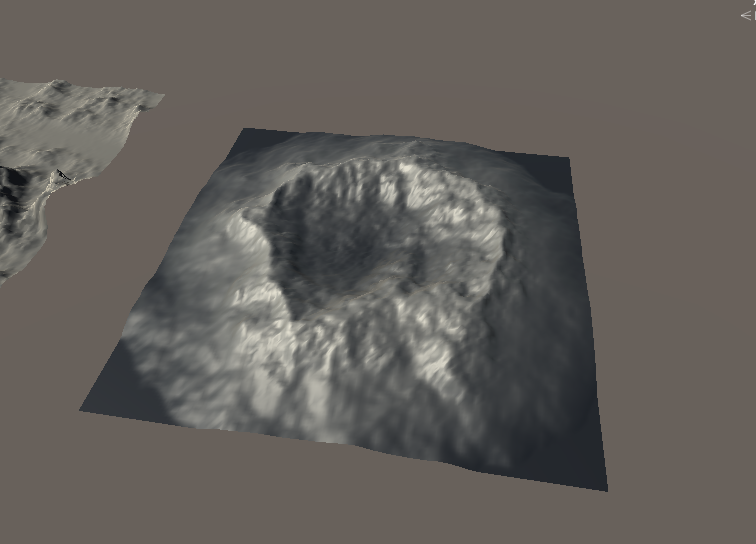
This is a guide of how to use Modular noise to generate Noise and Terrains.
Noise
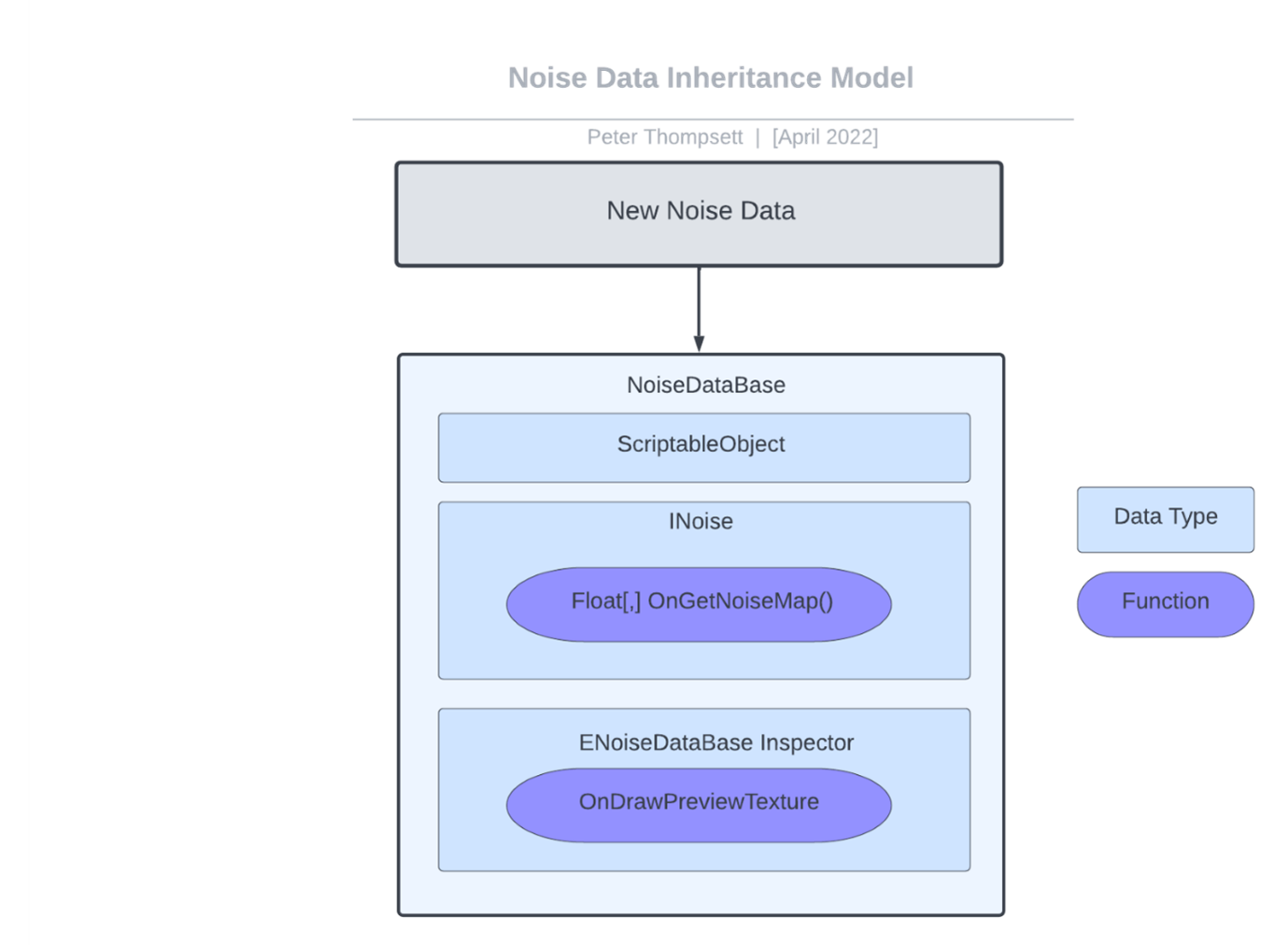
- Right click in the assets folder and create a new noiseData with Create>ModularTerrain>Pick a noise data type
- Use the inspector to change the variables and adjust your noise, the inspector will auto update the texture if autoUpdate is set to true
Terrains
- Create a empty game Object
- Add the MasterModule Component - This is where all modules attatch to 2.5. Tick AutoGenerate if you want the your changes to automatically generate the terrain (This is advised)
- Select a starting noise from your assets folder
- Set the Terrain target to this object or a child object
- Be sure to set a material on the objects Mesh Renderer
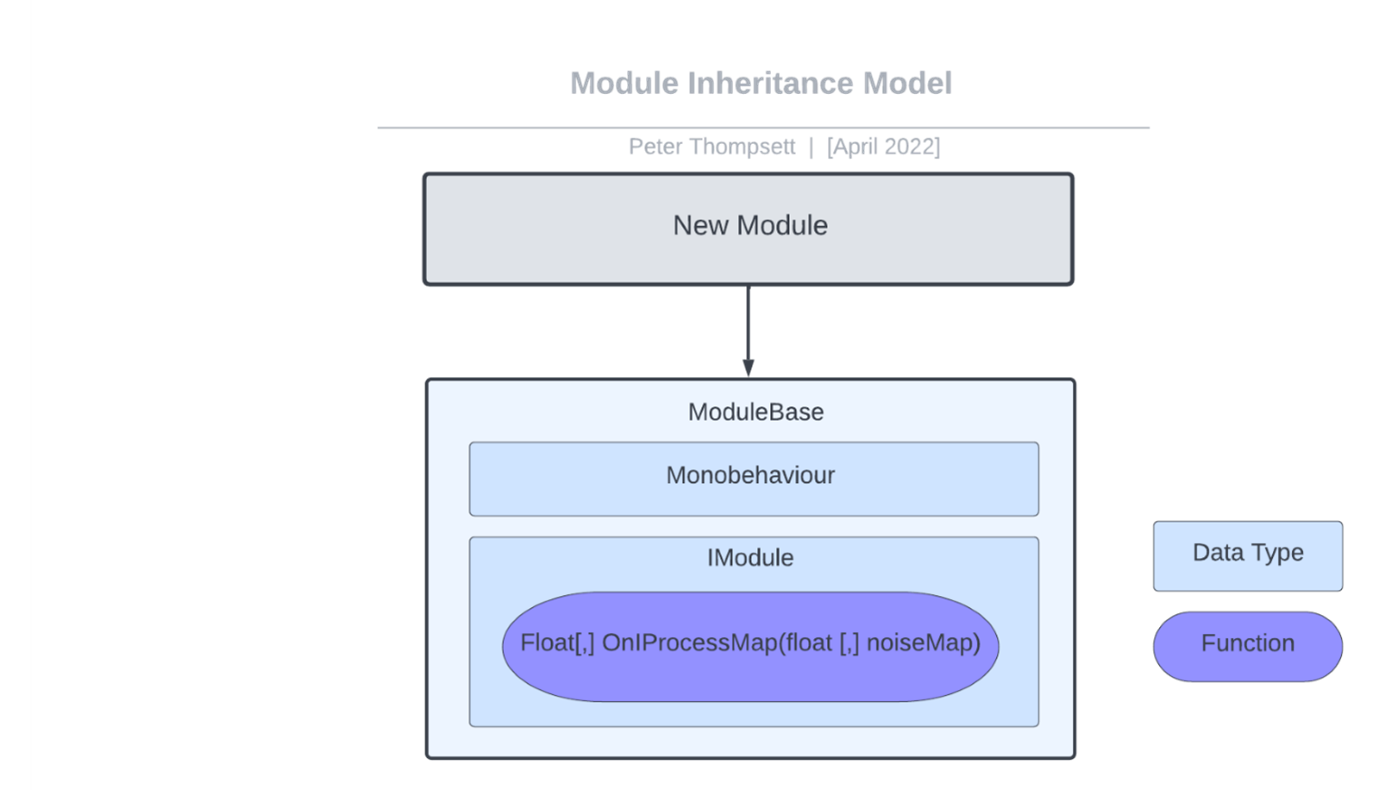
- Add Modules to change the terrain by changing the variables of the attached components
- Repeat 6 as many times a s you like, you can rearrange the order of the list by draging it to change the order of exectution
Export To Unity Terrain
- Create a Unity Terrain Object - Adjust the TerrainData setting to your liking (Dimensions)
- Add the terrain to the Master Module as a reference
- Click "Export to Terrain"